


Shop All Crestron
Crestron HD-RXU-4KZ-202 DM Essentials 4K60 Receiver and 2x2 Auto-Switcher
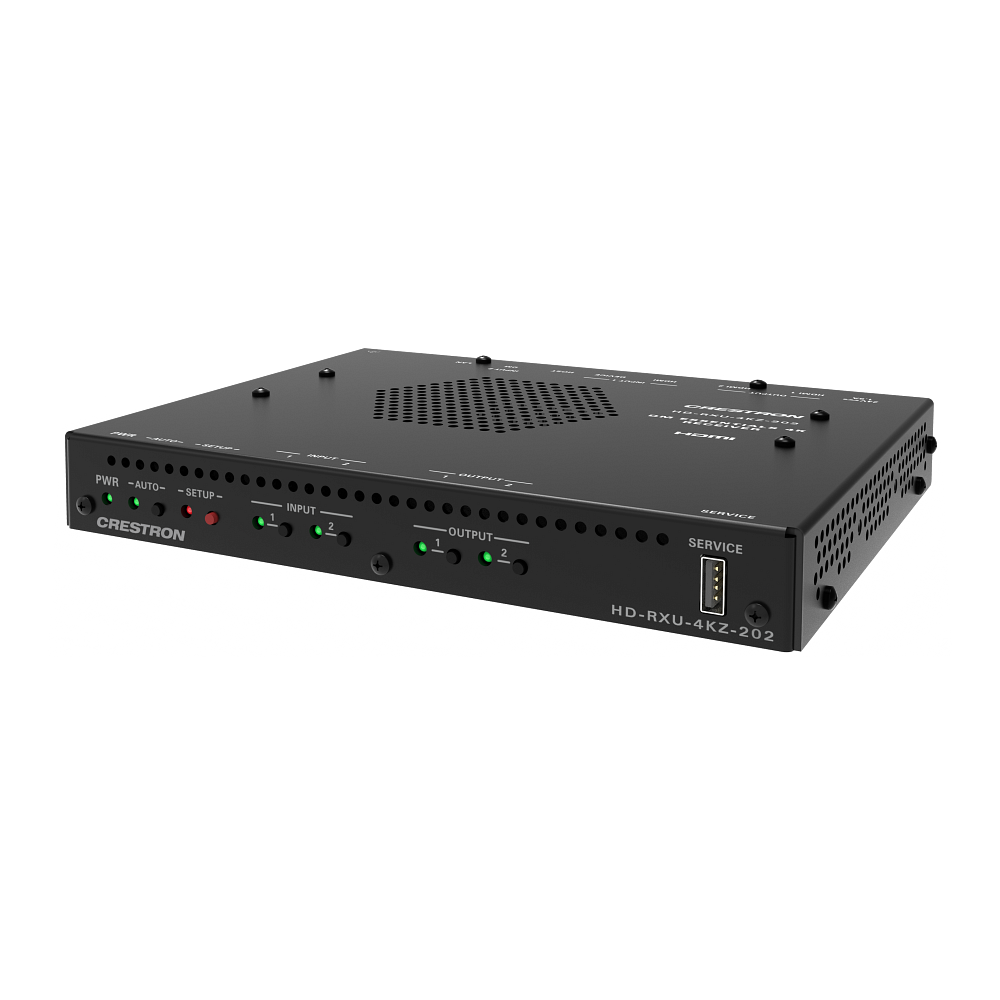
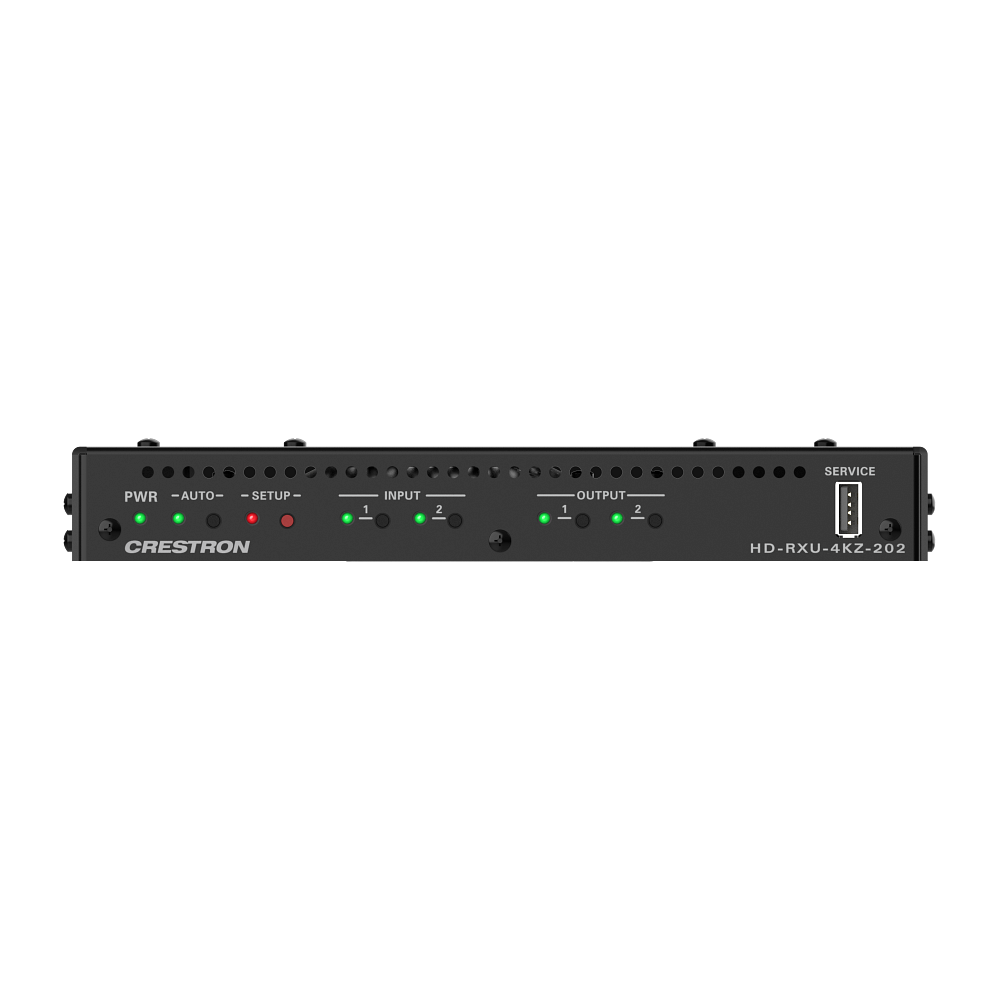
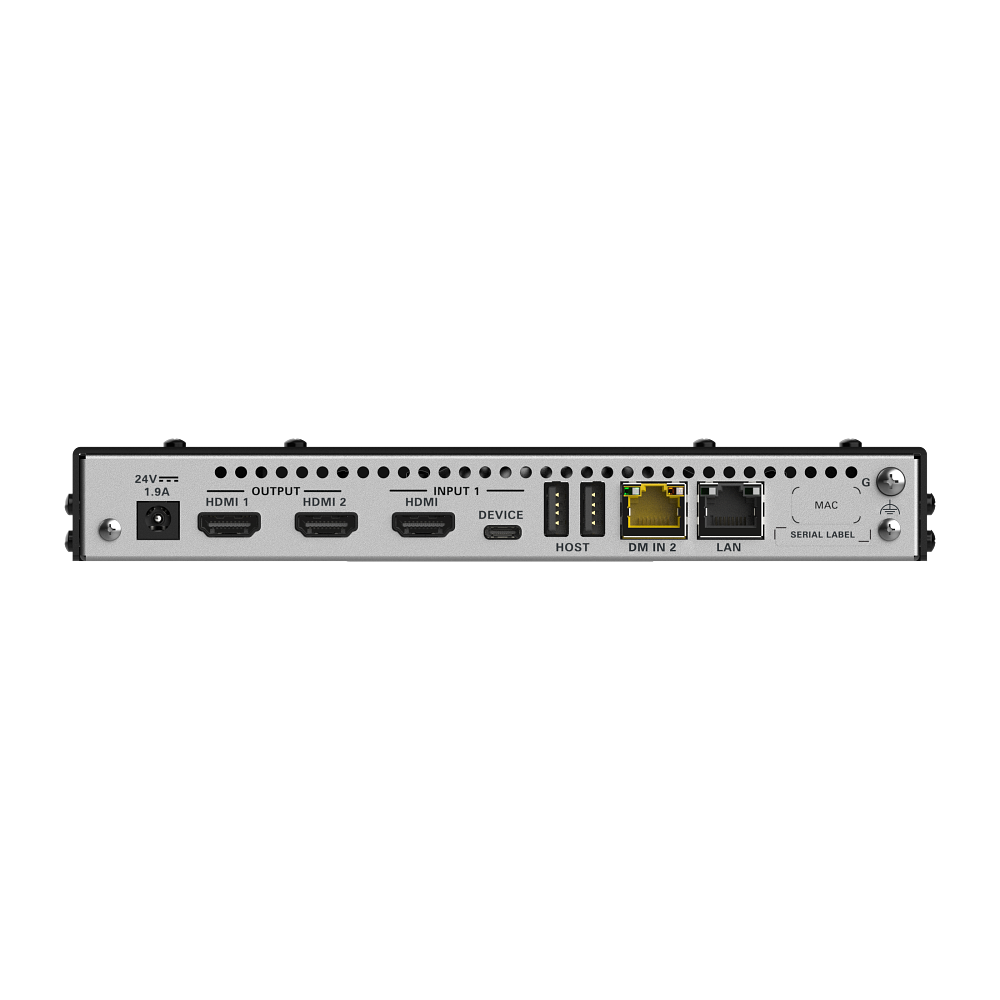
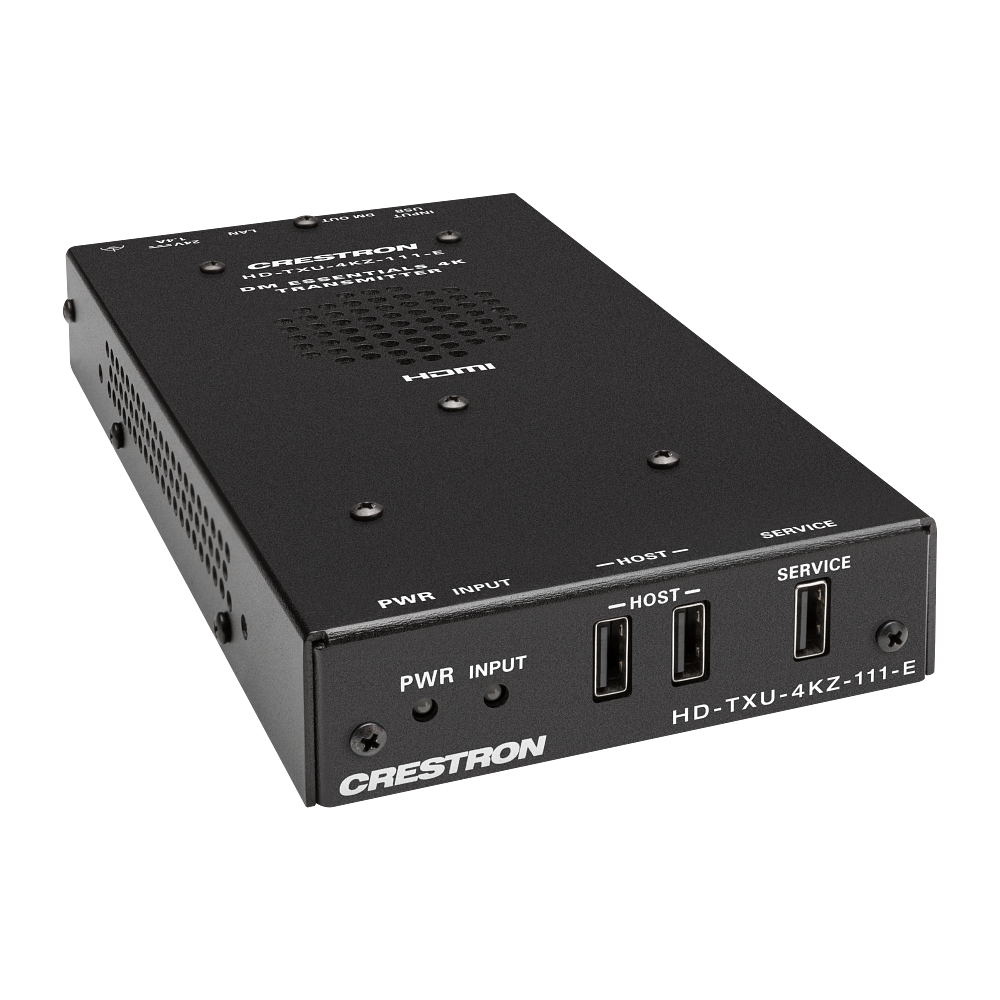
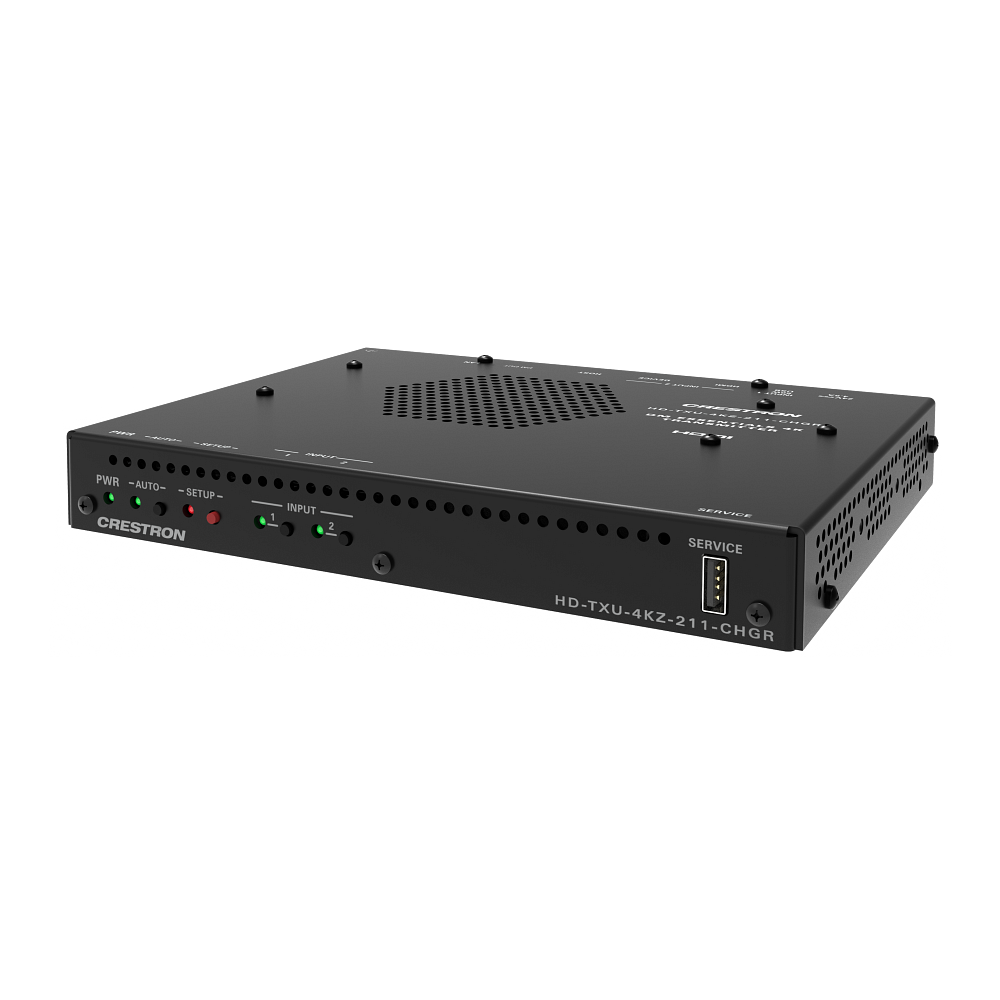
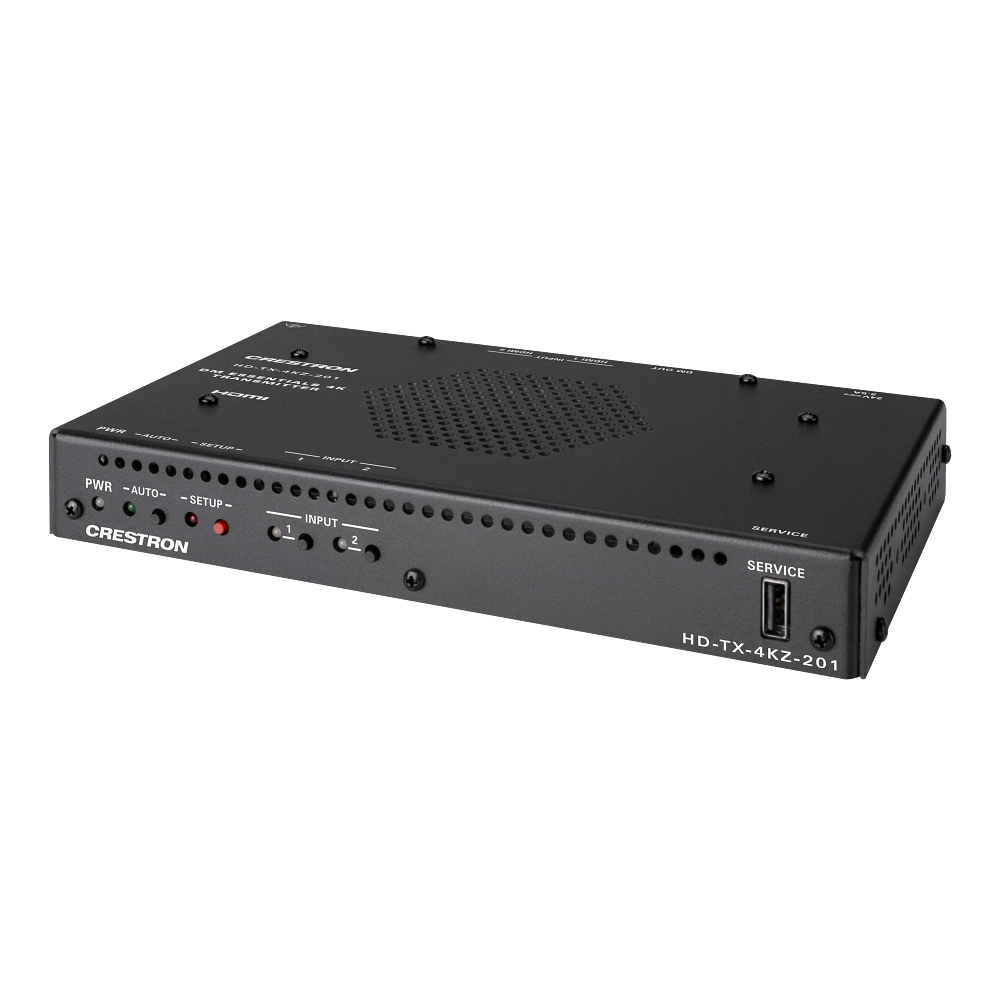
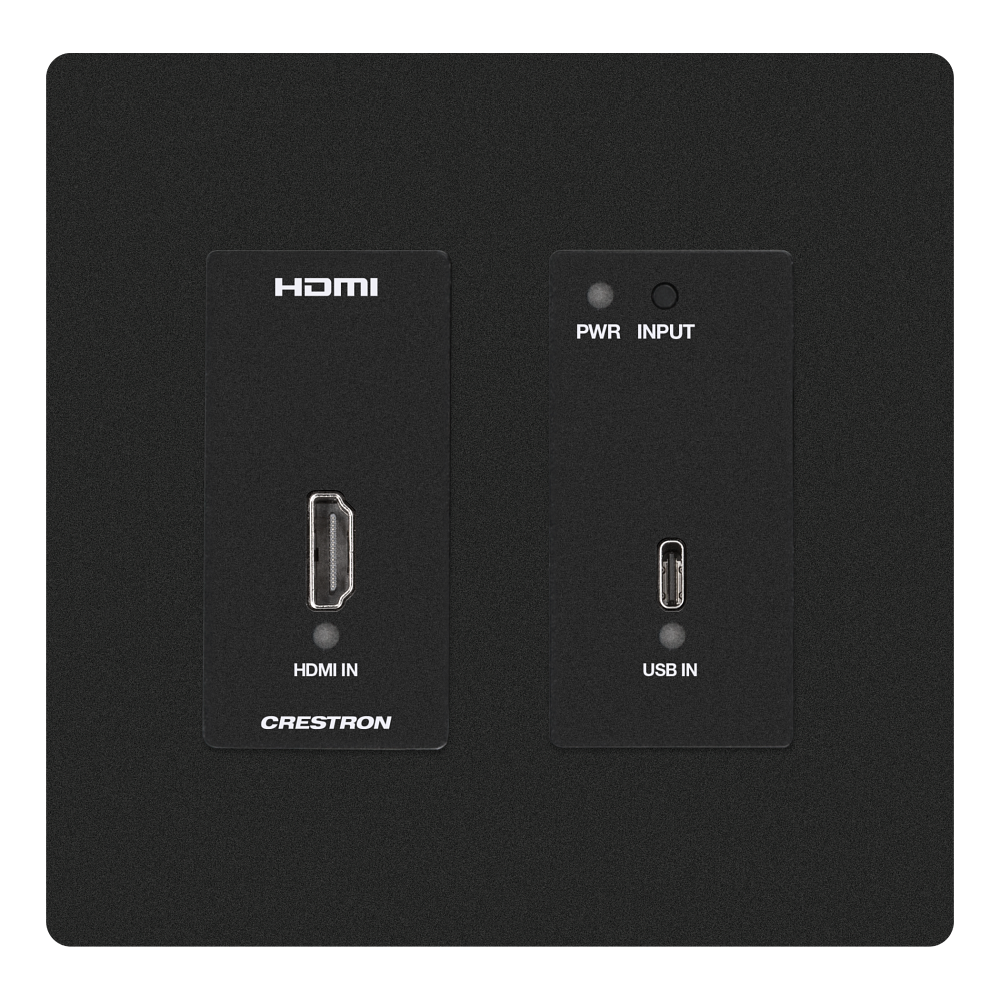
The HD-RXU-4KZ-202 is a DM Essentials 4K60 4:4:4 receiver that also switches. Alongside the CATx link from an HD-TXU-4KZ transmitter it takes a second input and feeds two outputs, so a room can present from the rack or from a source at the display without a separate switcher in the joinery.
HDMI and USB 2.0 both extend across the link, which keeps a USB camera and its host together across the run. Connect the transmitter with CAT5e or better twisted pair (Crestron DM-CBL-8G or DM-CBL-ULTRA, sold separately).
- Video: Output Signal TypeHDMI® (DVI compatible) with HDR10, HDR10+, Dolby Vision
- Input Signal TypeHDMI, DM Essentials
- Audio: Output Signal TypeHDMI
- HDMI OUTPUT 1-2(2) HDMI Type A connectors, female
- HDMI INPUT 1(1) HDMI Type Aconnector, female
| Input Signal Types | ® (DVI and Dual-Mode DisplayPort™ interface compatible) and DM® Essentials with HDR10, HDR10+, Dolby Vision®, Deep Color, and 4K60 4:4:4 support |
|---|---|
| Video: Output Signal Type | HDMI® (DVI compatible) with HDR10, HDR10+, Dolby Vision, Deep Color, and 4K60 4:4:4 support |
| Copy Protection | HDCP 2.3 |
| Input Signal Type | HDMI, DM Essentials |
| Audio: Output Signal Type | HDMI |
| Digital Formats | Dolby Digital®, Dolby Digital EX, Dolby Digital Plus, Dolby® TrueHD, Dolby Atmos®, DTS®, DTS ES, DTS 96/24, DTS HD® High Res, DTS-HD Master Audio, DTS:X®, LPCM up to 8 channels |
| HDMI | HDCP 2.3, EDID, CEC pass-through |
| DM Essentials | HDCP 2.3, EDID pass-through; USB 2.0 up to 300 Mbps |
| USB | USB signal extension via USB 2.0 host ports; USB host for one TT-100 series cable caddy (sold separately) via SERVICE port |
| Ethernet | 100/1000 Mbps, autoswitching, autonegotiating, autodiscovery, full/half duplex, DHCP, Web browser setup and control, Crestron control system integration, IEEE 802.1X, Secure CIP, Authentication, SSH/SSL, TLS |
| HDMI OUTPUT 1-2 | (2) HDMI Type A connectors, female; HDMI digital video/audio outputs; DVI compatible |
| HDMI INPUT 1 | (1) HDMI Type Aconnector, female; HDMI digital video/audio input; DVI and Dual-Mode DisplayPort interface compatible |
| DEVICE INPUT 1 | (1) USB Type-C® connector, female; USB 2.0 device port associated with HDMI input for AV sources that require USB 2.0 support; USB signal extender port for connection to a computer or other USB 2.0 host |
| Connectors: DM IN 2 | (1) 8-pin RJ-45 yellow connector, female, shielded; DM Essentials input port for connection to the DM Essentials output port of a DM Essentials transmitter or DMPS Essentials switcher |
| Connectors: LAN | (1) 8-pin RJ-45 connector, female; 100BASE-TX/1000BASE-T Ethernet port for device configuration and management |
| 24V 1.9A | (1) 2.1 x 5.5 mm DC power connector; 24VDC power input; PW-2420RU power pack included |
| HOST | (2) USB Type-A connectors, female; USB 2.0 host ports; USB signal extender ports for connection to USB mice, keyboards, or other USB 2.0 peripheral devices; Available Power: 500 mA @ 5VDC per port |
| SERVICE | (1) USB 2.0 Type-A connector, female; Used for firmware loading and configuration management; Can also provide up to 5V 500 mA power to a USB powered device |
| Ground | (1) Chassis ground lug |
| PWR | (1) LED, indicates that power is being applied to the device. Amber indicates that the device is booting. Green indicates that the device is operational. |
| AUTO | (1) Push button for enabling or disabling automatic switching of inputs; (1) LED, green indicates that automatic switching of inputs is enabled |
| SETUP | (1) Push button for Ethernet setup; (1) LED, red indicates that the SETUP push button is pressed |
| INPUT 1 | (1) Push button for manual selection of HDMI input; (1) LED, green indicates that the HDMI input is routed to an output, and amber indicates that a source is detected but is not routed to an output |
| INPUT 2 | (1) Push button for manual selection of DM Essentials input; (1) LED, green indicates that the DM Essentials input is routed to an output, and amber indicates that a source is detected but is not routed to an output |
| OUTPUT 1 | (1) Push button for manual selection of HDMI output 1; (1) bicolor green/amber LED; Green indicates that a display or other destination device is detected and HDMI output 1 is transmitting video; Amber indicates that a display or other destination device is detected but no video is routed to the output |
| OUTPUT 2 | (1) Push button for manual selection of HDMI output 2; (1) bicolor green/amber LED; Green indicates that a display or other destination device is detected and HDMI output 2 is transmitting video; Amber indicates that a display or other destination device is detected but no video is routed to the output |
| Controls and Indicators: DM IN 2 | (2) LEDs on RJ-45 connector; Green indicates that a DM Essentials link is established; Flashing amber indicates non-HDCP video; Solid amber indicates HDCP video |
| Controls and Indicators: LAN | (2) LEDs on RJ-45 connector; Green indicates that a 100 Mbps link is established; Solid amber indicates that a 1000 Mbps link is established; Flashing amber indicates 1000 Mbps Ethernet activity |
| Power Pack (Included) | Input: 100-240VAC; Output: 24VDC 1.3A; Model: PW-2420RU |
| Temperature | 32° to 104°F (0° to 40°C) |
| Humidity | 20% to 90% RH (noncondensing) |
| Chassis | Metal, black finish, vented top and sides, 2 mounting brackets included |
| Mounting | Freestanding, surface mountable, or attachment to a single rack rail |
| Height | 1.2 in. (30 mm) |
| Width | 8.52 in. (216 mm) |
| Depth | 6.48 in. (165 mm) |
| Weight | 1.95 lb (0.88 kg) |
| Compliance | Regulatory Model: M202047008; Intertek® Listed for US and Canada, CE, IC, FCC Part 15 Class B digital device |
| Source | Full specifications on crestron.com |
HDMIThe digital video and audio connector on cameras, monitors and computers. Cable runs are shorter than SDI.