


Shop All Crestron
Crestron DIN-KXI KNX Secure IP Gateway, DIN Rail Mount
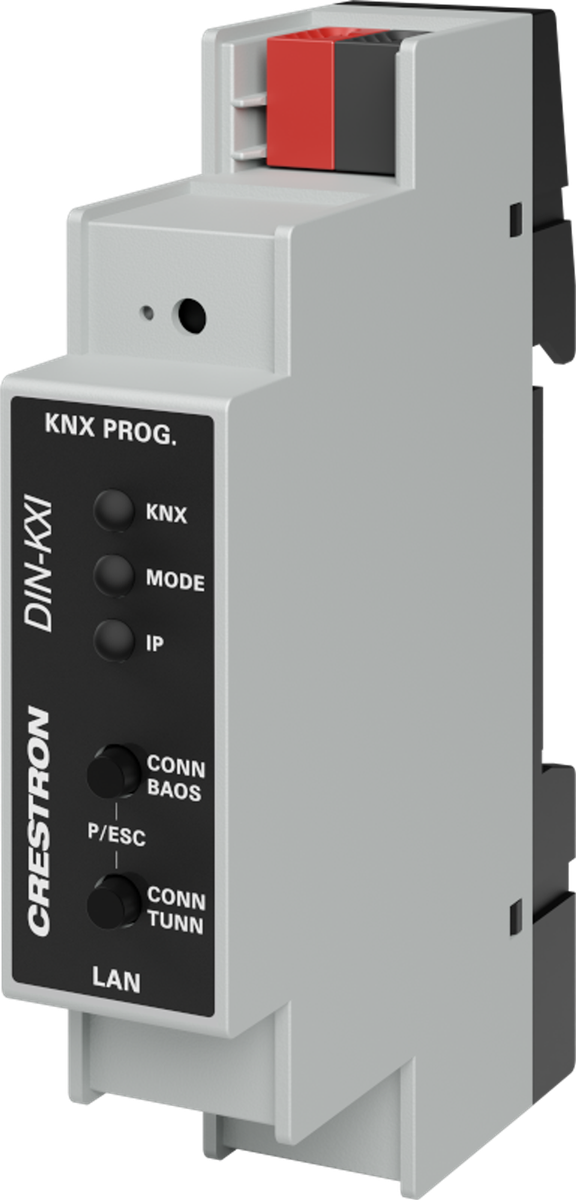
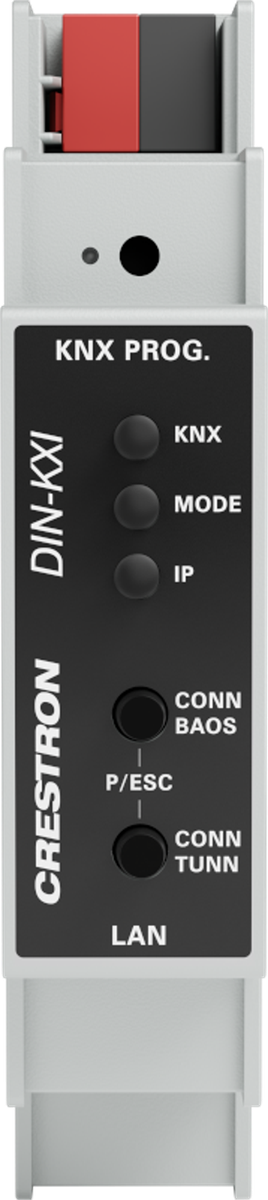
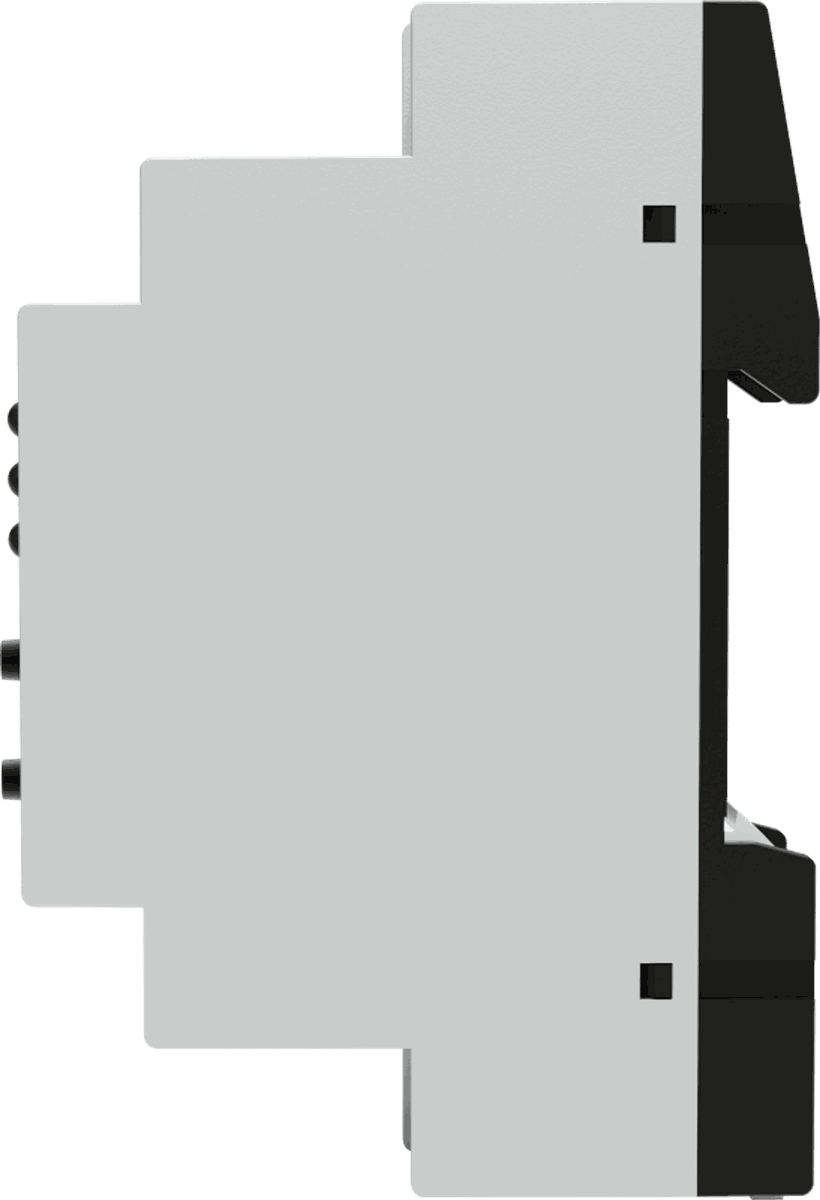
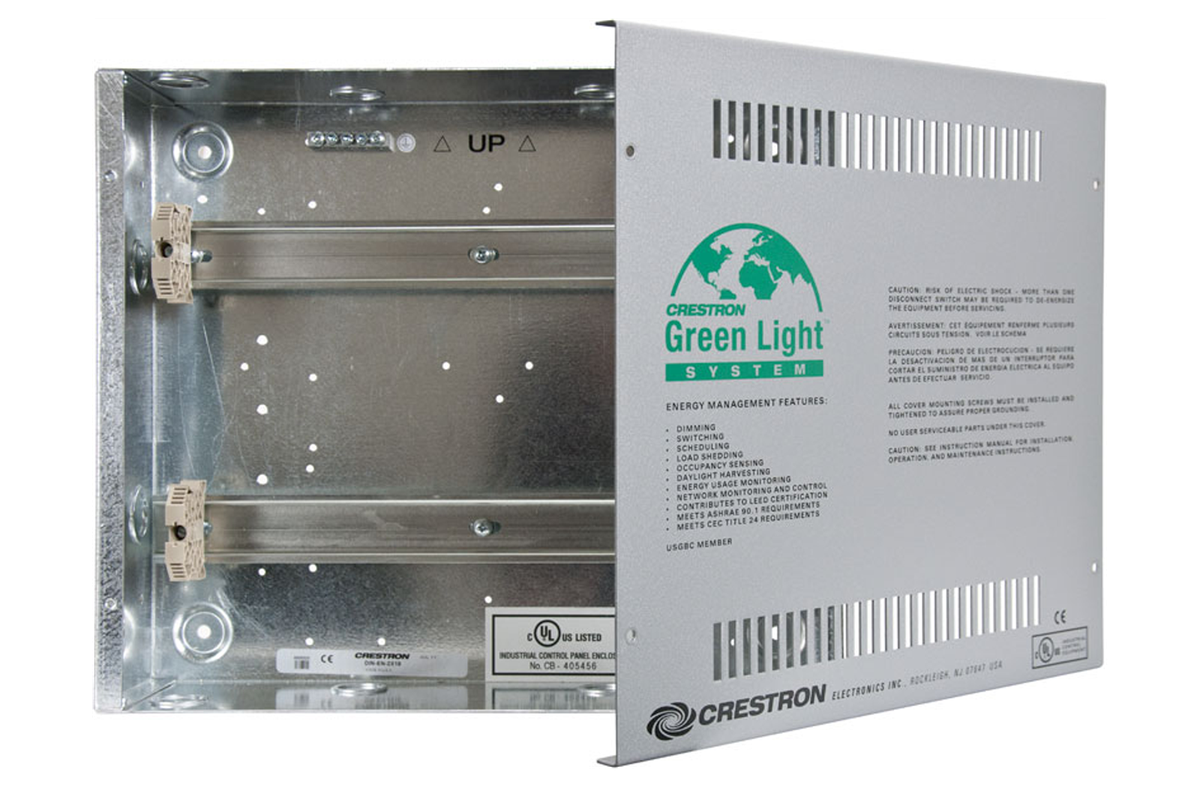
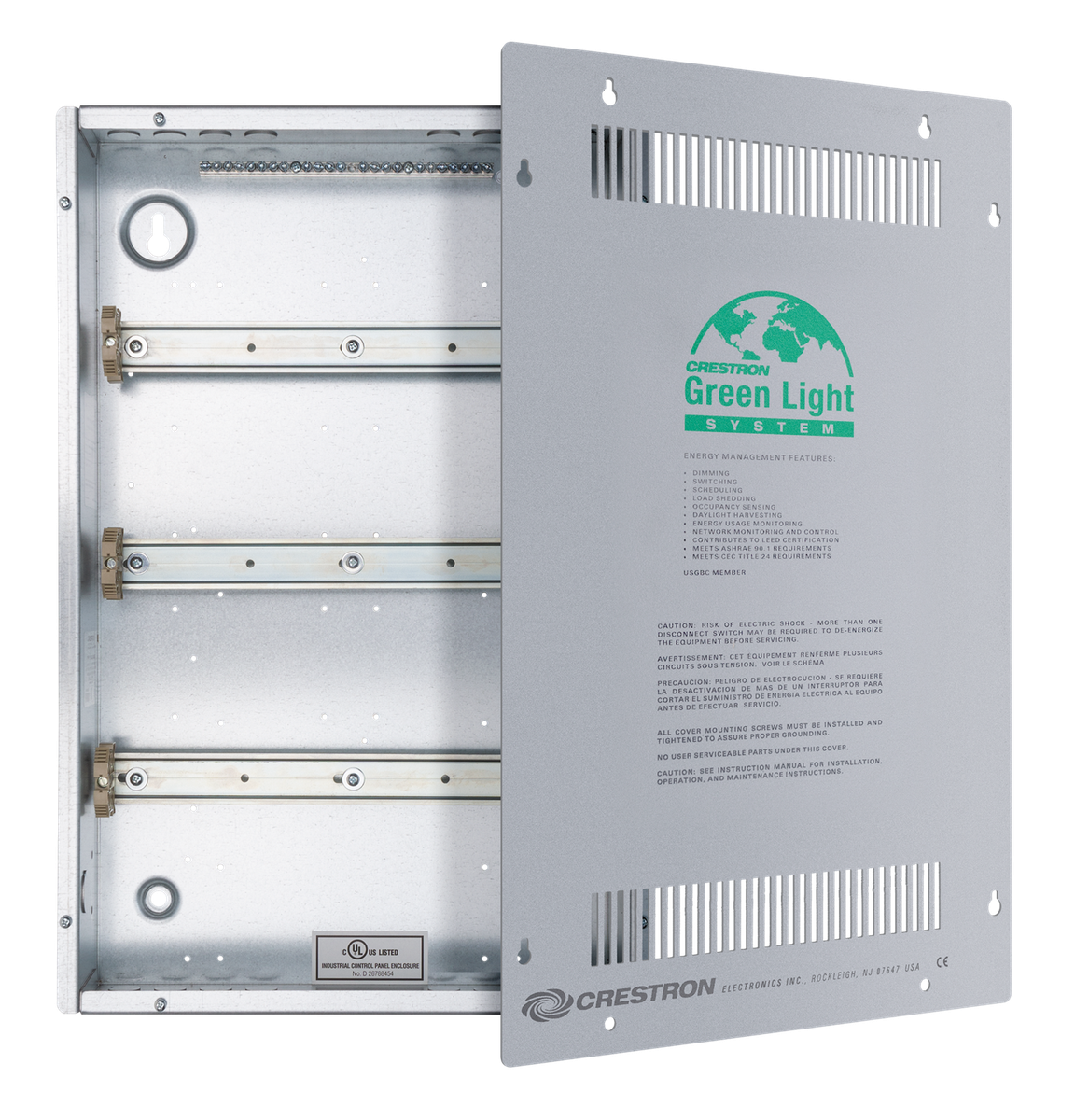
The Crestron DIN-KXI is a KNX Secure IP Gateway, DIN Rail Mount. It snaps onto a standard 35 mm DIN rail inside an electrical enclosure, so the lighting and control hardware for a floor or a residence assembles as a panel instead of a rack.
It measures H 90 mm (3.55 in.), W 18 mm (0.71 in); 1M wide, D 62 mm (2.44 in.). Temperature: -5 deg to 45 degC (23 deg to 113 degF). Height: 90 mm (3.55 in.). Cresnet carries both power and data to the module over a four-conductor run, and the panel reports to a Crestron control processor or to Crestron Home.
| KNX Bus | 20mA |
|---|---|
| Communications: KNX | KNX over TP (Twisted Pair); Interface protocol: cEMI; Max. APDU length: 55; Device model: System B; KNXnet/IP Security (AES-128); Compatible with ETS5 and ETS6 |
| Ethernet | Supports ARP, ICMP, IGMP, UDP/IP, TCP/IP, DHCP, and Auto IP; DHCP is enabled by default, can be changed using the ETS Software |
| Connectors: KNX | (2) 4-conductor KNX bus connectors, push-in style; Consisting of (1) Red (+) and (1) Black (-) connector, for power and communications; Accepts up to 4 solid-core twisted pairs; 0.6 - 0.8 mm (22 - 20 AWG), strip wires 5 - 6 mm (0.2 - 0.24 in.) |
| LAN | (1) 8-pin RJ-45, female; 100BASE-TX Ethernet port; Green and yellow LEDs indicate Ethernet port status |
| KNX PROG. | (1) Red LED and (1) recessed, miniature push button for entering Programming mode and factory reset; Programming Mode: Press to enter Programming mode, the LED lights to indicate that Programming mode is activated; Factory reset: Press and hold while connecting the KNX bus, hold for 6 seconds until all LEDs flash |
| Controls and Indicators: KNX | (1) Multicolor LED, indicates power and KNX status; Green: Indicates power is received from the KNX bus; Flashing Green Indicates communications on the KNX bus; Flashing Red: Indicates communications failure on the KNX bus |
| MODE | (1) Multicolor LED, indicates BAOS and IP tunnel status; Green: Normal operating mode; Red: Programming mode is active; Flashes green (1 to 10 times): Manual mode is active, the selected BAOS connection (1 to 10) is not used and is available, the number of flashes indicates the connection number; Flashes Orange (1 - 10 times): Manual mode is active, the selected BAOS connection (1 - 10) is used; Flashes Green (1 - 5 times): Manual mode is active, the selected Tunnel (1 - 5) is not used and is available; Flashes Orange (1 - 5 times): Manual mode is active, the selected Tunnel (1 - 5) is used; Flashes Red: The configuration is not properly loaded |
| IP | (1) Multicolor LED, indicates Ethernet status; Green: Active Ethernet link and valid IP settings; Flashes green: Ethernet activity; Red: Invalid IP settings or has not received IP settings from the DHCP server |
| CONN BAOS | (1) push button, to enter Manual mode and select a BAOS connection; Press to enter Manual mode and select a BAOS connection (1 - 10), the MODE LED indicates the selected BAOS connection number; To exit Manual mode, press CONN BAOS and CONN TUNN simultaneously |
| CONN TUNN | (1) push button, to enter Manual mode and select a tunnel connection; Press to enter Manual mode and select a TUNN connection (1 - 5), the MODE LED indicates the selected tunnel connection number; To exit Manual mode, press CONN BAOS and CONN TUNN simultaneously |
| Temperature | -5° to 45°C (23° to 113°F) |
| Humidity | 5% to 93% RH (noncondensing) |
| Enclosure | Light gray polycarbonate housing with polycarbonate label overlay |
| Mounting | 35 mm DIN EN 60715 rail mount, DIN 43880 form factor for enclosures with 45 mm front panel cutout, occupies 1 DIN module space (18 mm) |
| Height | 90 mm (3.55 in.) |
| Width | 18 mm (0.71 in) ; 1M wide |
| Depth | 62 mm (2.44 in.) |
| Weight | 40 g (1.41 oz) |
| Compliance | Regulatory Model: M202234003; CE |
| Source | Full specifications on crestron.com |