



Vaddio RoboSHOT IW Smart Glass OneLINK Bridge System
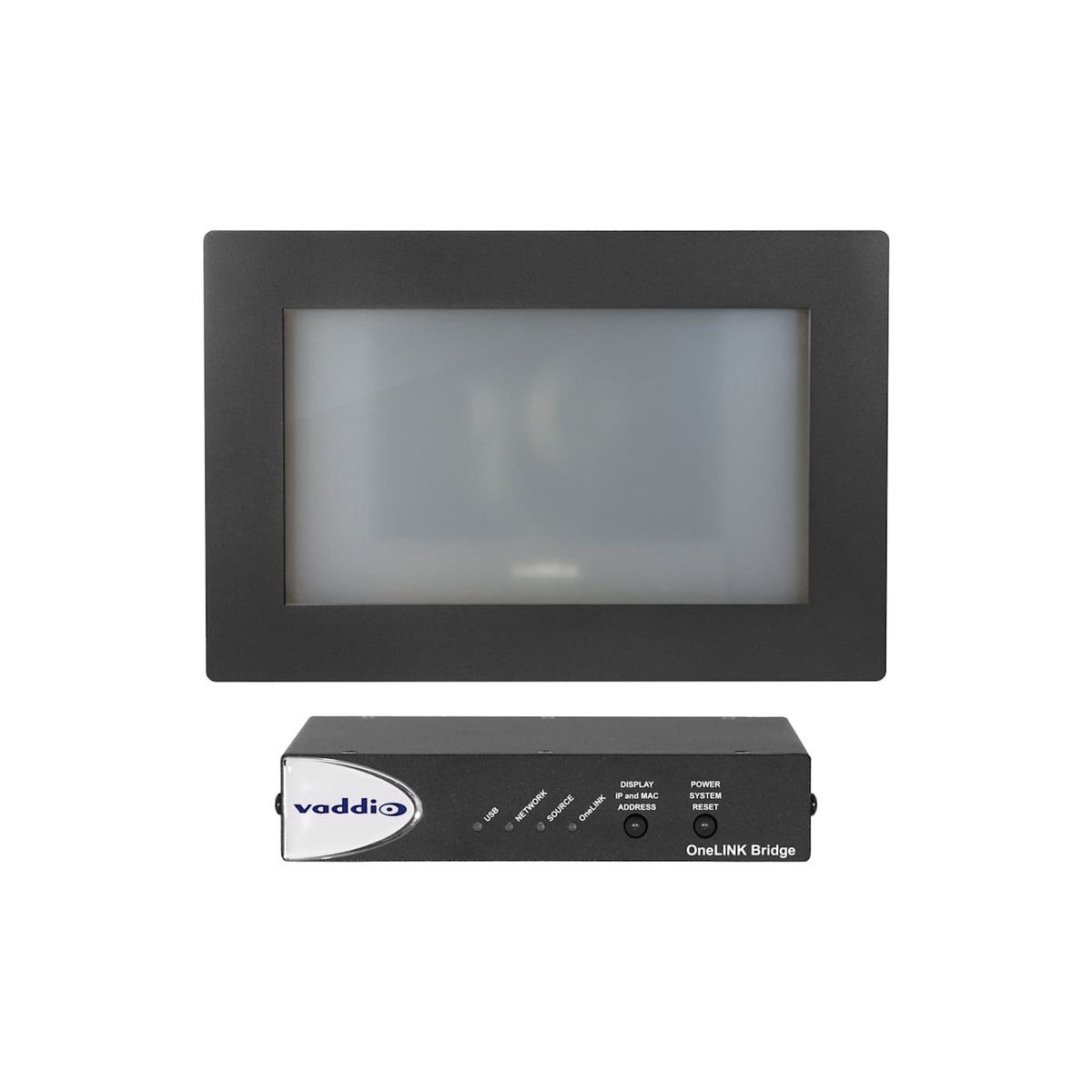
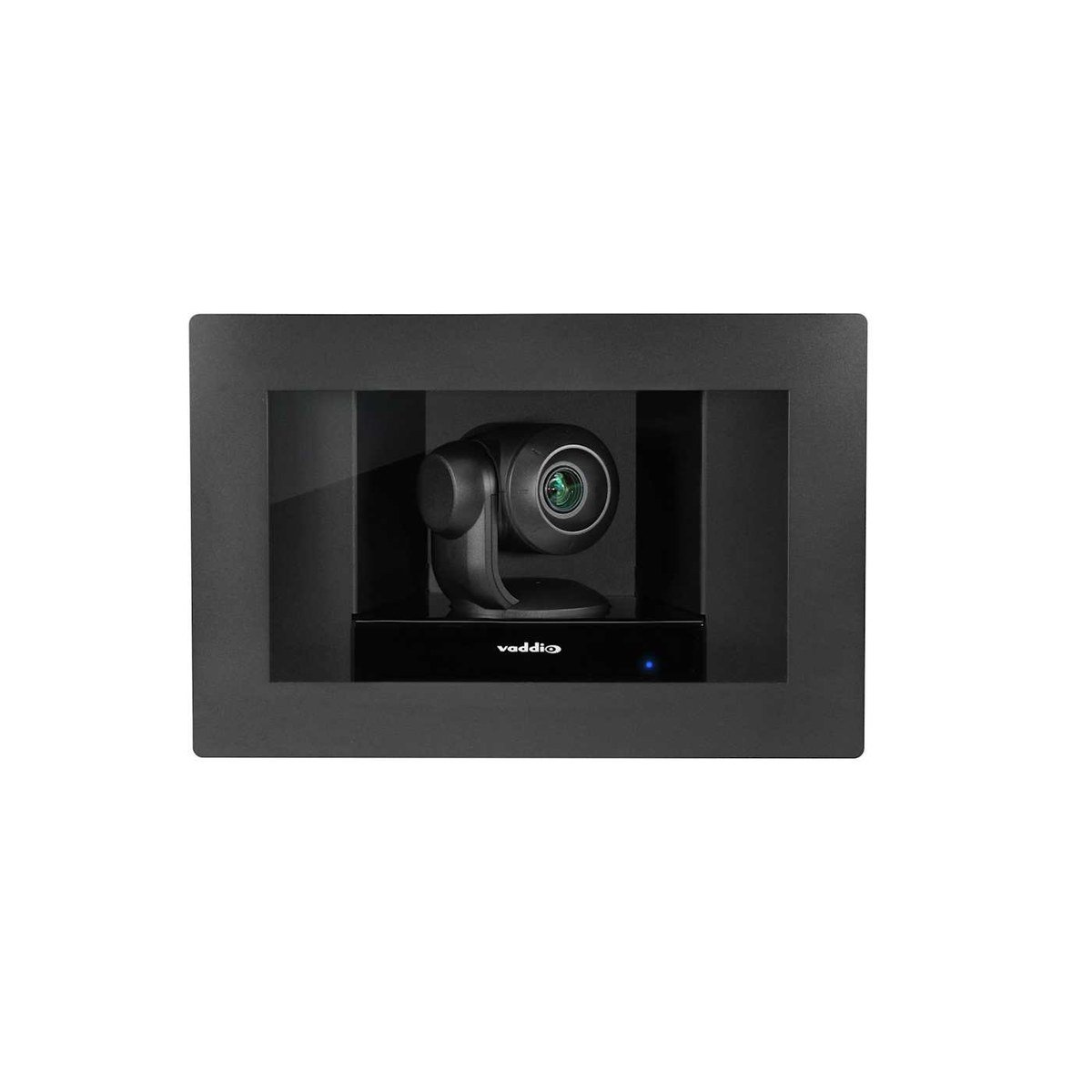
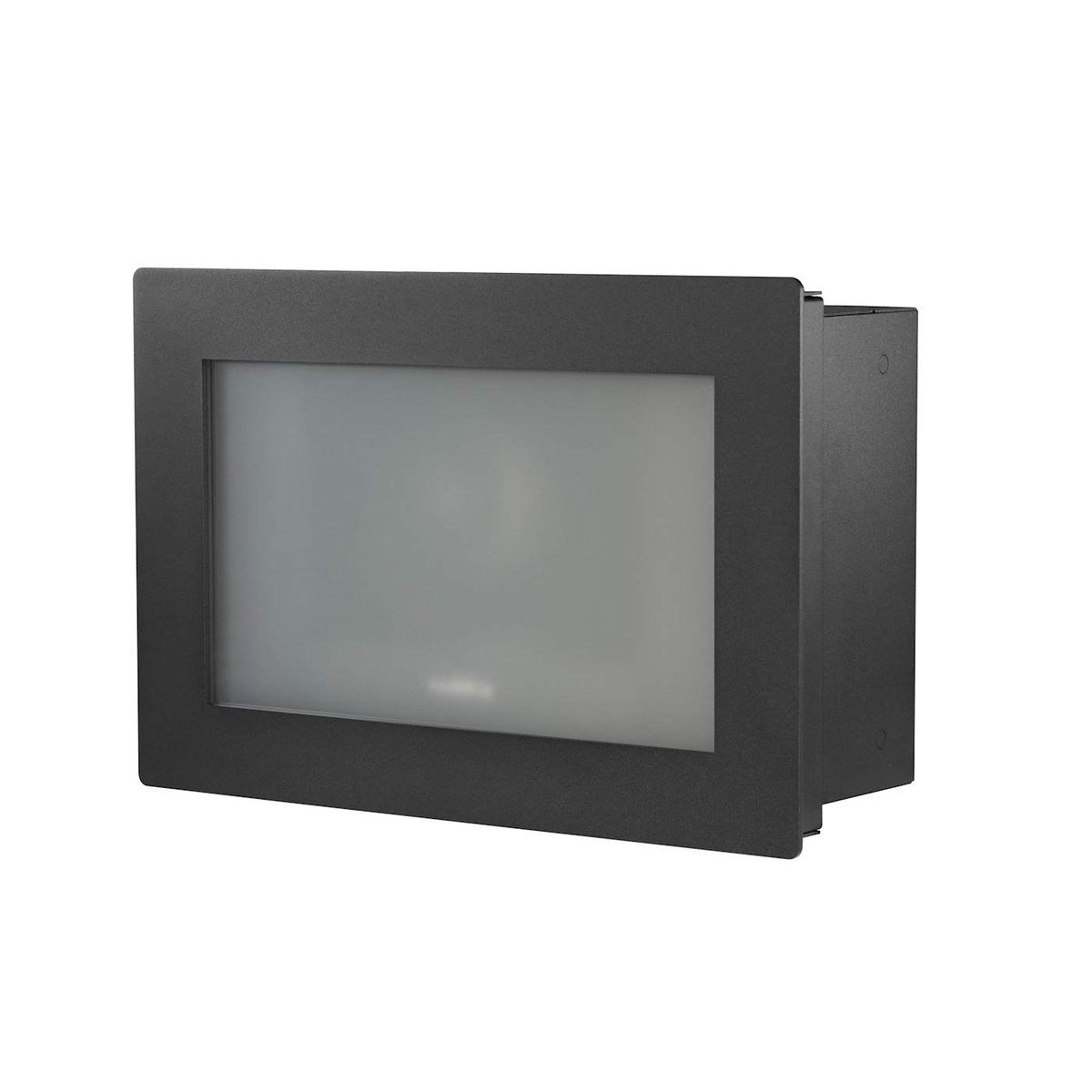
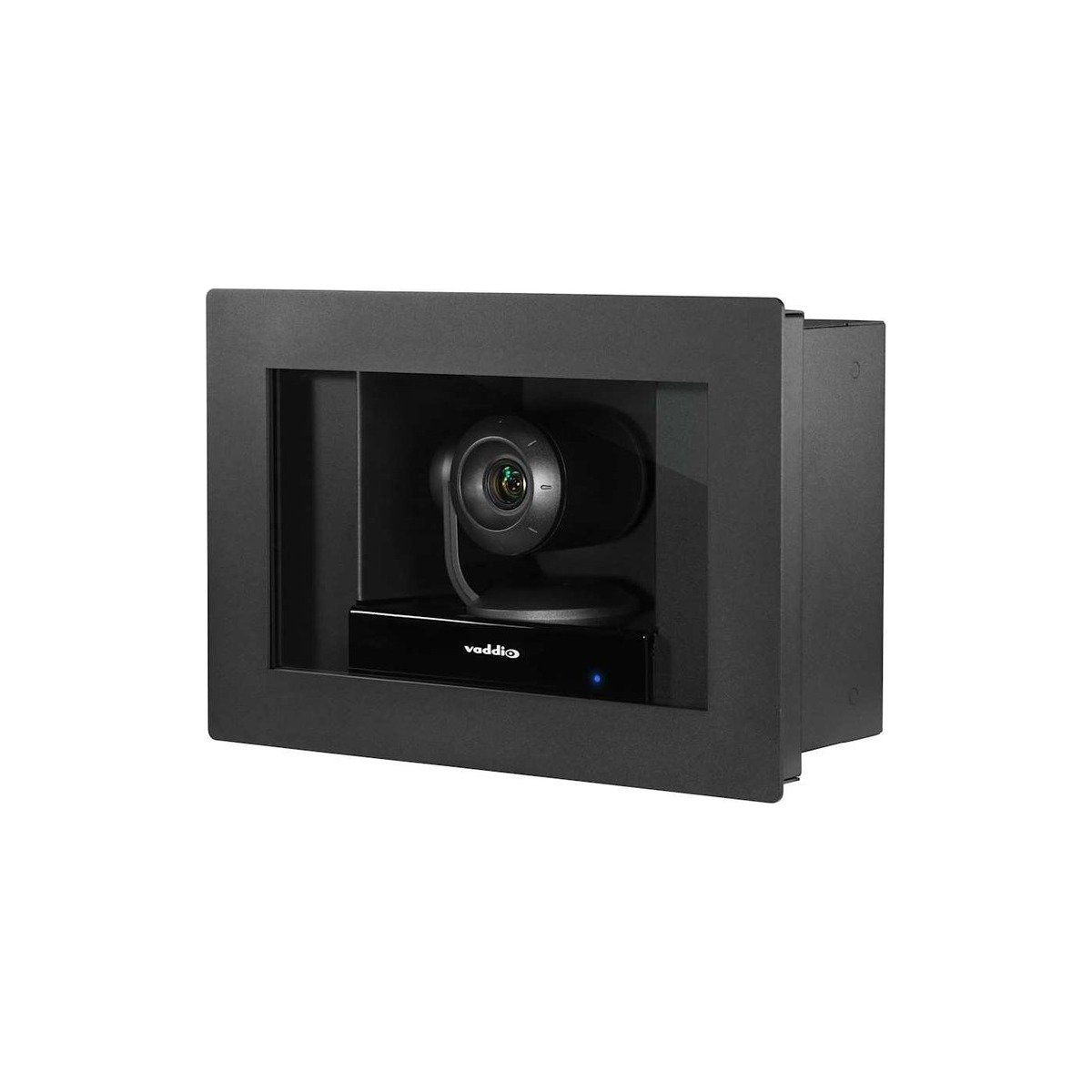
The RoboSHOT IW (In-Wall) hides a full HDBaseT PTZ camera inside a recessed, fully enclosed frame, so meetings capture cleanly without a camera protruding into the room. This Smart Glass version adds a privacy touch: the glass cover is a frosted opaque when the camera is powered off and turns transparent only when the camera is live, giving room occupants a clear read on when they are on air. The recessed design keeps it flush and ADA-compliant, and it captures HD 1080p with a 10x optical zoom and a 73-degree wide field of view.
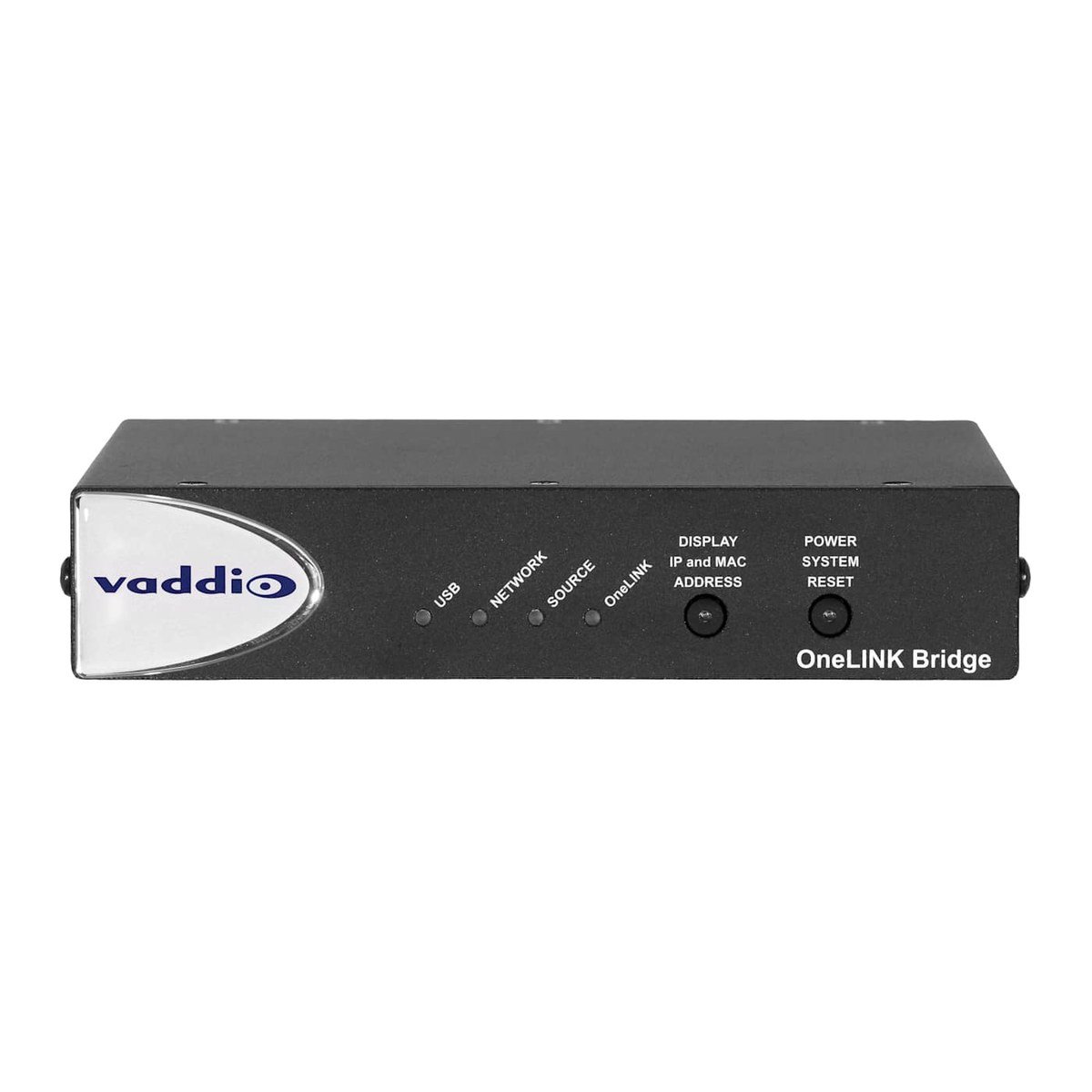
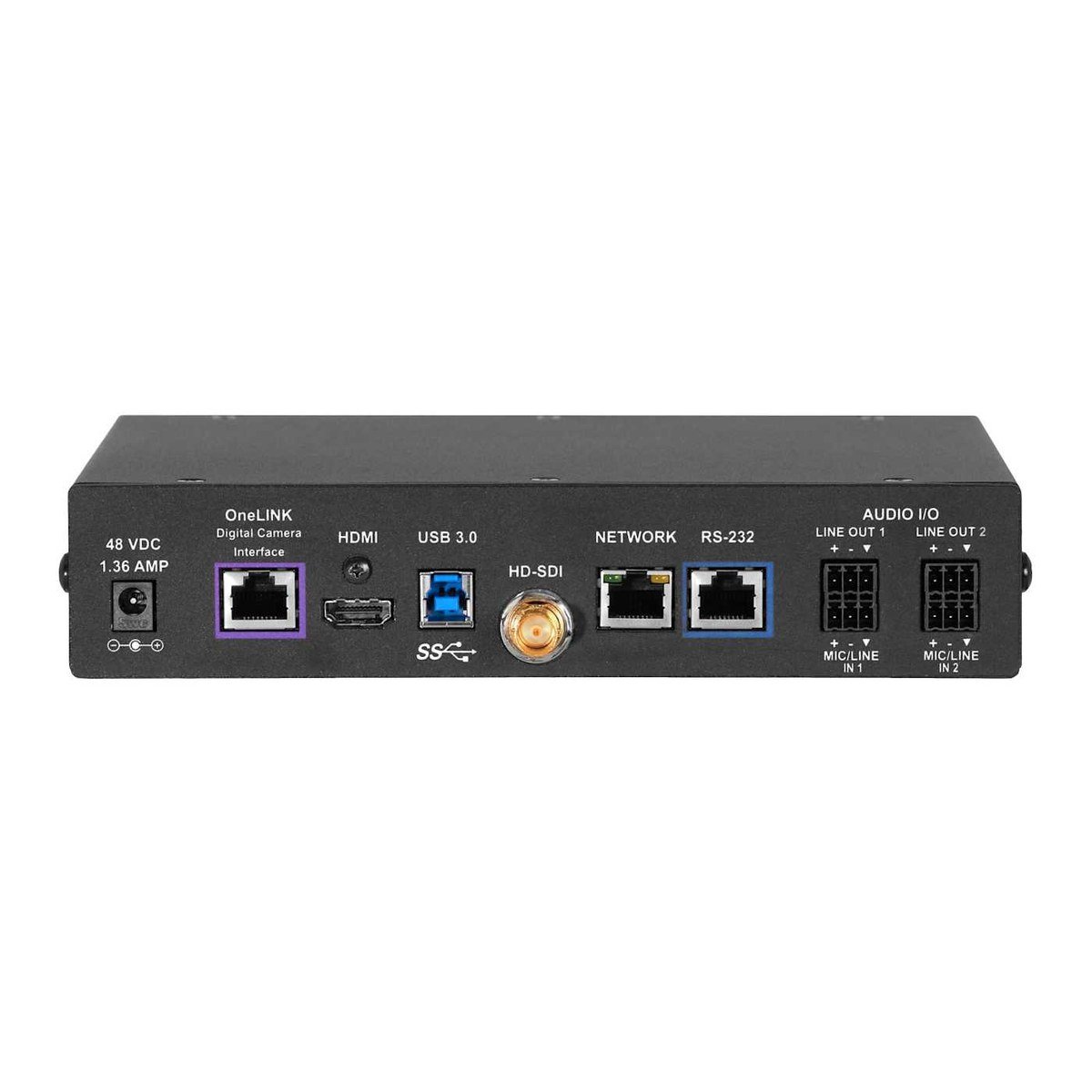
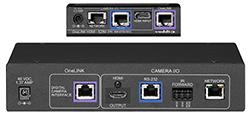
Because the camera lives behind a wall panel, it carries a single OneLINK/HDBaseT connector and no physical switches; setup runs entirely through the web interface, with Telnet and RS-232 for integration. This system pairs the camera with a OneLINK Bridge, which delivers power and control down one Cat-5e cable and fans the feed out to uncompressed USB 3.0, HDMI, and HD-SDI with two-channel balanced audio for BYOD rooms. It ships with the RoboSHOT IW camera and back-box, a black smart-glass front frame, left and right interior side plates, drywall mounting hardware, the IR Remote Commander, the OneLINK Bridge interface, a 48V power supply, an EZCamera RS-232 adapter, four Phoenix connectors, a 6 ft USB 3.0 cable, and an Installation Guide.
| Image Sensor | 1/2.8-type Exmor CMOS, 2.14M effective (2.38M total) |
|---|---|
| Max Resolution | 1080p/60 |
| Zoom | 10x optical (12x in super-wide mode) |
| Horizontal FOV | 73.0 degrees (wide) to 6.6 degrees (tele) |
| Pan / Tilt Range | Pan +/-31 degrees, tilt +18/-30 degrees |
| Minimum Illumination | 0.4 lux (F1.6, AGC on, 1/30 s) |
| Interface | HDBaseT; paired with OneLINK Bridge (USB 3.0, HDMI, HD-SDI, IP) |
| Power | Under 25 W (PoE+) via OneLINK |
| Included | RoboSHOT IW camera and back-box, black smart-glass front frame, left and right side plates, drywall hardware, IR Remote Commander, OneLINK Bridge interface, 48V power supply, EZCamera RS-232 adapter, four Phoenix connectors, 6 ft USB 3.0 cable, Installation Guide |
Related
 Vaddio Cisco Codec Kit for OneLINK HDMI to RoboSHOT HDMI Cameras
View product ›
Vaddio Cisco Codec Kit for OneLINK HDMI to RoboSHOT HDMI Cameras
View product ›
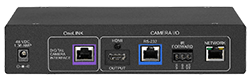 Vaddio Cisco Codec Kit for OneLINK HDMI to HDBaseT Cameras
View product ›
Vaddio Cisco Codec Kit for OneLINK HDMI to HDBaseT Cameras
View product ›
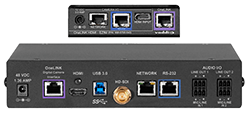 Vaddio Cisco Codec Kit for OneLINK Bridge to RoboSHOT HDMI Cameras
View product ›
Vaddio Cisco Codec Kit for OneLINK Bridge to RoboSHOT HDMI Cameras
View product ›
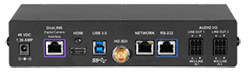 Vaddio Cisco Codec Kit for OneLINK Bridge to HDBaseT Cameras
View product ›
Vaddio Cisco Codec Kit for OneLINK Bridge to HDBaseT Cameras
View product ›