



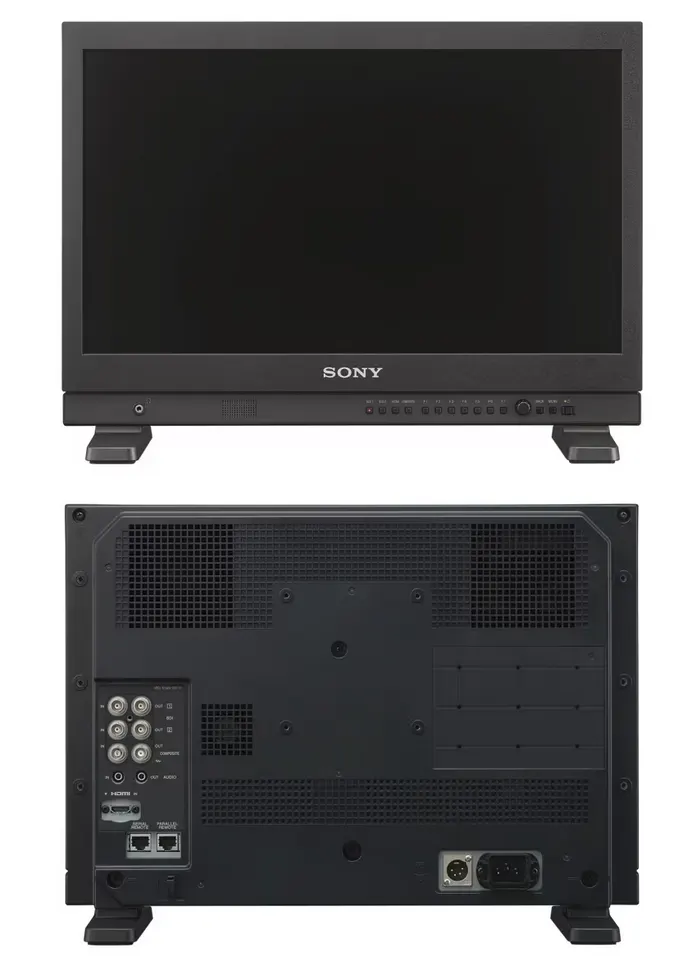
Sony LMD-A220 22" HDR Monitor
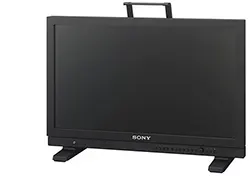
The Sony LMD-A220 is a 22-inch high-grade LCD monitor for on-set, studio, and broadcast use, sized for a cart or a monitor bridge where an 18-inch screen is too small and a 24-inch is too big. Its Full HD 1920 x 1080 IPS panel delivers wide 178-degree horizontal and vertical viewing angles so color and contrast hold when several people crowd around it, and HDR support keeps it useful in a modern log-and-HDR pipeline.
The LMD-A220 accepts standard broadcast signals over dual 3G/HD/SD-SDI along with HDMI and composite inputs, handling NTSC/PAL, 720p, 1080i, and 1080p at frame rates from 24p to 60p. Built-in scopes - waveform, vectorscope, and audio level meters - let an operator judge exposure and levels at a glance, and an enhanced Picture and Picture function puts two sources on screen side by side for comparison.
| Screen Size | 22-inch (viewable) |
|---|---|
| Panel / Resolution | IPS LCD, Full HD 1920 x 1080 |
| Viewing Angle | 178 degrees horizontal and vertical |
| HDR | Supported |
| SDI Inputs | 3G/HD/SD-SDI (x2) |
| Other Inputs | HDMI x1, composite x1 |
| Signal Formats | NTSC/PAL, 720p, 1080i, 1080p (24p to 60p) |
| Monitoring Tools | Waveform, vectorscope, audio level meters, Picture and Picture |
Related
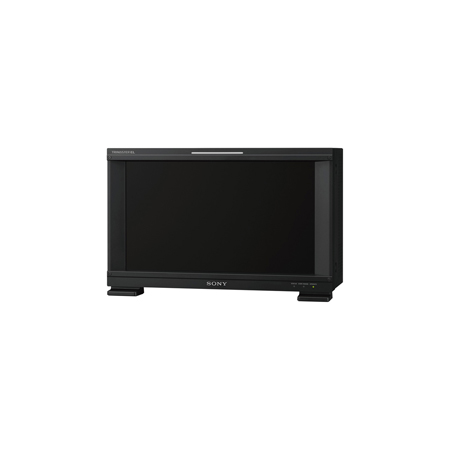 Sony BVM-E171 16.5" OLED Master Monitor
View product ›
Sony BVM-E171 16.5" OLED Master Monitor
View product ›
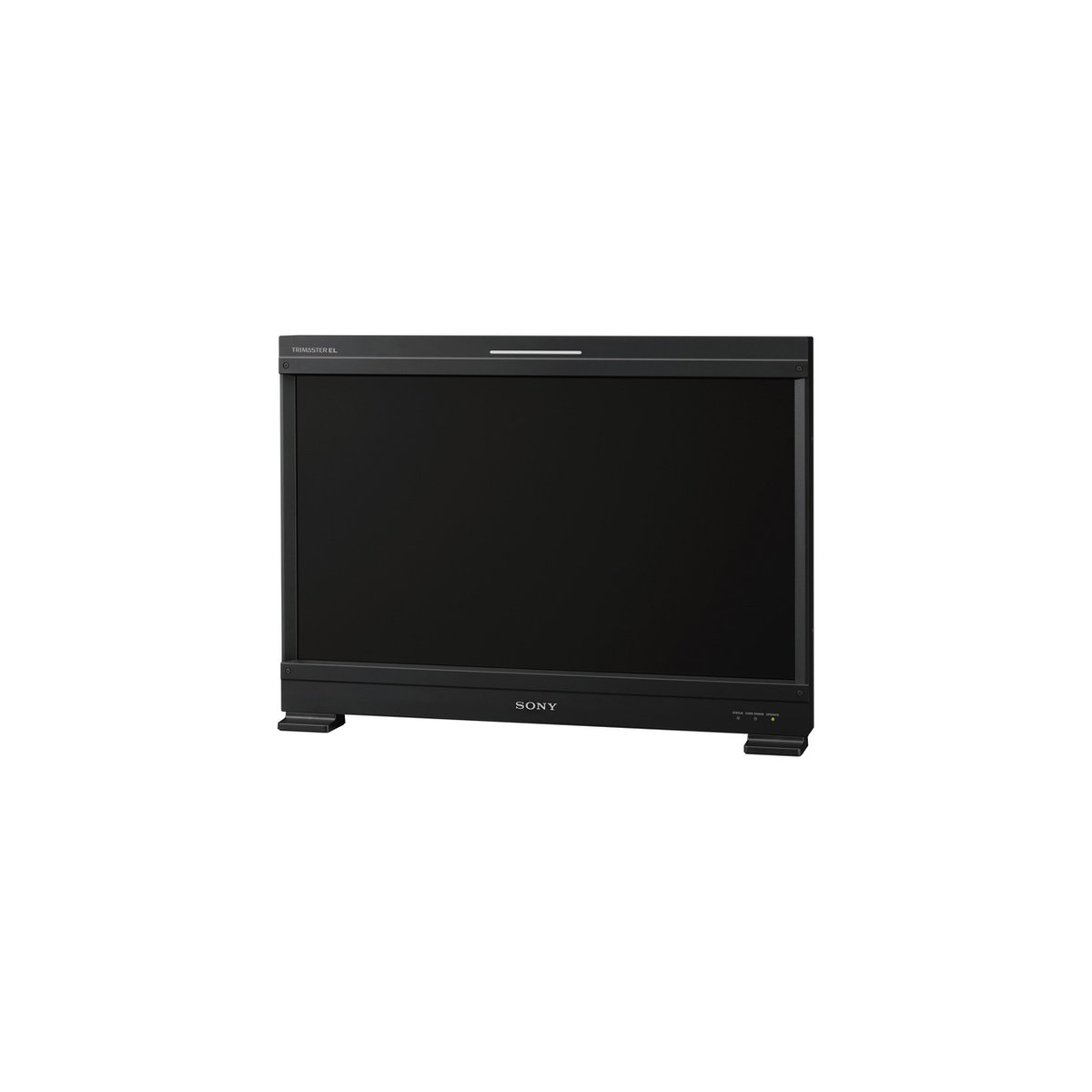 Sony BVM-E251 24.5" OLED Master Monitor
View product ›
Sony BVM-E251 24.5" OLED Master Monitor
View product ›
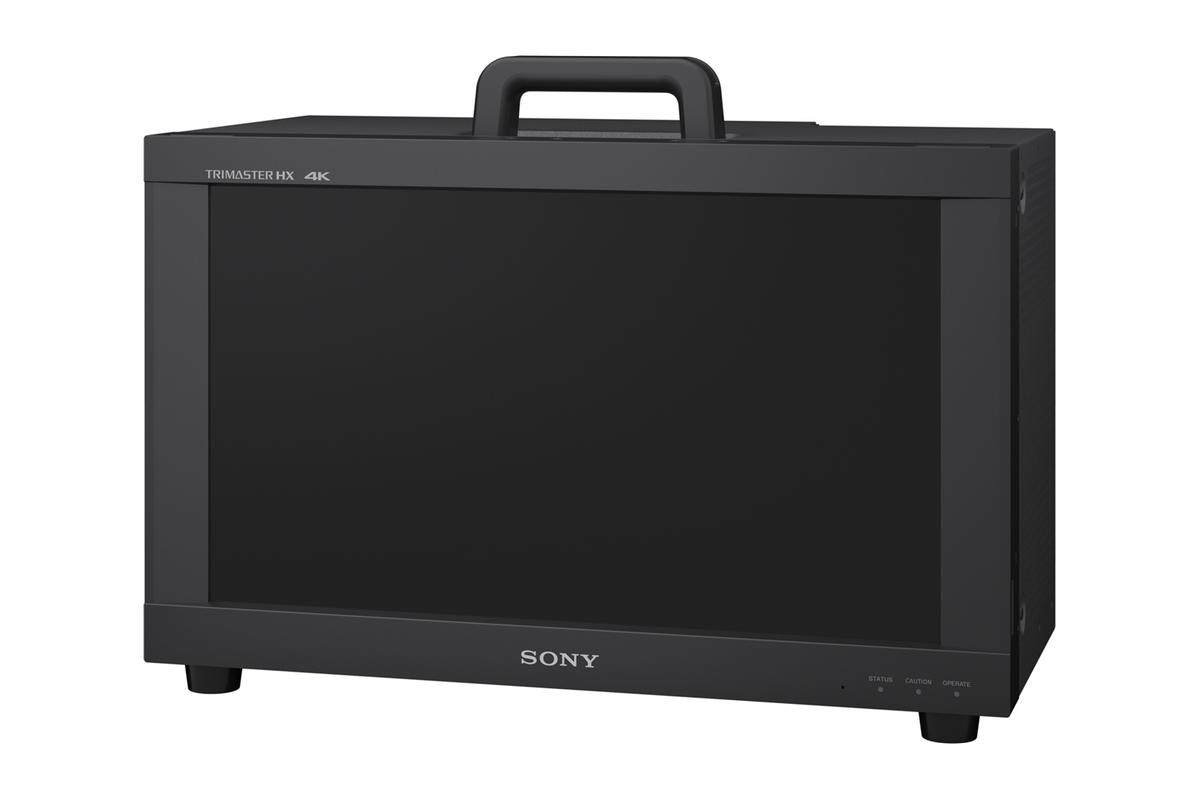 Sony BVM-HX1710 16.5" 4K HDR TRIMASTER HX Monitor
View product ›
Sony BVM-HX1710 16.5" 4K HDR TRIMASTER HX Monitor
View product ›
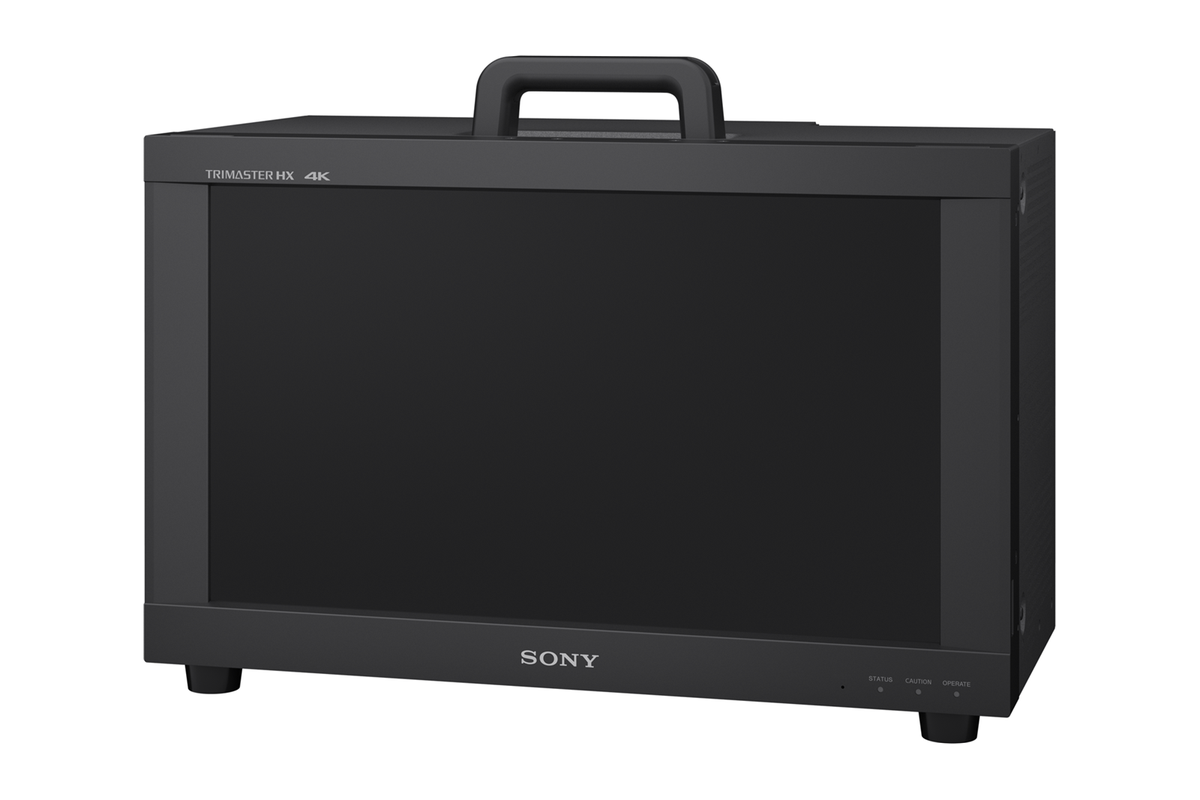 Sony BVM-HX1710N 16.5" 4K HDR Networked Master Monitor
View product ›
Sony BVM-HX1710N 16.5" 4K HDR Networked Master Monitor
View product ›
 Sony BVM-HX310 31.1" 4K HDR TRIMASTER HX Master Monitor
View product ›
Sony BVM-HX310 31.1" 4K HDR TRIMASTER HX Master Monitor
View product ›
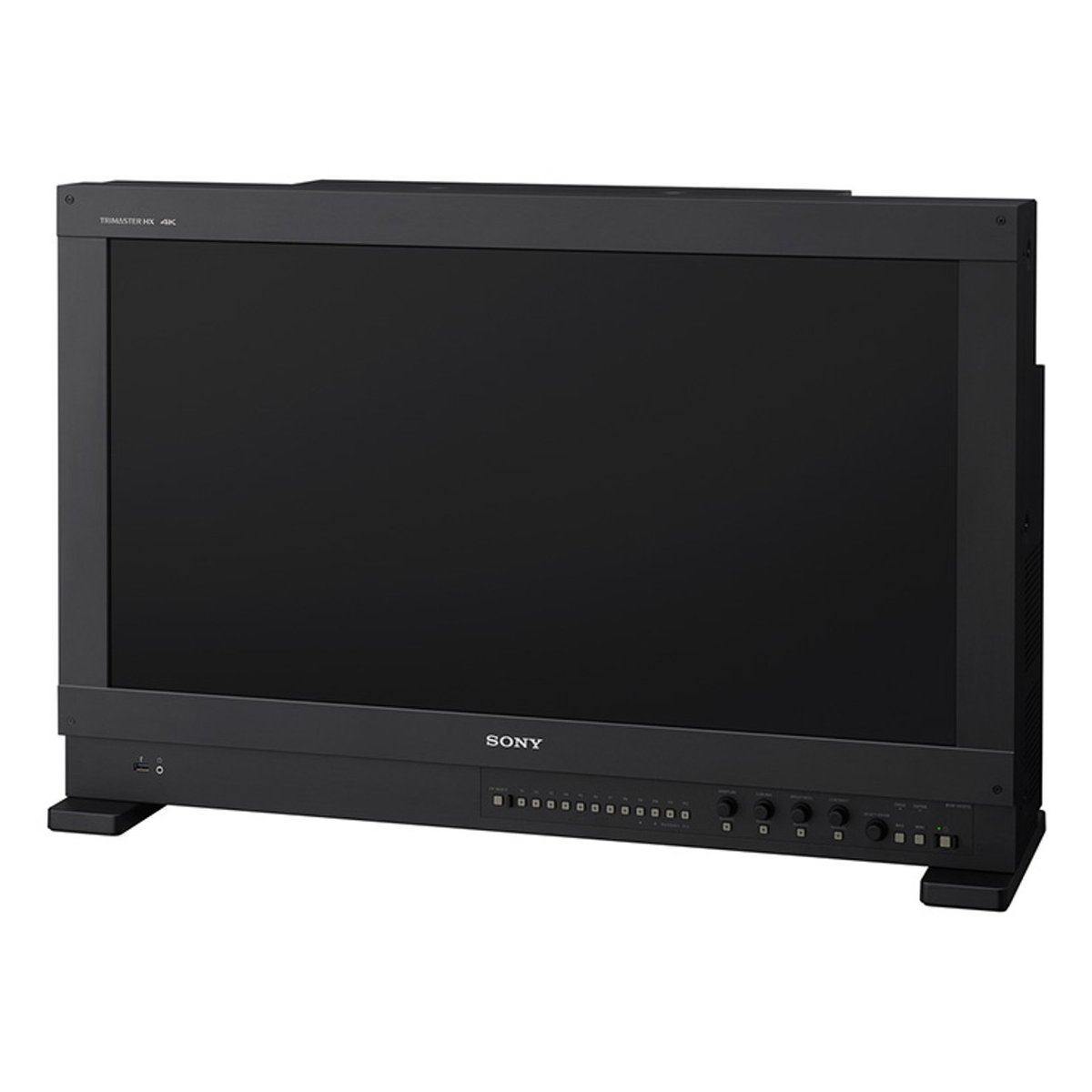 Sony BVM-HX3110 30.5" 4K HDR Master Monitor
View product ›
Sony BVM-LE171PAC - BVM-E171 Monitor with HDR License
View product ›
Sony BVM-HX3110 30.5" 4K HDR Master Monitor
View product ›
Sony BVM-LE171PAC - BVM-E171 Monitor with HDR License
View product ›
 Sony LMD-A180 18" HDR Monitor
View product ›
Sony LMD-A180 18" HDR Monitor
View product ›