



Crestron AirMedia Series 3 Presentation Kit
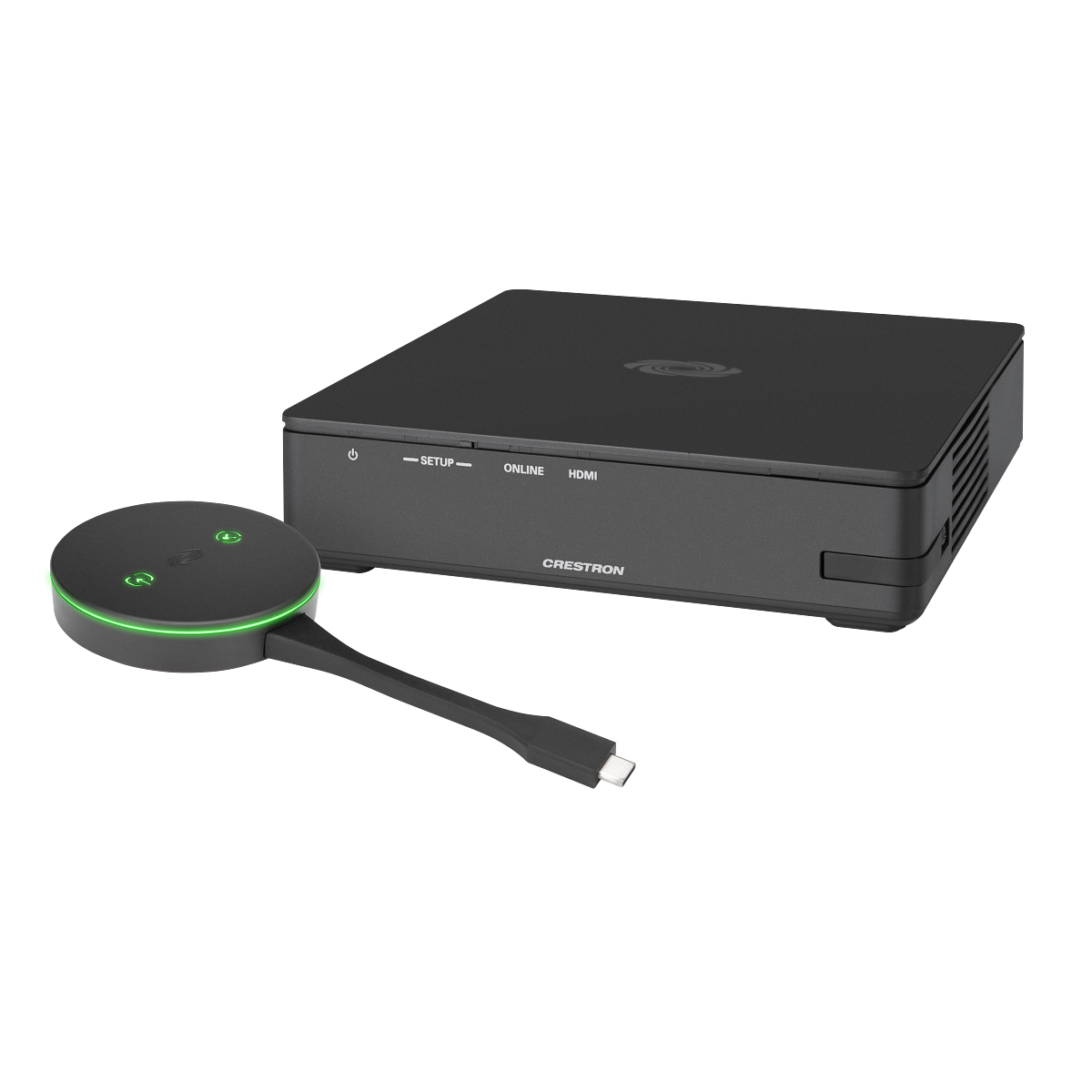
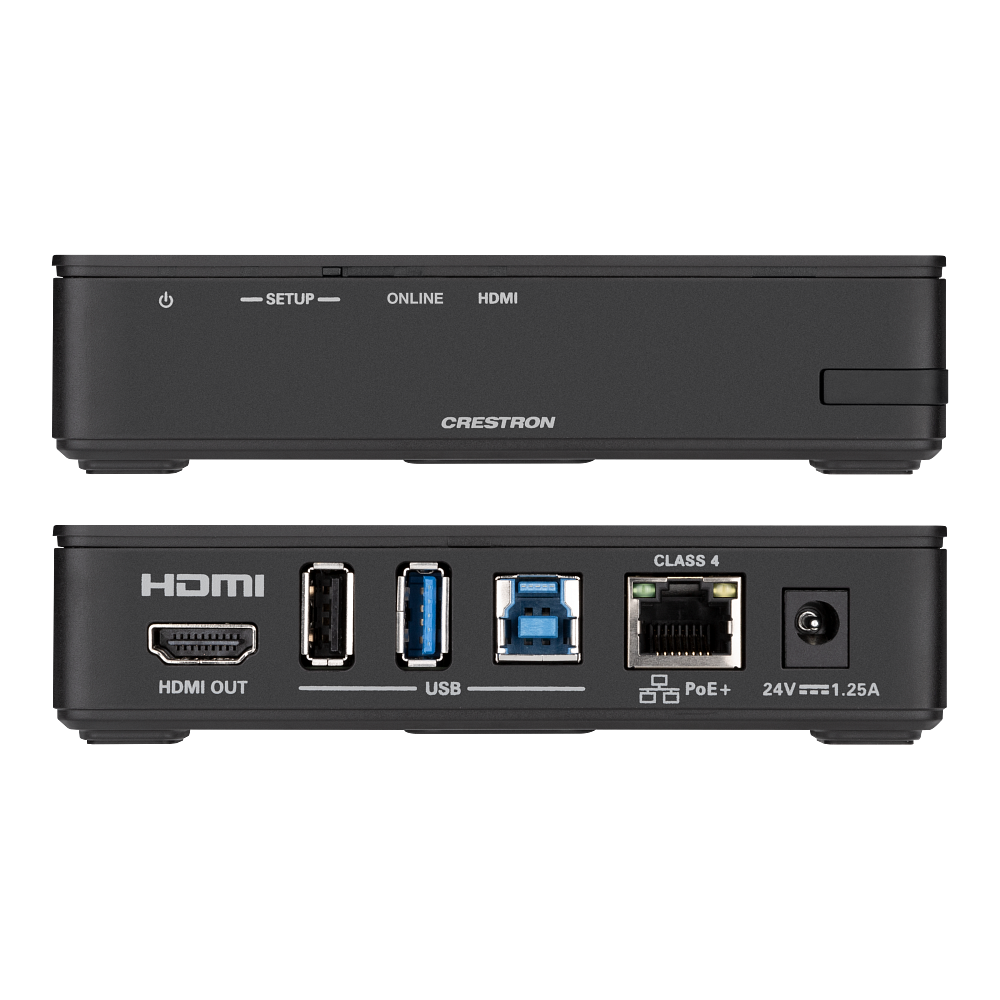
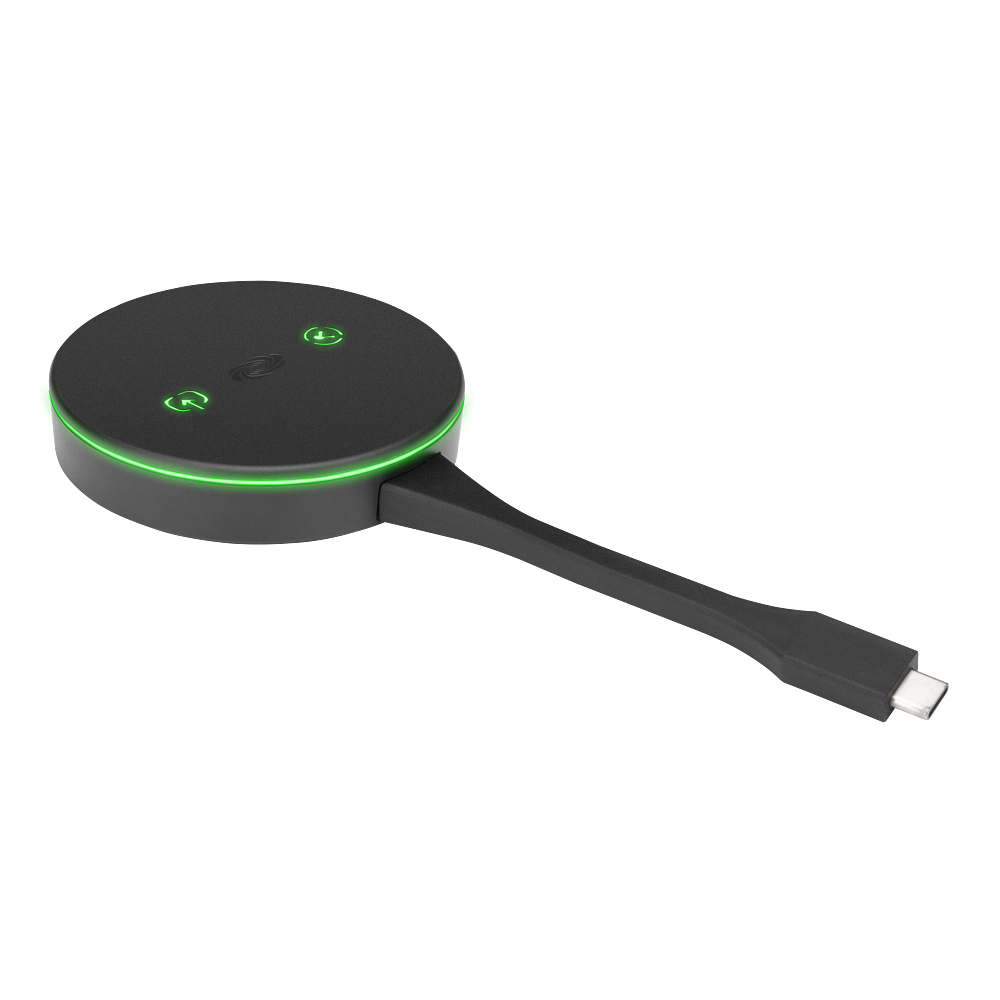
The AirMedia Series 3 kits pair a receiver with the table hardware that goes with it, so a conference room, huddle room, lounge, or lobby ships as one line item instead of three. The receiver installs beneath, beside, or behind the display; the Connect adaptor or endpoint sits on the table and starts a presentation with one button.
Presenters can also come in wirelessly with no hardware at all, using the client software, the AirMedia extension for Google Chrome, Miracast screen mirroring, or the AirMedia app on Android and iOS. AirMedia Canvas puts up to four sources on the screen at once and lays them out automatically. When nothing is connected, the display shows a customizable welcome screen, and integration with Microsoft Exchange Server, Google Calendar, or Crestron Fusion puts the room's schedule on it. Choose the kit that matches the room: the 3100 receiver for a display-only room, the 3200 where a wired local source also needs the screen.
| AM3-111 Contents | AM-3100-WF receiver and (1) AM-TX3-100 Connect adaptor |
|---|---|
| AM3-121 Contents | AM-3100-WF receiver and (1) AM-TX3-200 Connect endpoint |
| AM3-212 Contents | AM-3200-WF receiver, (2) AM-TX3-100 adaptors, and a cradle |
| AM3-222 Contents | AM-3200-WF receiver and (2) AM-TX3-200 Connect endpoints |
| Wireless Presentation | AirMedia client software, Chrome extension, Miracast (Windows 10), AirMedia app for Android and iOS |
| Multi-Source Display | Up to four sources with AirMedia Canvas; up to three via Miracast or Connect devices |
| Display Output | HDMI, up to 4K |
| Scheduling Integration | Microsoft Exchange Server, Google Calendar, or Crestron Fusion |
Related
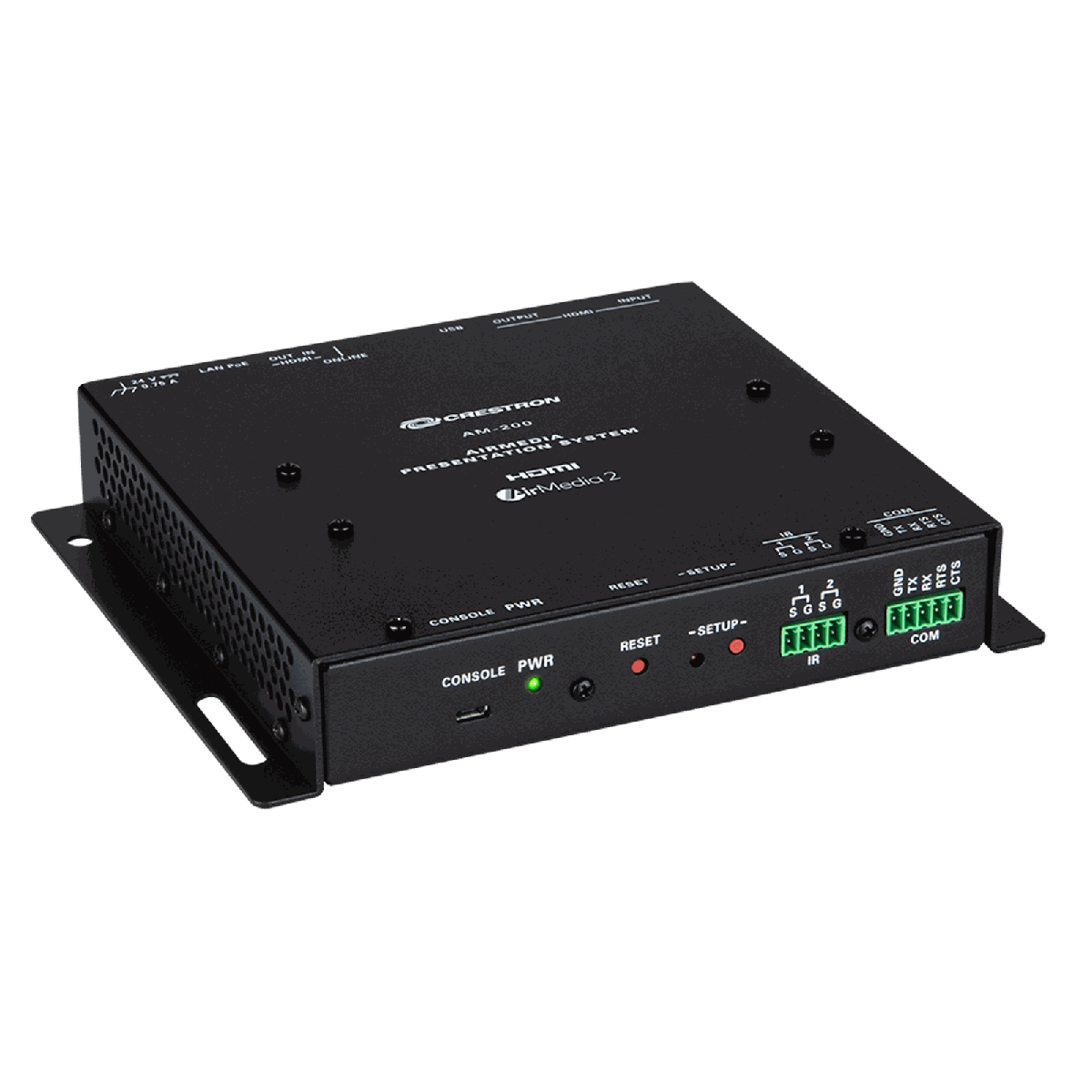 Crestron AM-200
View product ›
Crestron AM-200
View product ›
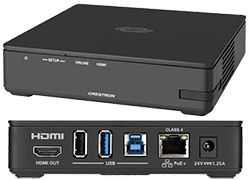 Crestron AM-3100-WF AirMedia Presentation System
View product ›
Crestron AM-3100-WF AirMedia Presentation System
View product ›
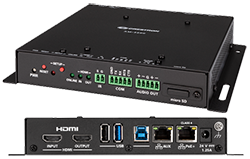 Crestron AM-3200 AirMedia Presentation System
View product ›
Crestron AM-3200-WF AirMedia Presentation System
View product ›
Crestron AM-3200 AirMedia Presentation System
View product ›
Crestron AM-3200-WF AirMedia Presentation System
View product ›
 Crestron TSS-1070-T-B-S-LB KIT A 10.1 inch Microsoft Teams scheduling panel
View product ›
Crestron TSS-1070-T-B-S-LB KIT A 10.1 inch Microsoft Teams scheduling panel
View product ›
 Crestron TSS-1070-T-W-S-LB KIT The 10.1 inch Microsoft Teams scheduling panel with light bar
View product ›
Crestron TSS-1070-T-W-S-LB KIT The 10.1 inch Microsoft Teams scheduling panel with light bar
View product ›
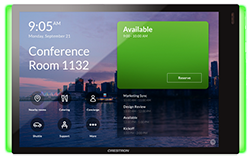 Crestron TSS-770-T-B-S-LB KIT A 7 inch Microsoft Teams scheduling panel
View product ›
Crestron TSS-770-T-B-S-LB KIT A 7 inch Microsoft Teams scheduling panel
View product ›
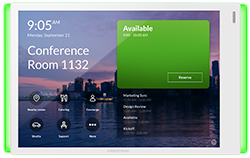 Crestron TSS-770-T-W-S-LB KIT The 7 inch Microsoft Teams scheduling panel with light bar
View product ›
Crestron TSS-770-T-W-S-LB KIT The 7 inch Microsoft Teams scheduling panel with light bar
View product ›