



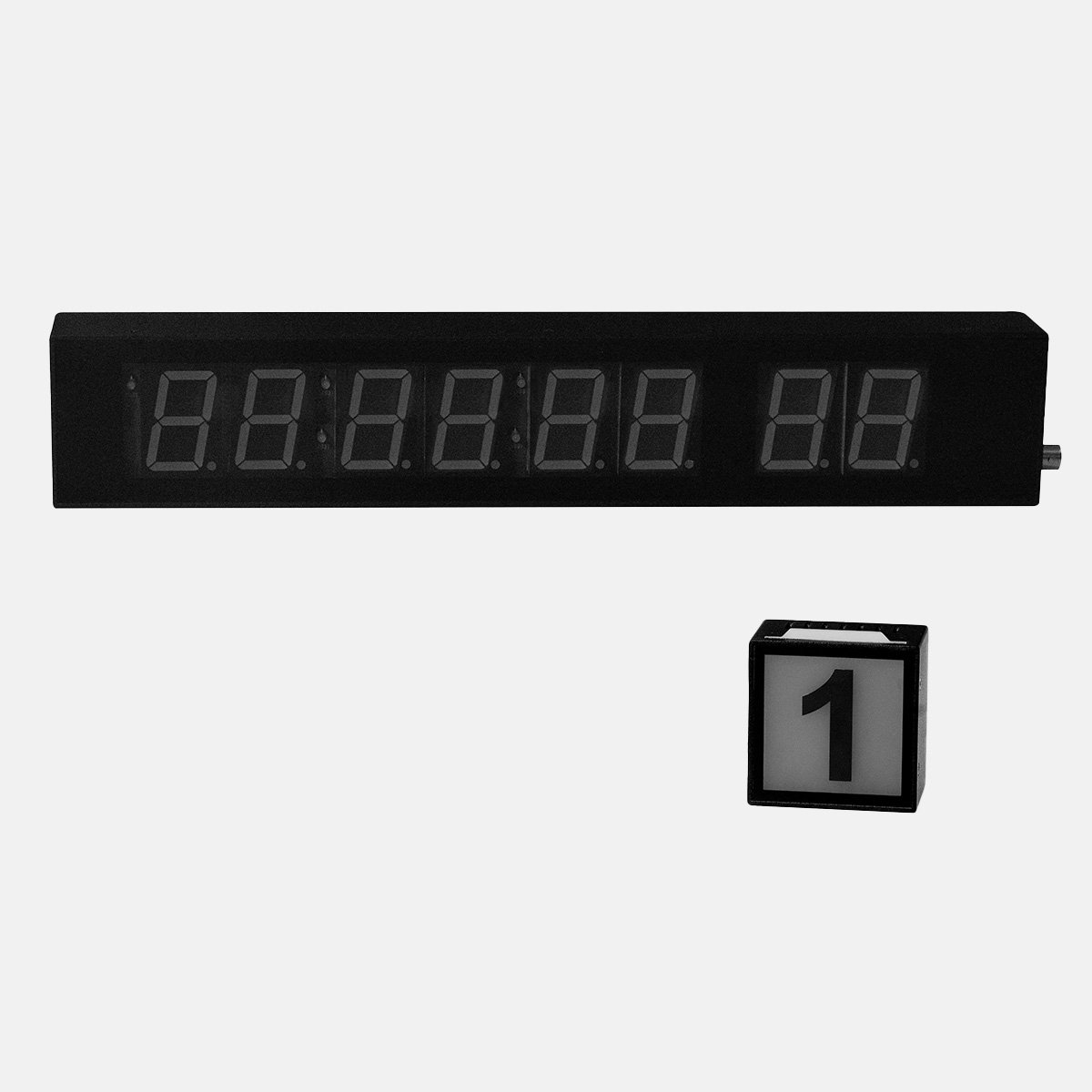
Autocue P7014-0901 Prompter Clock and Camera ID Display
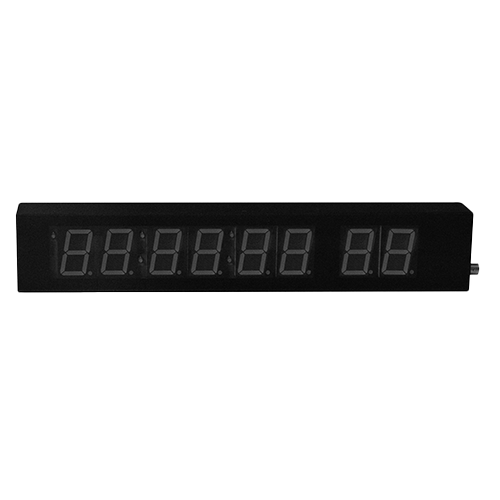
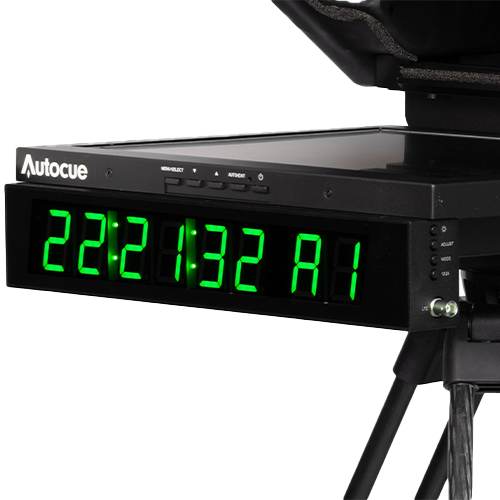
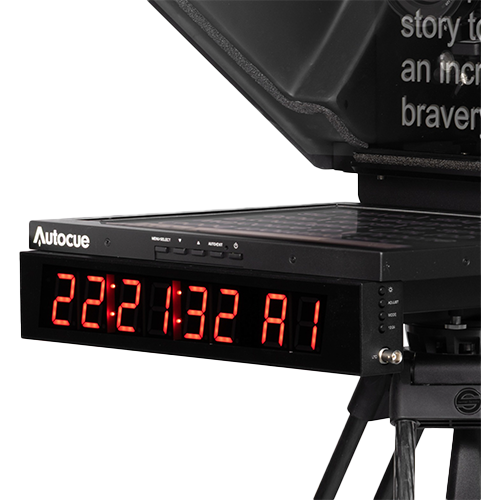
The Autocue Clock gives a presenter the three things they keep glancing away for - the time, which camera is live, and that camera's number - on one readout mounted directly beneath the prompter monitor, where reading it costs almost no eyeline. Brightness runs across five levels so it can be set for a dark studio or a bright one, and tally colour and camera ID are configured on the unit.
Timecode can come from LTC on BNC or NTP over the network, and if neither is present it falls back to a real-time clock rather than going blank. Connections are LAN, LTC, USB-A and an RJ45 AUX in and out; the AUX out carries power, so a clock and an Autocue tally light can be daisy-chained on one feed rather than run separately. It draws 8.4W maximum at 12V. Supplied with the clock, tally sensor, RJ12-RJ45 power cable, RJ45 power and data cable, and mounting bracket. On an Explorer prompter a clock and tally PSU is required.
| Display | 6-digit timecode, 2-digit tally number |
|---|---|
| Sources | LTC, NTP timecodes, real-time clock mode when timecode is unavailable |
| Timecode | 12 or 24h |
| Input Terminals | AUX IN: 1x RJ45, AUX OUT: 1x RJ45 (Power output), LAN: 1x RJ45, LTC: 1x BNC, USB: 1x USB-A |
| Mounting Option | Under-monitor |
| Brightness Level | 5 |
| DC input power | 12V |
| Power Consumption | 8.4W max |
Related
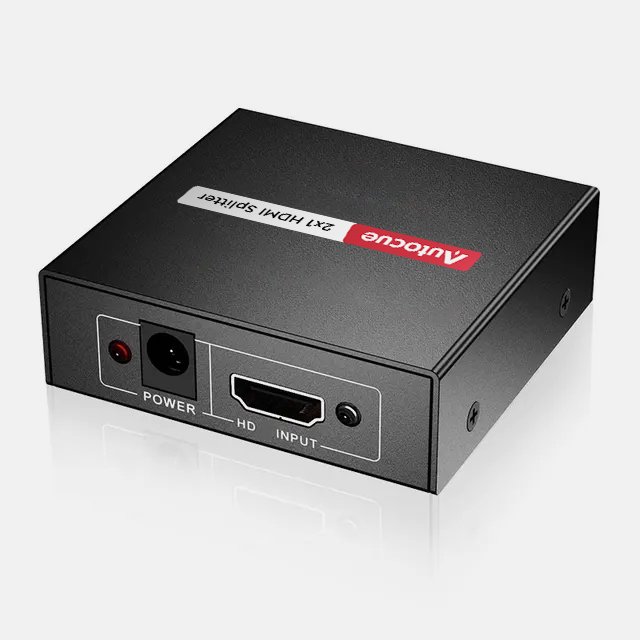 Autocue P7015-0003 1x2 HDMI Splitter
View product ›
Autocue P7015-0003 1x2 HDMI Splitter
View product ›
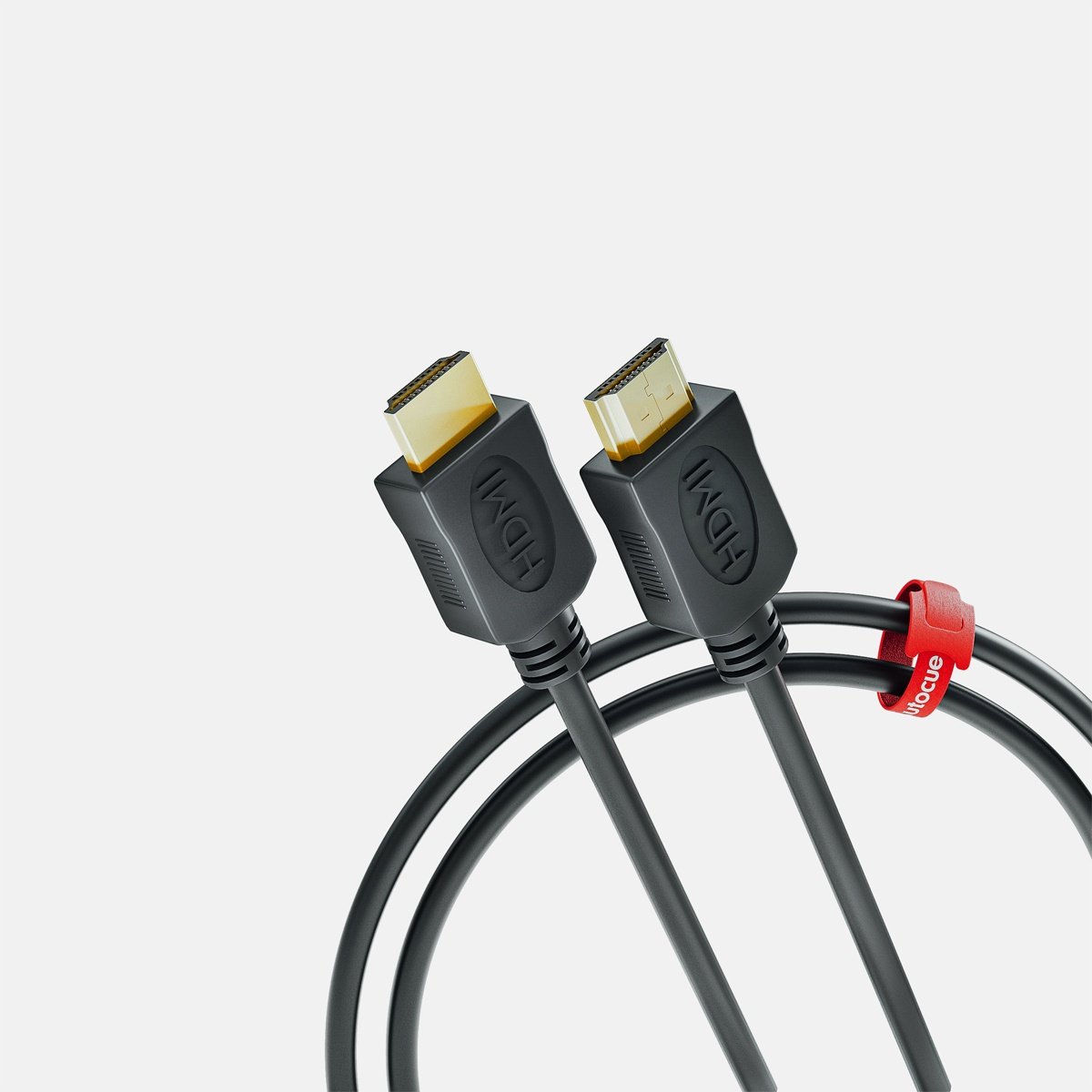 Autocue P7015-5002 HDMI Prompter Cable
View product ›
Autocue P7015-5002 HDMI Prompter Cable
View product ›
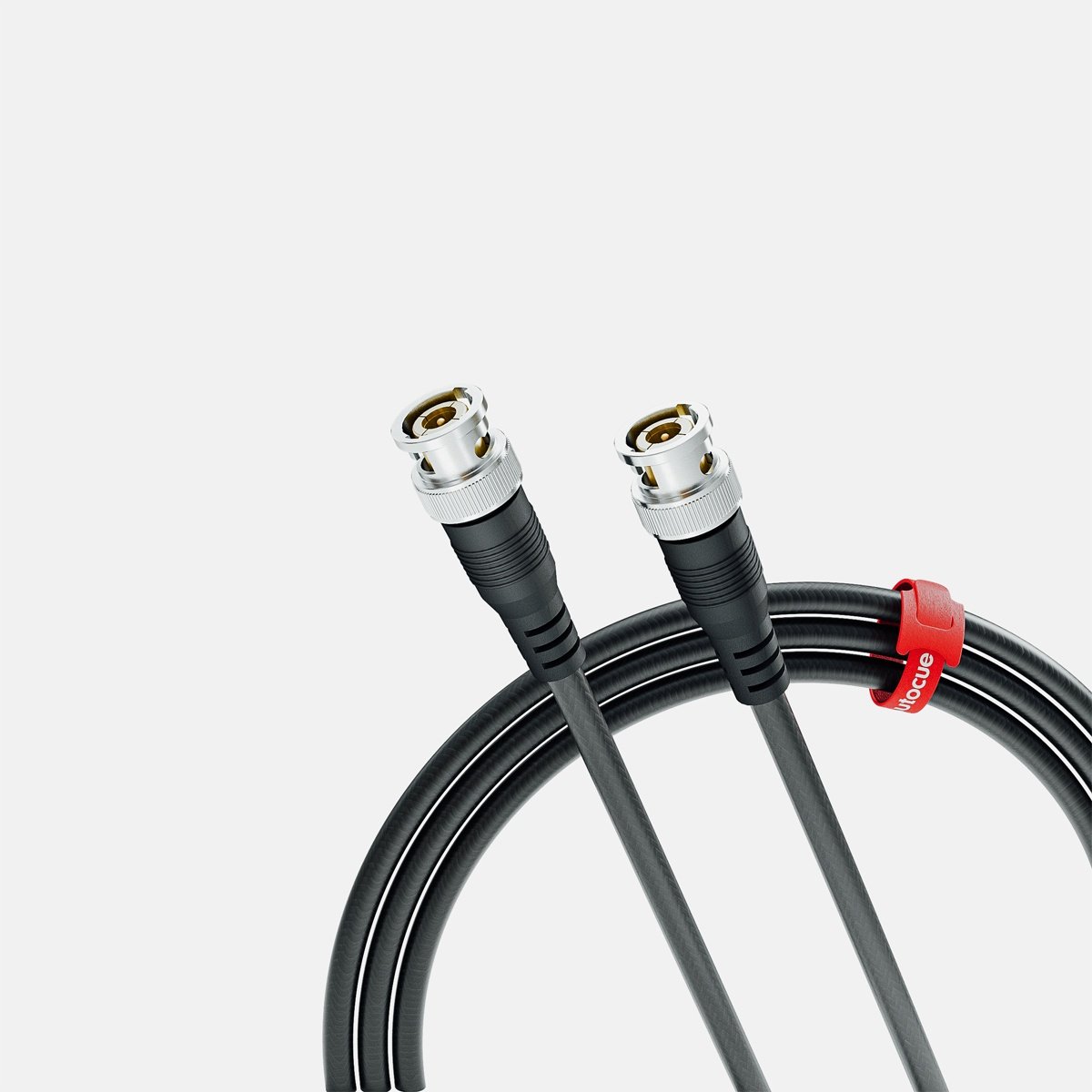 Autocue P7015-5102 SDI Prompter Cable
View product ›
Autocue P7015-5102 SDI Prompter Cable
View product ›
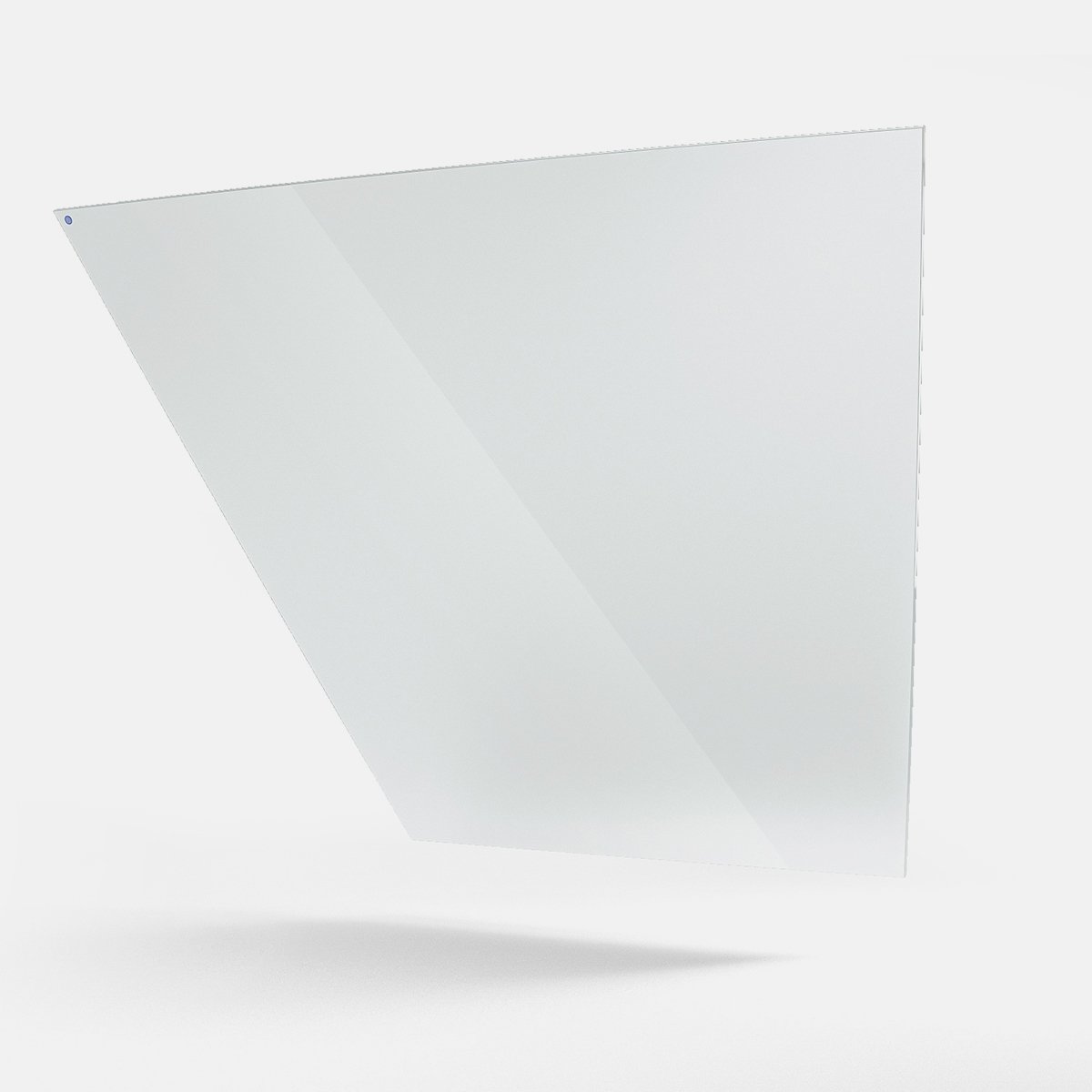 Autocue A9010-2001 Large Beamsplitter Hood Glass
View product ›
Autocue A9010-2001 Large Beamsplitter Hood Glass
View product ›
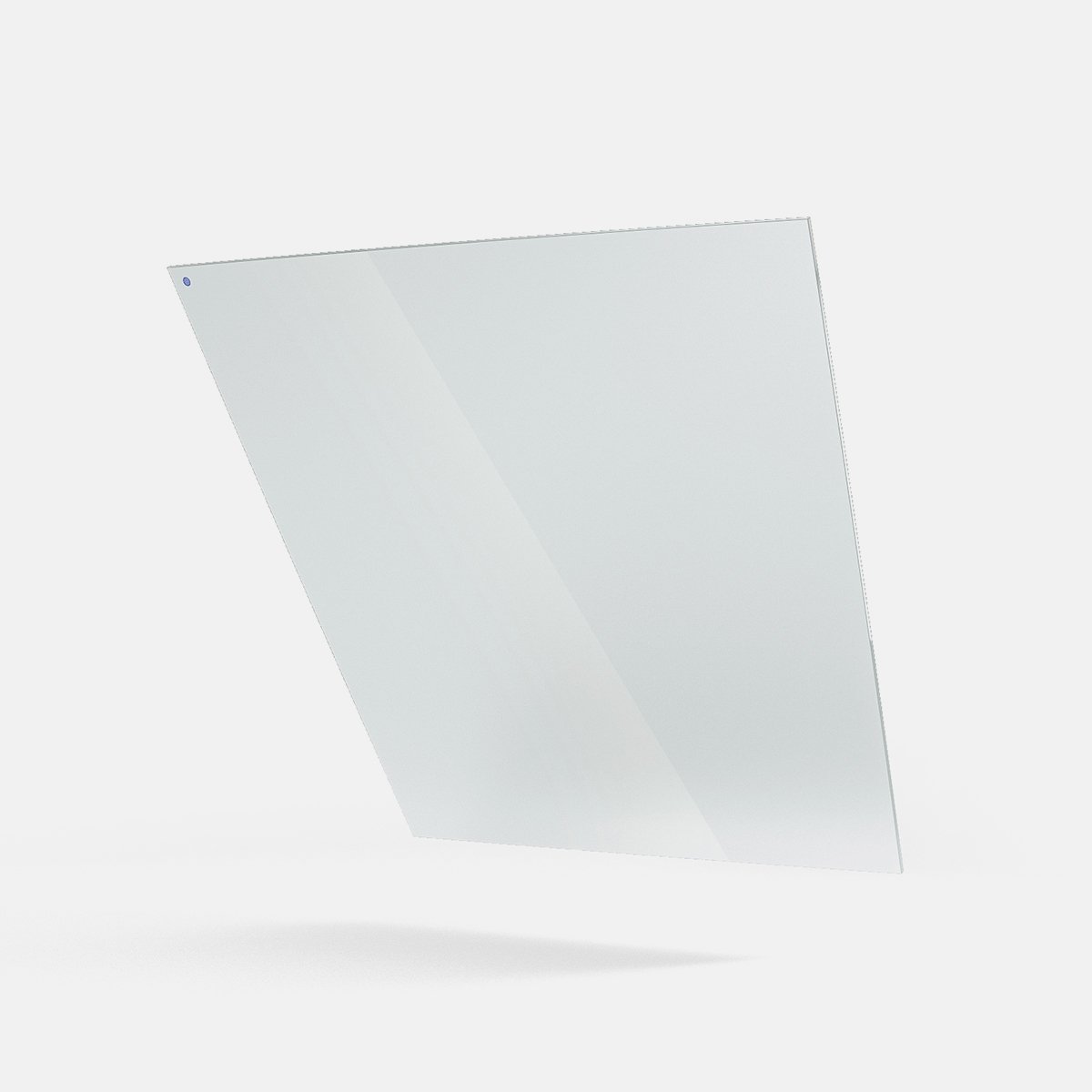 Autocue A9010-2099 Medium Beamsplitter Hood Glass
View product ›
Autocue A9010-2099 Medium Beamsplitter Hood Glass
View product ›
 Autocue GL-ESP Conference Stand Beamsplitter Glass
View product ›
Autocue GL-ESP Conference Stand Beamsplitter Glass
View product ›
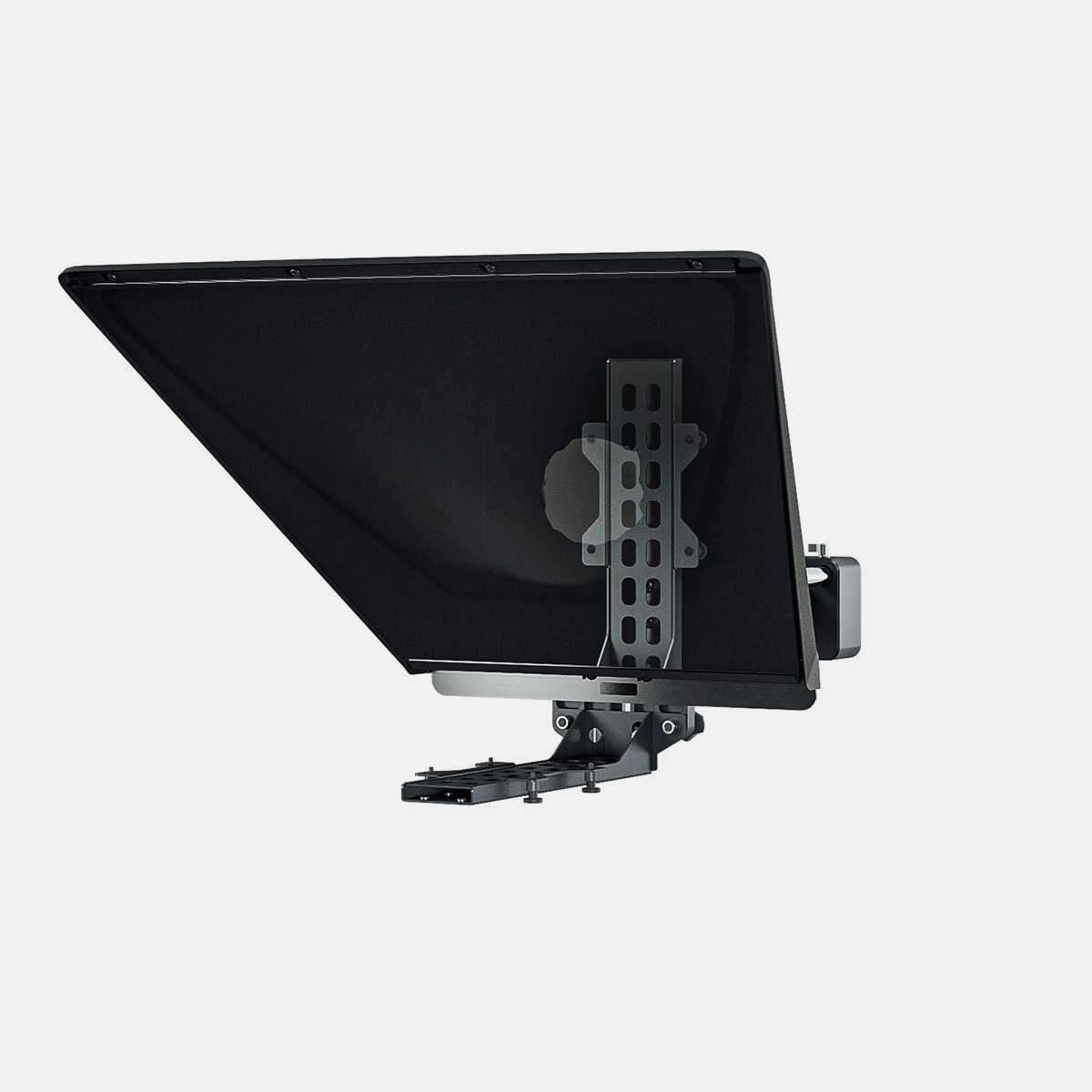 Autocue P7011-0901 Pioneer Studio Mounting Package
View product ›
Autocue P7011-0901 Pioneer Studio Mounting Package
View product ›
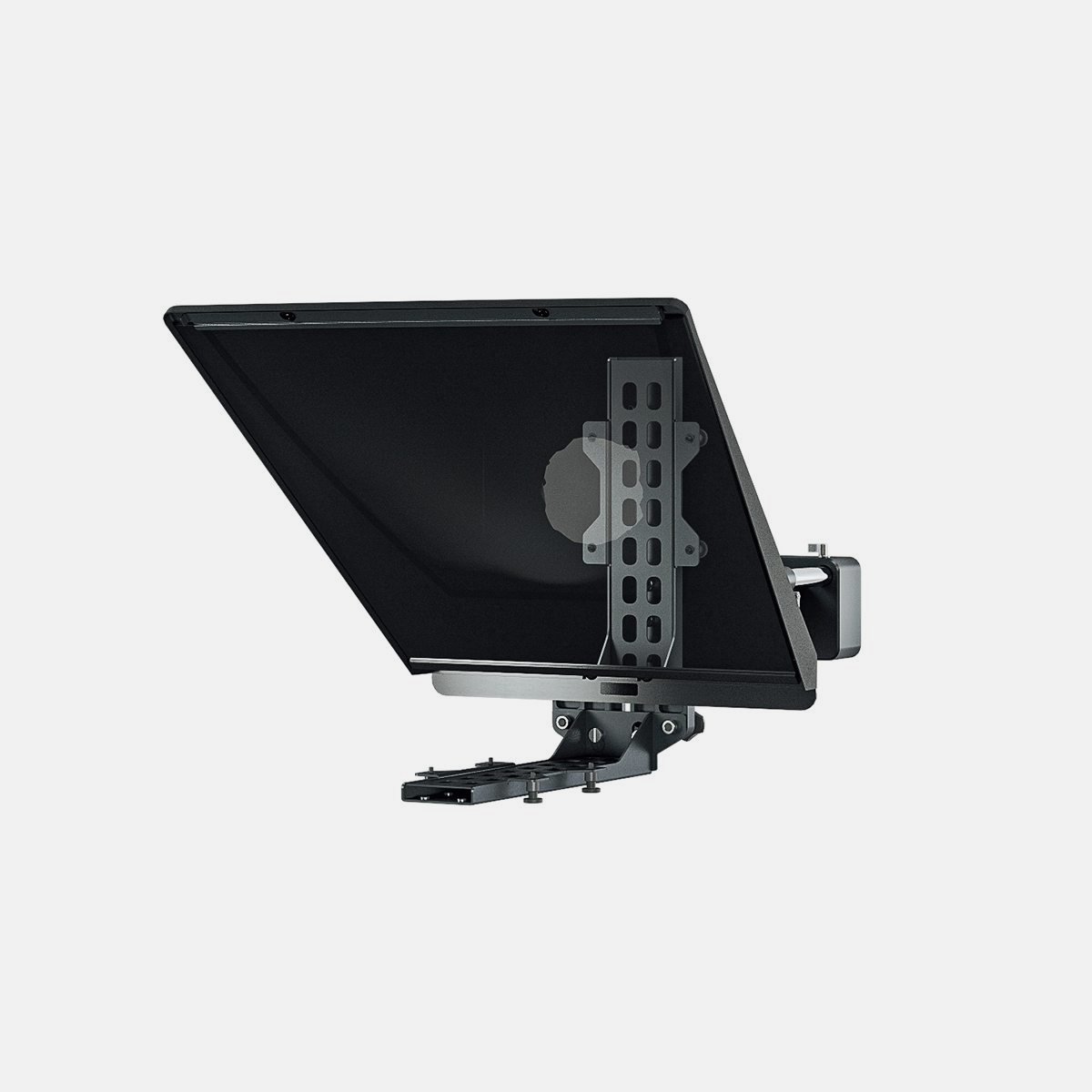 Autocue P7011-0902 Pioneer Portable Mounting Package
View product ›
Autocue P7011-0902 Pioneer Portable Mounting Package
View product ›