



Crestron TT-100-B-T Connect It Cable Caddy with 120V Outlet
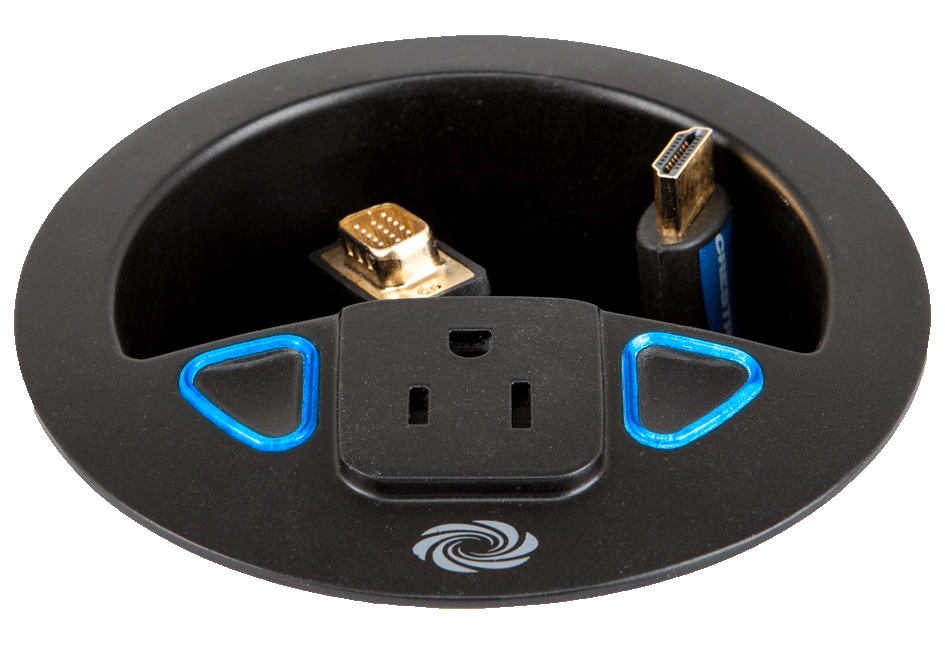
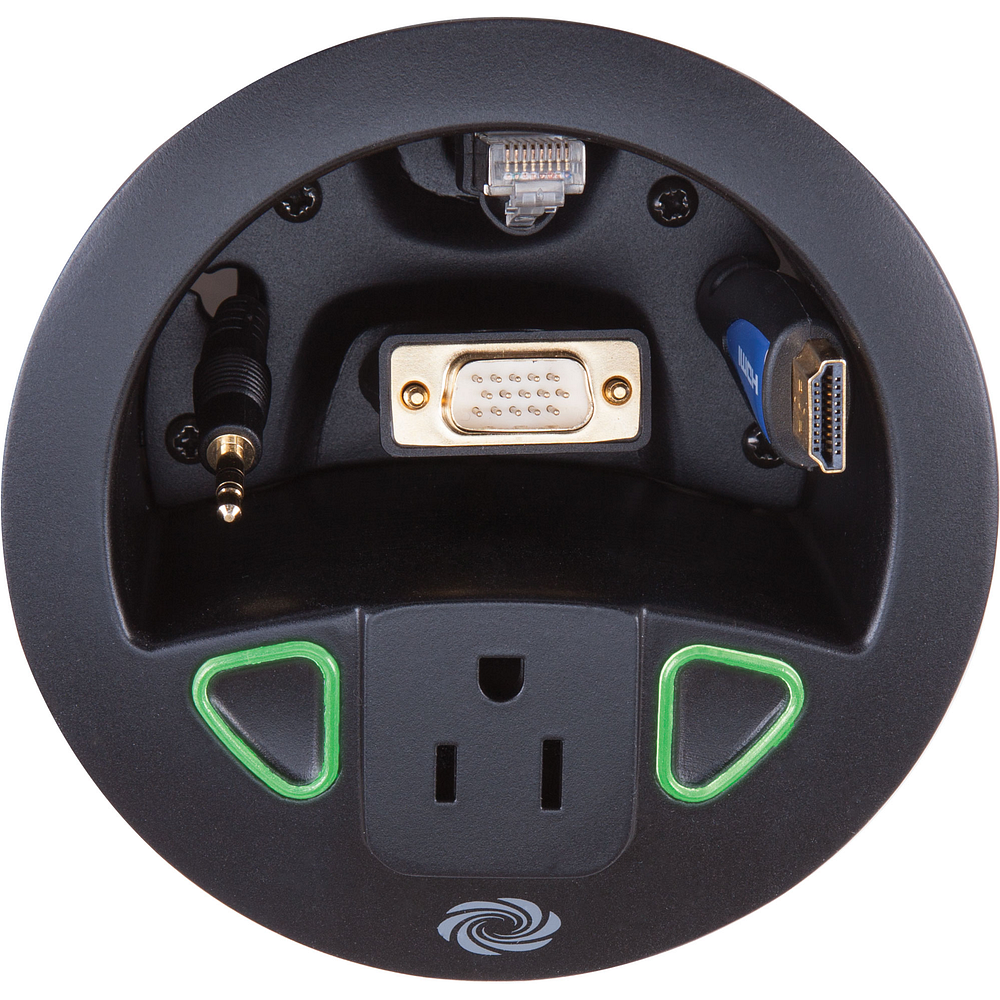
The TT-100 sits flush in a 4 in. hole in a conference table and does two jobs at once. It stores up to four presentation cables out of sight in its compartment, and it puts a NEMA 5-15R power outlet and a pair of soft-touch capacitive Connect It buttons at the table surface. A presenter plugs in a laptop, presses a button, and the connected source comes up on the display.
Two multicolored indicators report exactly what the system is doing: blue for no source connected, blinking green while the display powers up, solid green for the selected source, a slow green pulse for a connected but unselected source, and five red blinks when a button is pressed with nothing plugged in. It joins the control system on Cresnet in secondary mode, draws 1.2 W from the bus, and passes utility power through a 9 ft line cord. This model ships in black textured finish with no cables.
| Connect It Buttons | (2) Soft-touch capacitive buttons, press to select the connected video source |
|---|---|
| Indicators | (2) Multicolored LEDs for source connection, display power-up, selection, and error status |
| Communications | Cresnet secondary mode |
| AC Power Outlet | (1) NEMA 5-15R grounded receptacle, maximum load 10 A at 125 VAC, 50/60 Hz |
| Cable Storage | Pass-through holes for up to four cables (cables not included) |
| Cresnet Power Usage | 1.2 Watts (0.05 A at 24 VDC) |
| Mounting | Flush tabletop mount in a 4 in. (102 mm) round hole, 1/2 to 1-1/4 in. (13 to 32 mm) surface thickness |
| Dimensions | 3.76 in. H x 4.71 in. diameter (96 x 120 mm), 5.90 in. (150 mm) with locking ring, 15.3 oz (433 g) |
Related
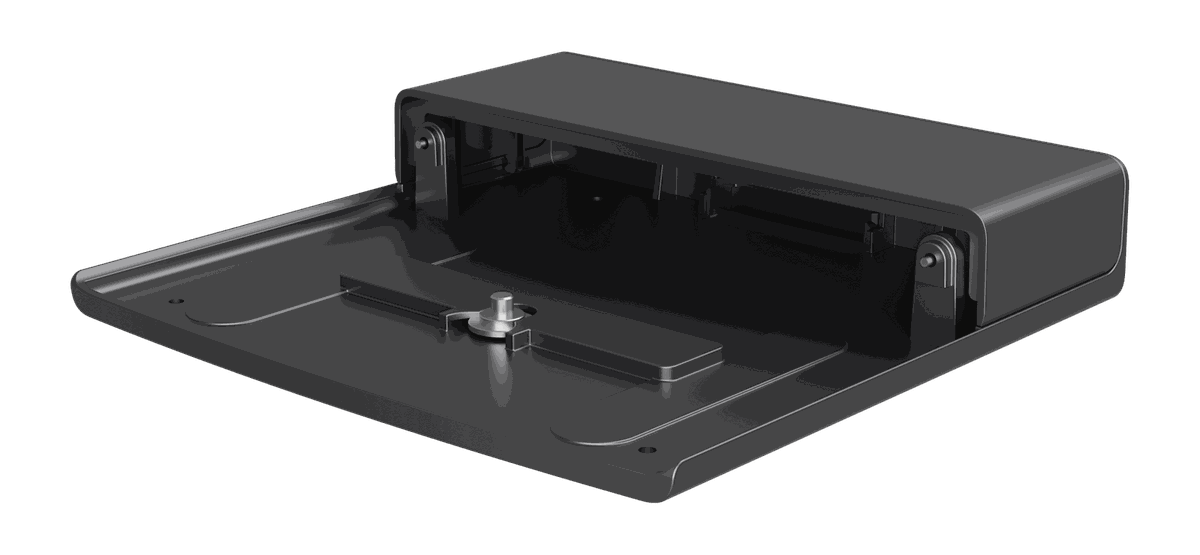 Crestron 1 Beyond IV-CAMA-UMB Universal Mount Bracket
View product ›
Crestron 1 Beyond IV-CAMA-UMB Universal Mount Bracket
View product ›
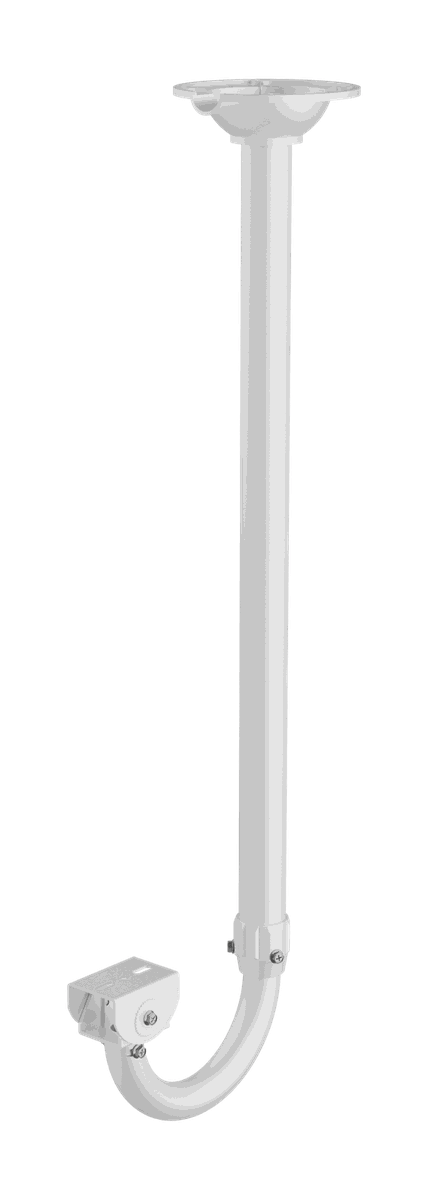 Crestron 1 Beyond IVA-CMT-BRKTJ-1B J-Mount Ceiling Bracket
View product ›
Crestron 1 Beyond IVA-CMT-BRKTJ-1B J-Mount Ceiling Bracket
View product ›
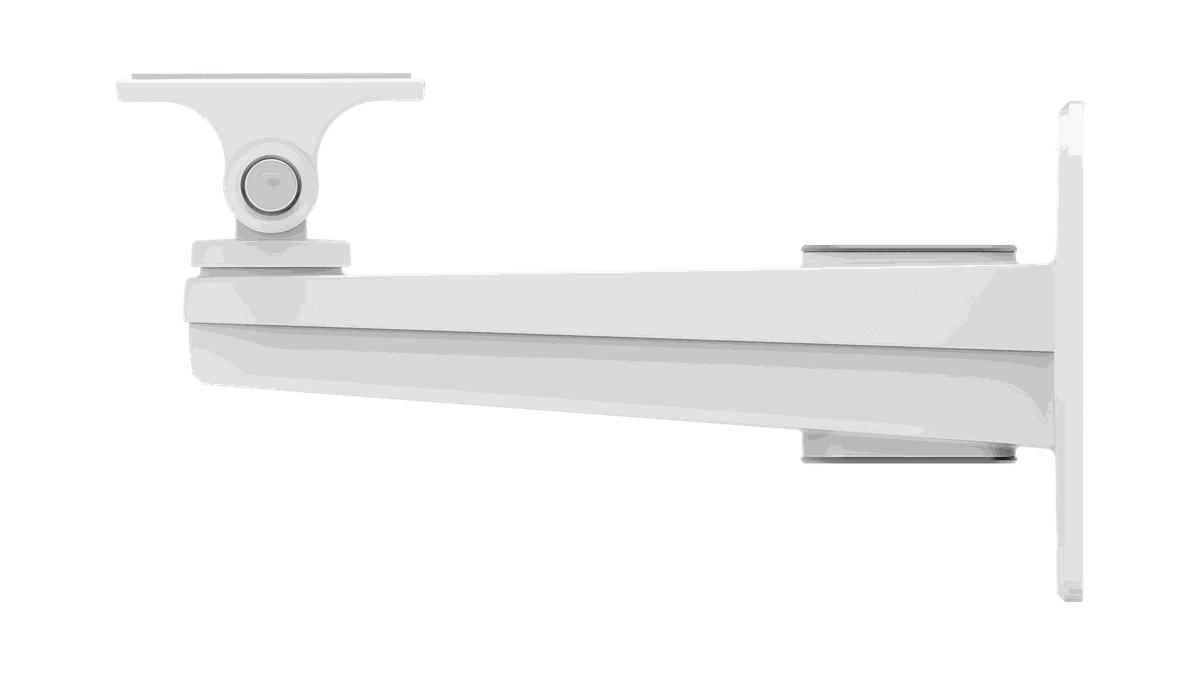 Crestron 1 Beyond IVA-WMT-BRKT-1B Wall Mount Bracket
View product ›
Crestron 1 Beyond IVA-WMT-BRKT-1B Wall Mount Bracket
View product ›
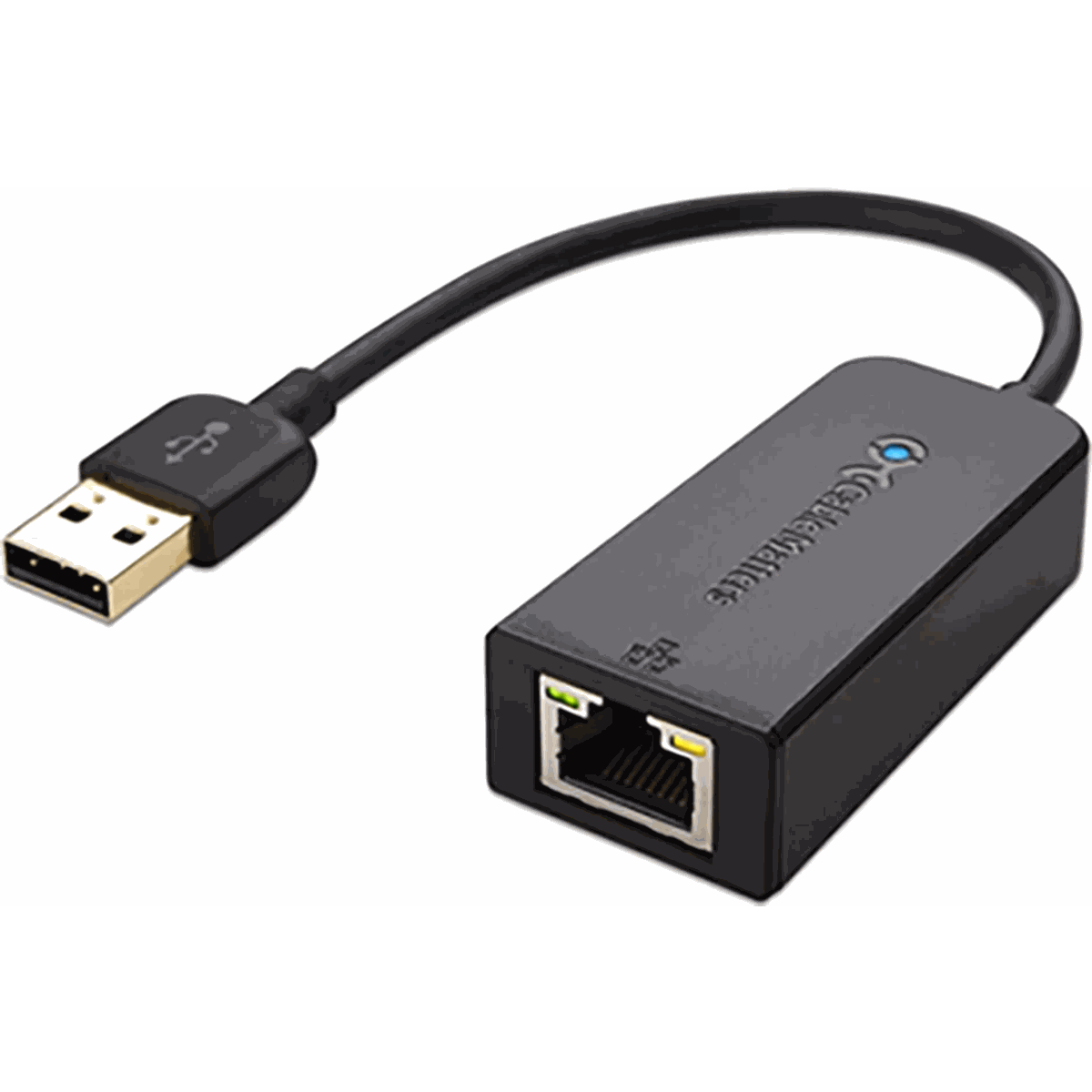 Crestron ADPT-USB-ENET USB-to-Ethernet Adapter
View product ›
Crestron ADPT-USB-ENET USB-to-Ethernet Adapter
View product ›
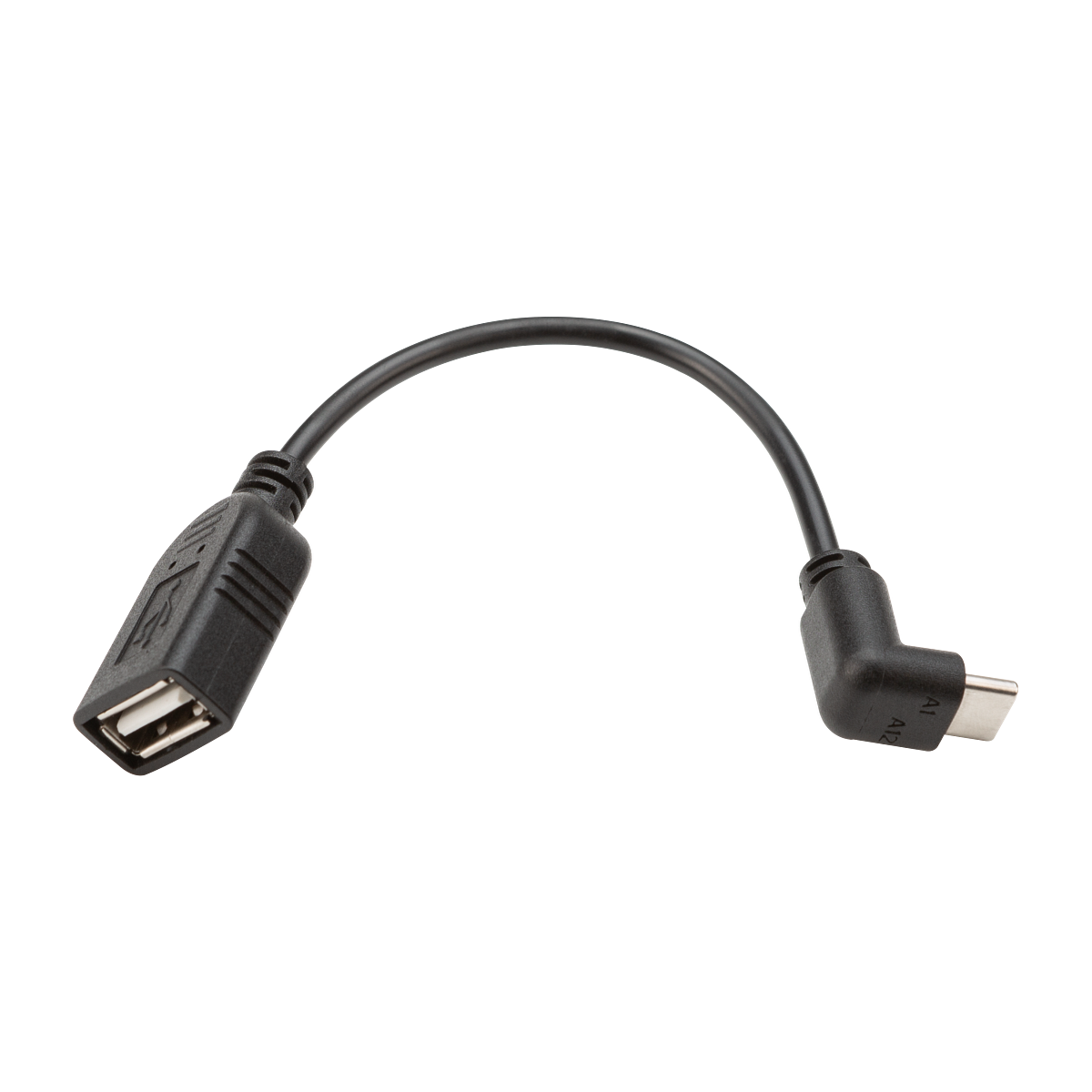 Crestron ADPT-USB-USB-RA-5 USB-C to USB-A Angled Adapter, 5 Pack
View product ›
Crestron ADPT-USB-USB-RA-5 USB-C to USB-A Angled Adapter, 5 Pack
View product ›
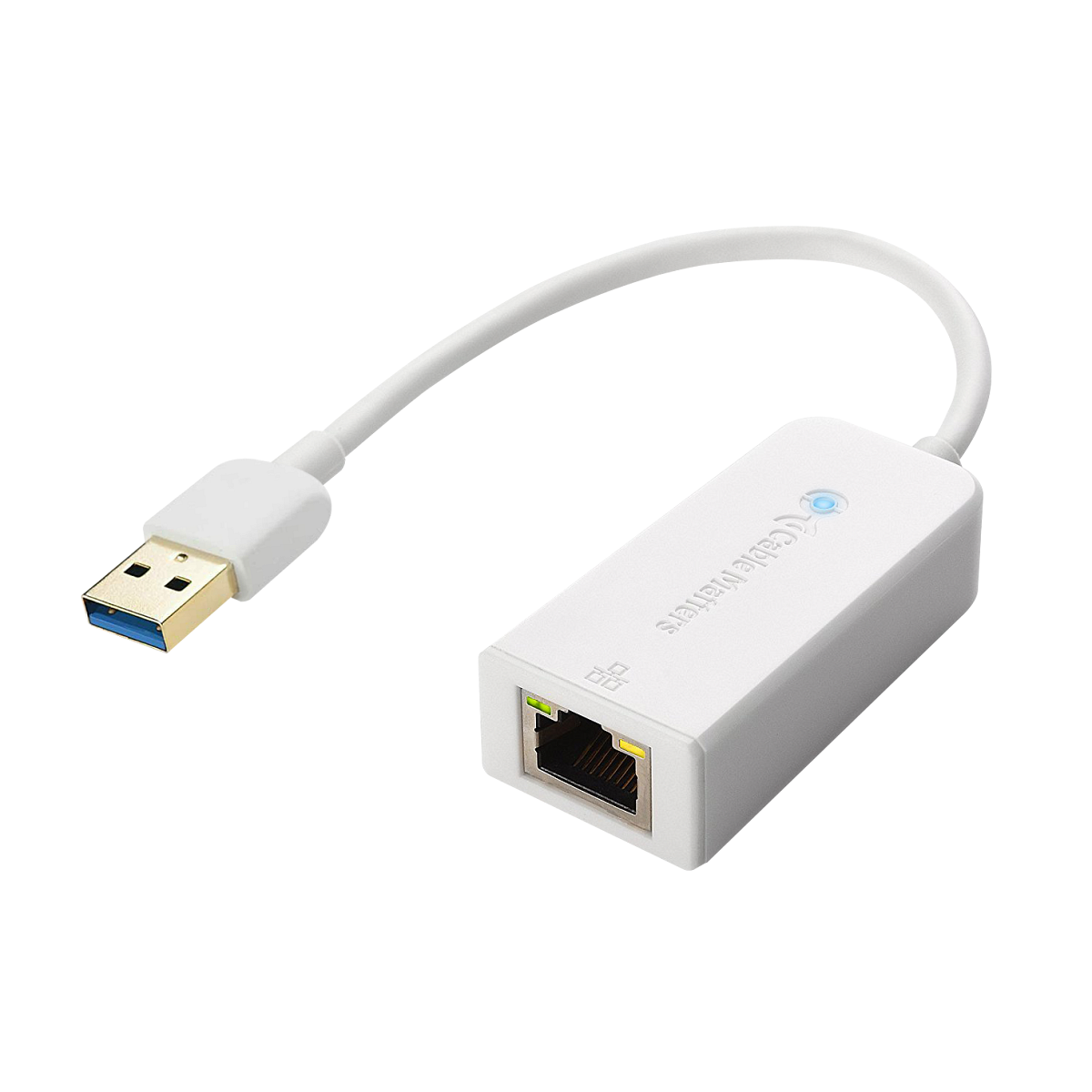 Crestron ADPT-USB3.0-GBENET USB-to-Ethernet Adapter for Audio Isolation
View product ›
Crestron ADPT-USB3.0-GBENET USB-to-Ethernet Adapter for Audio Isolation
View product ›
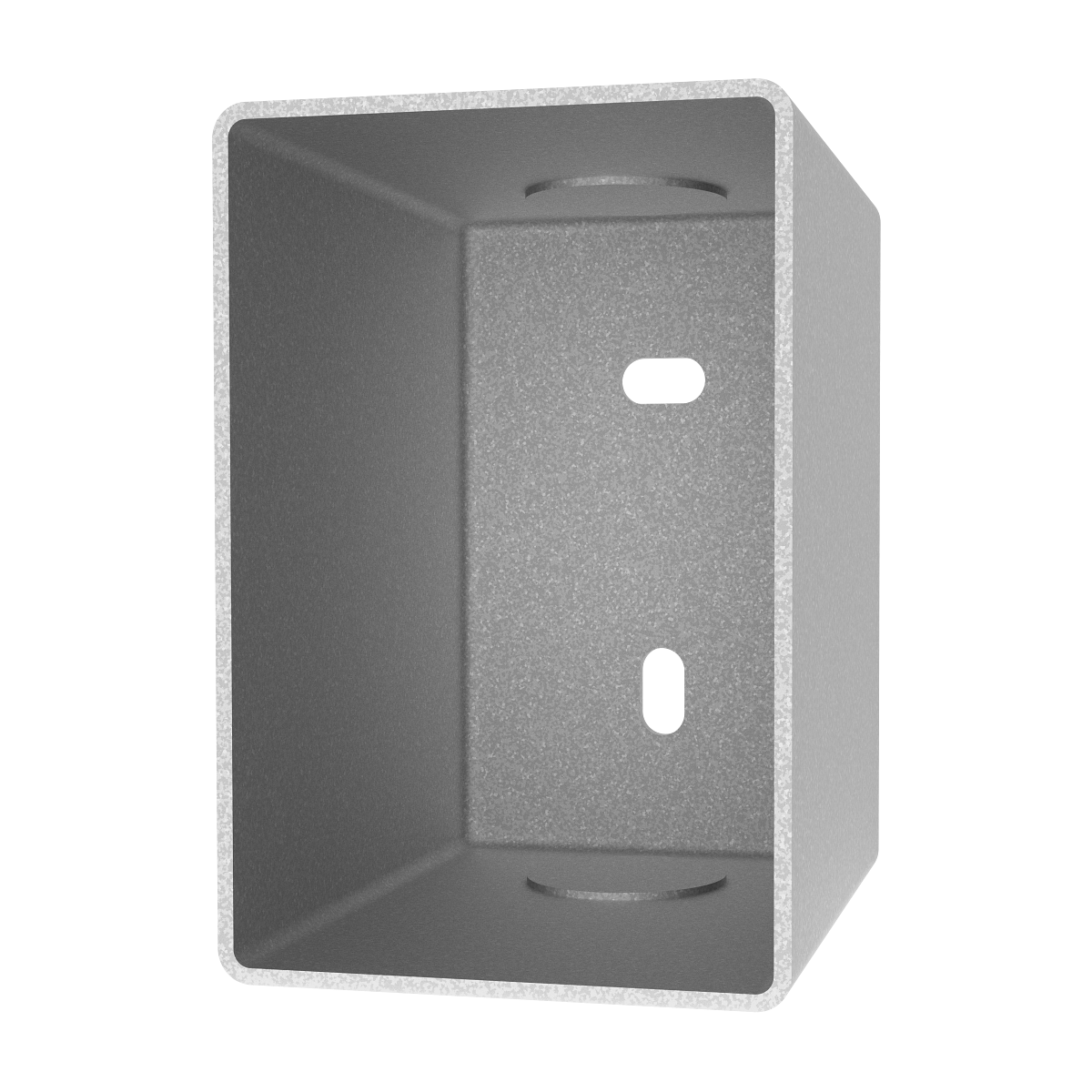 Crestron BB-CM2-KPFCN Cameo 2 Flush Mount Keypad Back Box
View product ›
Crestron BB-CM2-KPFCN Cameo 2 Flush Mount Keypad Back Box
View product ›
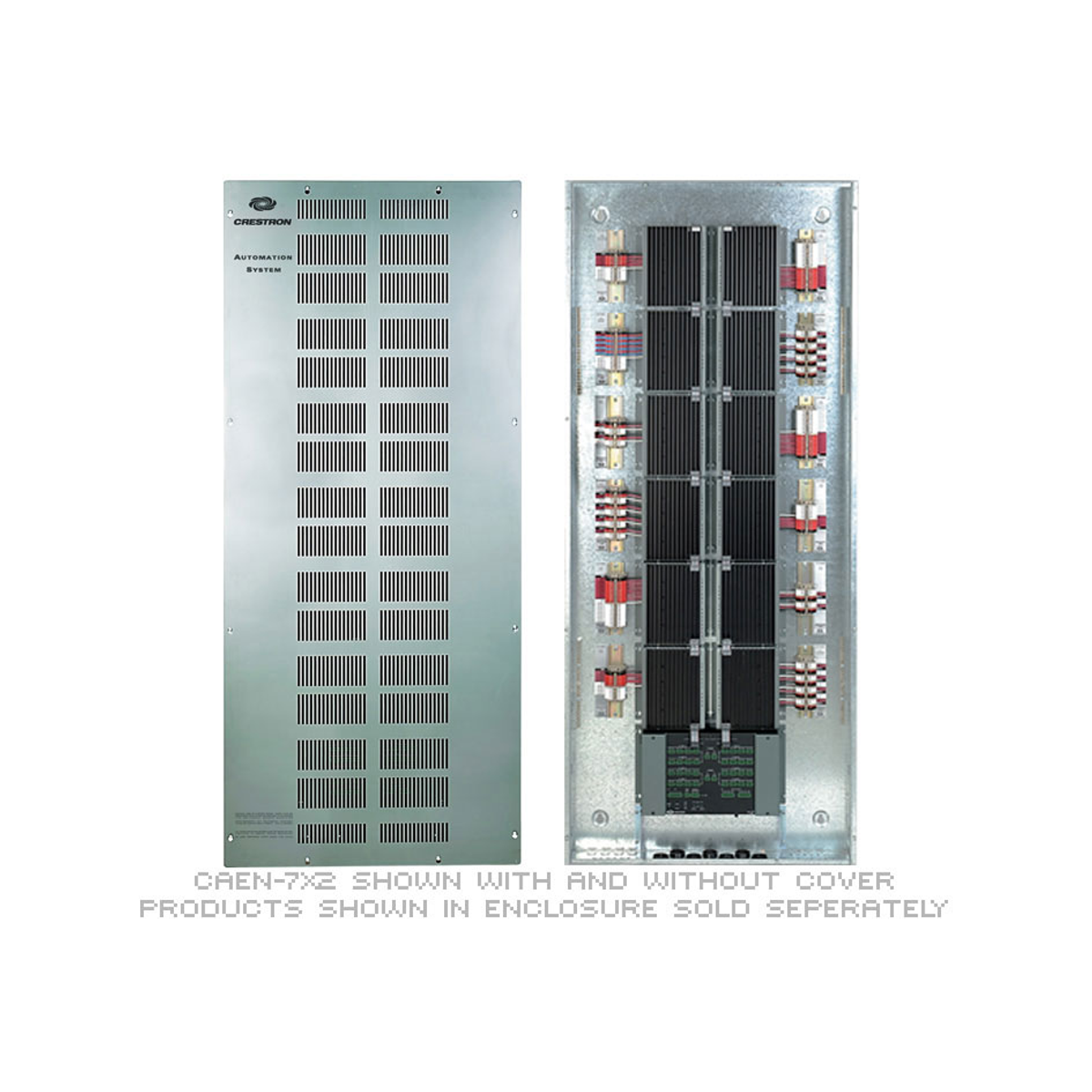 Crestron CAEN Automation Enclosure
View product ›
Crestron CAEN Automation Enclosure
View product ›