



Crestron CCC-BYOD-KIT Collab Compute Bring Your Own Device Kit
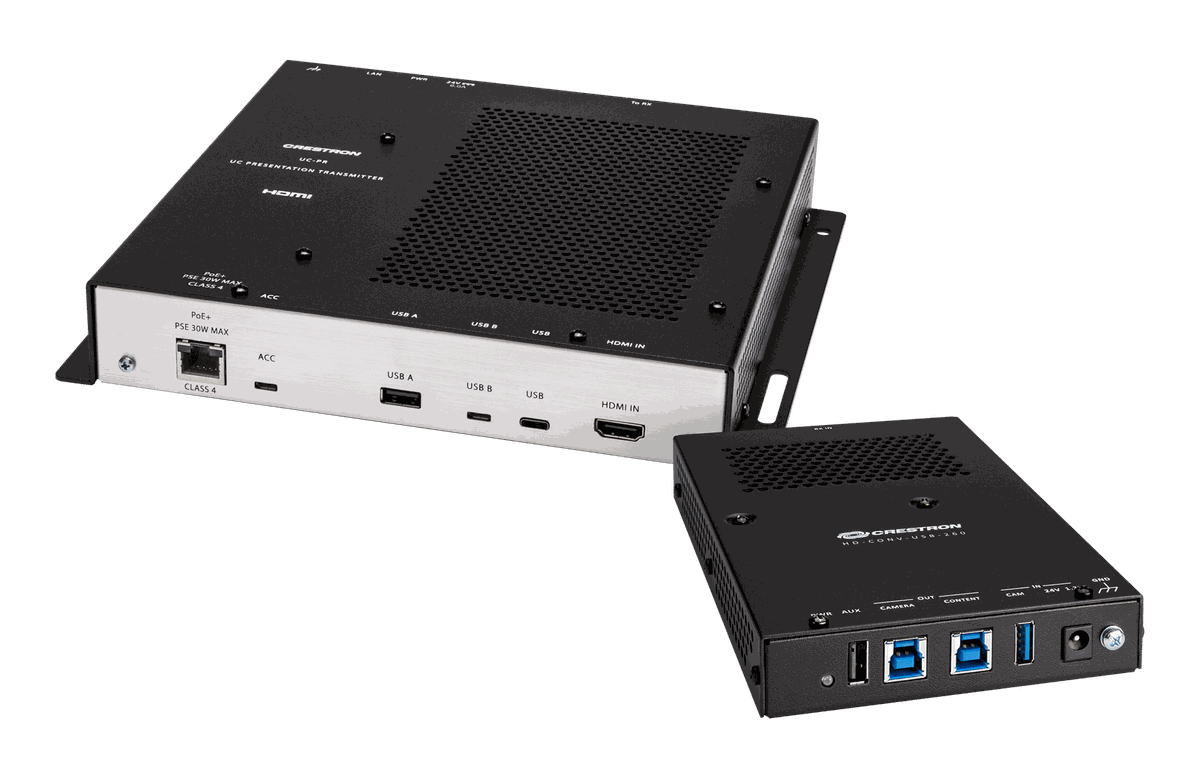
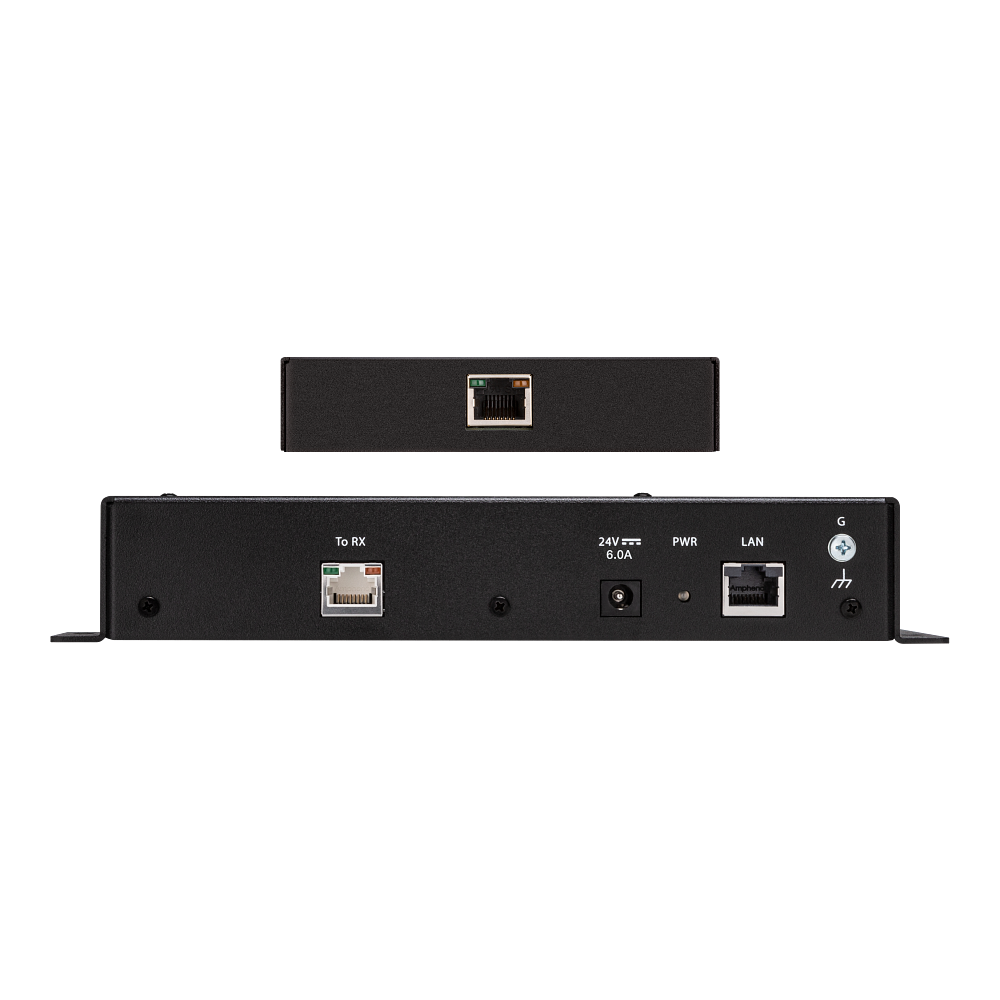
The CCC-BYOD-KIT is what lets a visitor run their own meeting platform on the room's equipment. A UC Presentation Transmitter sits on the table; when a laptop is plugged into it, the Crestron Collab Compute switches to that laptop's conferencing platform, and when the laptop is unplugged the room returns to its native Teams Rooms or Zoom Rooms software with no intervention. It works with the CCC-110-T, CCC-110-Z, CCC-120-T and CCC-120-Z.
The transmitter takes a single USB Type-C 2.0 connection carrying content, BYOD data and charging, with HDMI in and a USB Type-B port as the fallback for laptops without DisplayPort alt mode. Video reaches the receiver as HDMI over CAT5 at 1080p with HDCP 1.4 and 2.2 honoured end to end, and the transmitter is powered over the PoE LAN port so the table needs one cable. Check that the guest device supports DisplayPort alternate mode over USB-C before relying on the single-cable path, since not every laptop that charges over USB-C also carries video on it.
| Function | BYOD content sharing and conferencing for Crestron Collab Compute devices |
|---|---|
| Compatible Compute | CCC-110-T, CCC-110-Z, CCC-120-T, CCC-120-Z |
| Input Signals | HDMI; DisplayPort 1.2 via the USB Type-C port |
| Output Signal | HDMI over CAT5 |
| Resolution | 1080p |
| Content Protection | HDCP 1.4 and HDCP 2.2 |
| Transmitter Connectors | (1) USB Type-C 2.0 female; (1) HDMI Type A female; (1) USB 2.0 Type B female; (1) USB 2.0 Type A female |
| Network | (1) 8-pin RJ-45 LAN PoE port, 100 Mbps |
Related
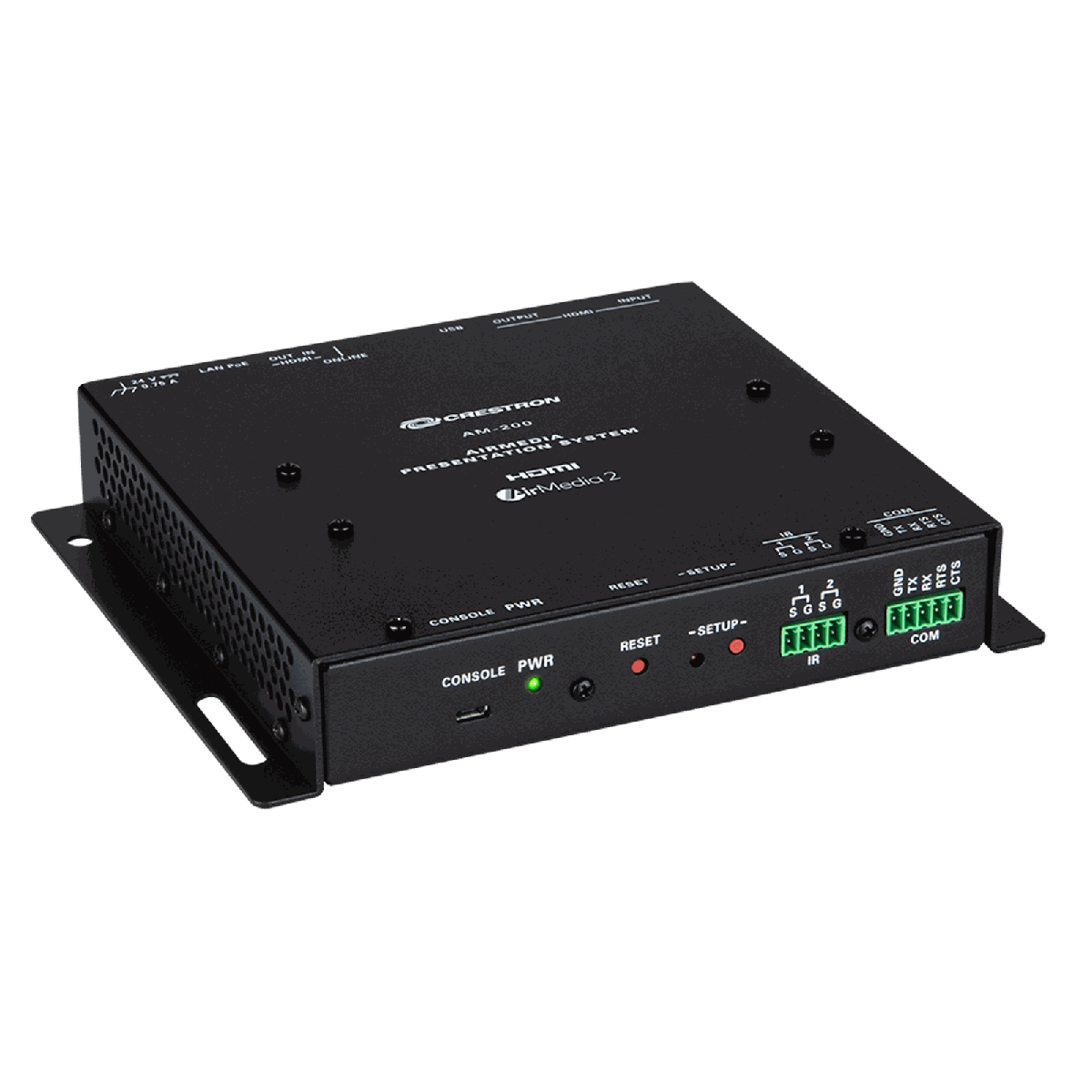 Crestron AM-200
View product ›
Crestron AM-200
View product ›
 Crestron AM-3100-WF AirMedia Presentation System
View product ›
Crestron AM-3100-WF AirMedia Presentation System
View product ›
 Crestron AM-3200 AirMedia Presentation System
View product ›
Crestron AM-3200-WF AirMedia Presentation System
View product ›
Crestron AM-3200 AirMedia Presentation System
View product ›
Crestron AM-3200-WF AirMedia Presentation System
View product ›
 Crestron TSS-1070-T-B-S-LB KIT A 10.1 inch Microsoft Teams scheduling panel
View product ›
Crestron TSS-1070-T-B-S-LB KIT A 10.1 inch Microsoft Teams scheduling panel
View product ›
 Crestron TSS-1070-T-W-S-LB KIT The 10.1 inch Microsoft Teams scheduling panel with light bar
View product ›
Crestron TSS-1070-T-W-S-LB KIT The 10.1 inch Microsoft Teams scheduling panel with light bar
View product ›
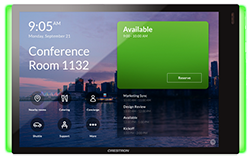 Crestron TSS-770-T-B-S-LB KIT A 7 inch Microsoft Teams scheduling panel
View product ›
Crestron TSS-770-T-B-S-LB KIT A 7 inch Microsoft Teams scheduling panel
View product ›
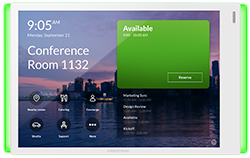 Crestron TSS-770-T-W-S-LB KIT The 7 inch Microsoft Teams scheduling panel with light bar
View product ›
Crestron TSS-770-T-W-S-LB KIT The 7 inch Microsoft Teams scheduling panel with light bar
View product ›