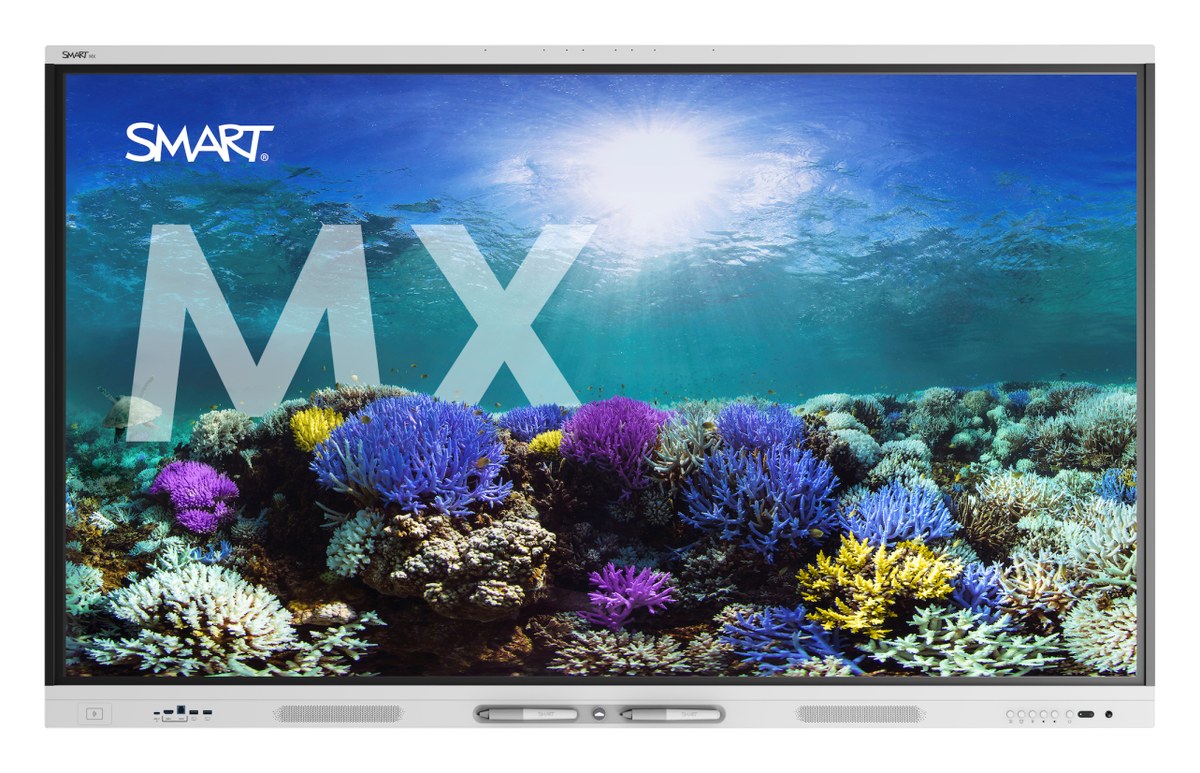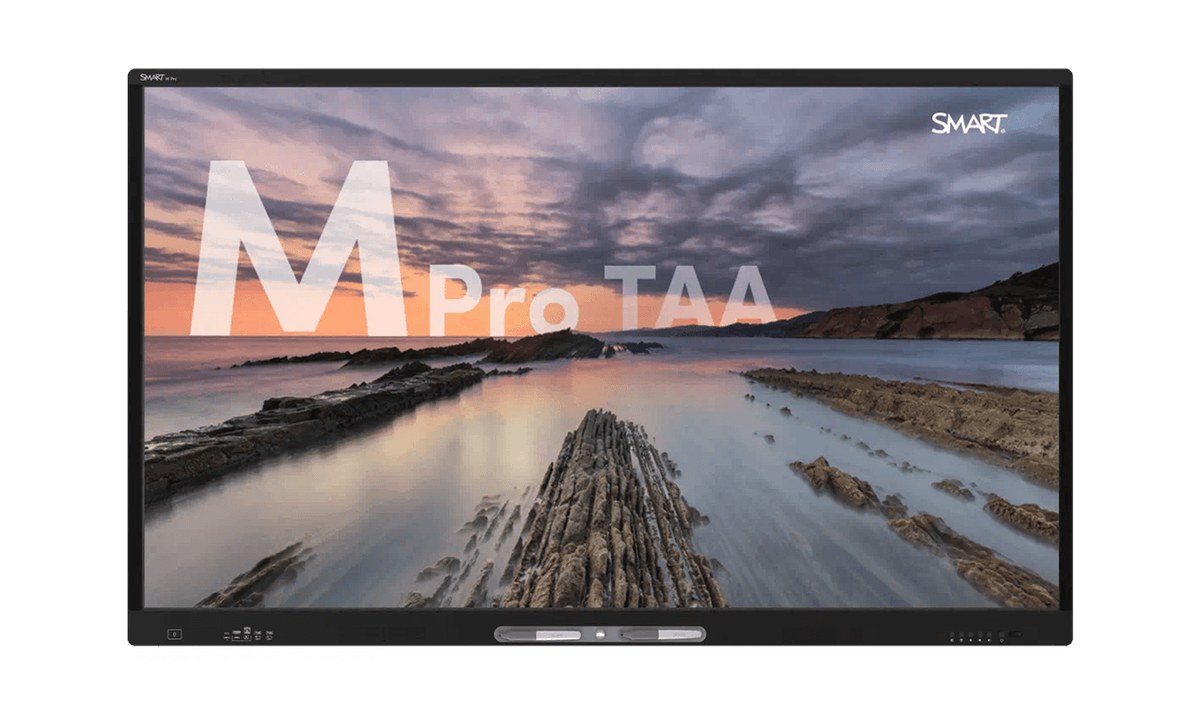



SMART Board MX (V5) Series Interactive Display with iQ
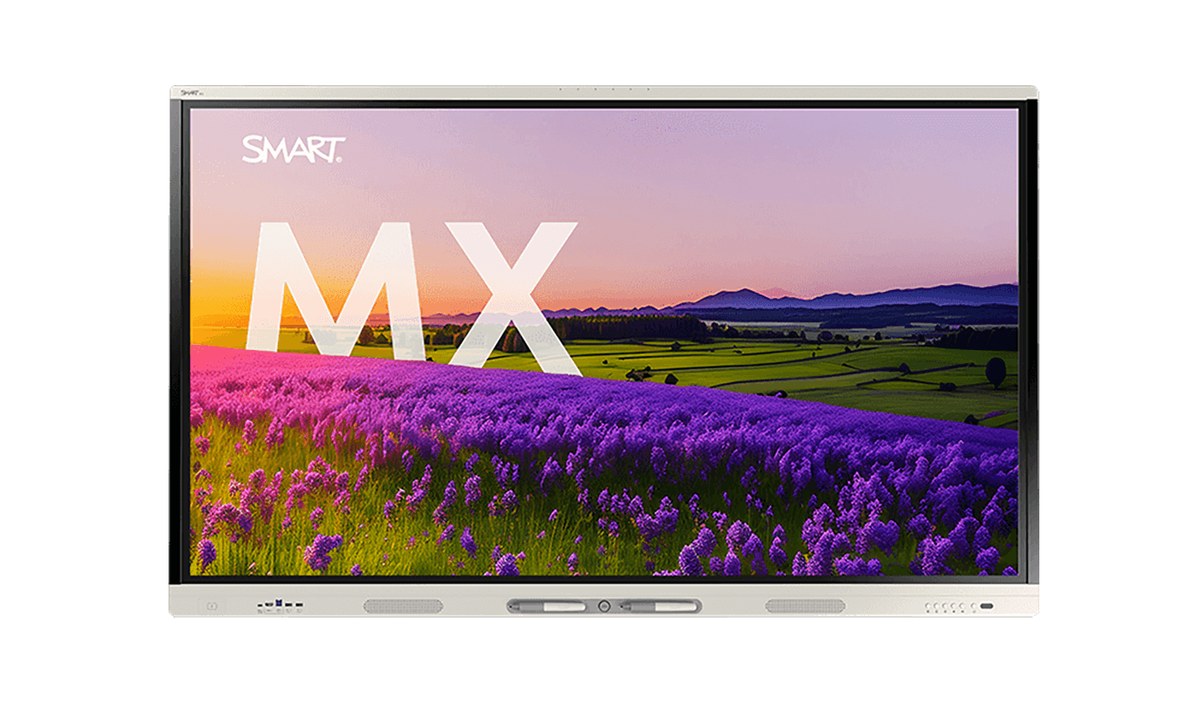
The SMART Board MX (V5) is an interactive display for K-12 classrooms with SMART's iQ 4 classroom software built in, running on Android 15 with an automatic update to Android 17. It is EDLA-licensed by Google, so Google Play and Google for Education apps run on the display itself, and SMART Notebook, SMART Mirror screen sharing and SMART Control alerts come with it at no subscription cost.
The 4K UHD panel uses HyPr Touch with Advanced IR: 50 touch points on Windows and Mac, 32 on Android, and Object Awareness tells pens, fingers and palms apart. One USB-C cable with 65 W power delivery carries video, touch, audio and laptop charging. The 55 in. model has two 15 W speakers, the larger sizes two 20 W speakers, and every size has a six-microphone array for recording lessons and video calls.
- Memory / Storage8 GB DDR4 / 64 GB (up to 576 GB)
- Resolution4K UHD (3840 x 2160), 60 Hz
- Weight55 in.: 71 lb; 65 in.: 89 lb; 75 in.: 119 lb; 86 in.: 150 lb
- Screen Sizes55, 65, 75, 86 in. (diagonal)
- TouchHyPr Touch with Advanced IR; 50 points (Windows, Mac)
| Screen Sizes | 55, 65, 75, 86 in. (diagonal) |
|---|---|
| Resolution | 4K UHD (3840 x 2160), 60 Hz |
| Touch | HyPr Touch with Advanced IR; 50 points (Windows, Mac), 32 (Android) |
| Brightness | 55 in.: 300 cd/m2; 65, 75, 86 in.: 400 cd/m2 |
| Operating System | iQ embedded Android 15, automatic update to Android 17 |
| Memory / Storage | 8 GB DDR4 / 64 GB (up to 576 GB) |
| Audio | 55 in.: 2 x 15 W; 65 to 86 in.: 2 x 20 W speakers; six-microphone array |
| USB-C | One with 65 W power delivery, one with 27 W |
| Network | Wi-Fi 6E, Bluetooth 5.2, 2 x RJ45 1000BASE-T |
| OPS Slot | Yes, for SMART PCM modules (85 W) |
| Weight | 55 in.: 71 lb; 65 in.: 89 lb; 75 in.: 119 lb; 86 in.: 150 lb |
- Power cable
- 16 ft. 5 in. (5 m) USB 2.0 A to B cable
- 6 ft. (1.8 m) USB 3.2 Gen 1 Type-C cable
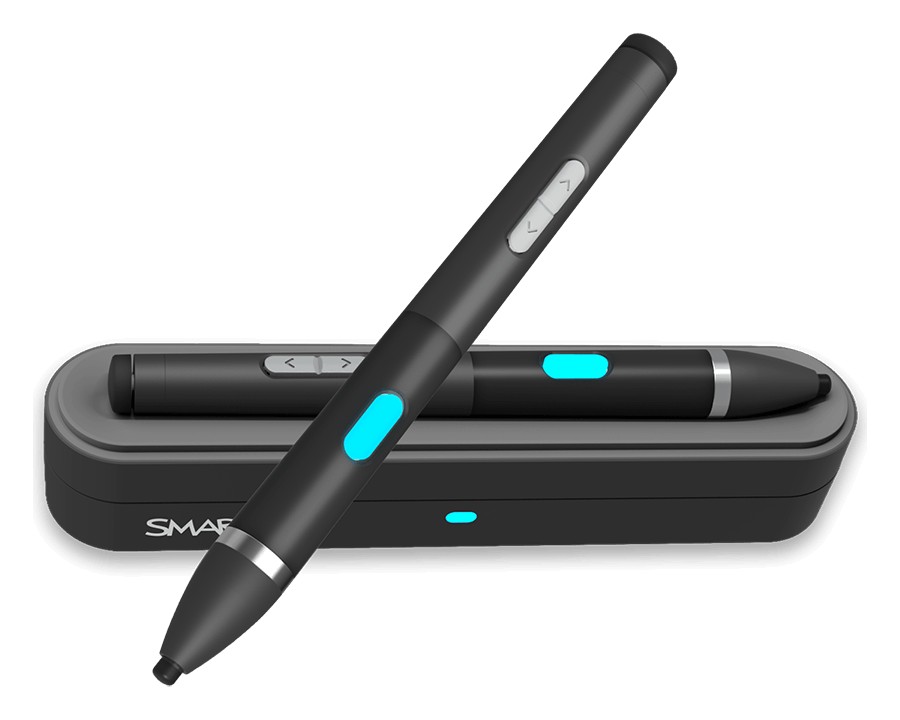
- Pens (x2)
- External Wi-Fi and Bluetooth antennas (x2)
- Remote control with 2 AAA batteries
- SMART ID cards for NFC sign-in (x2)
- Installation instructions