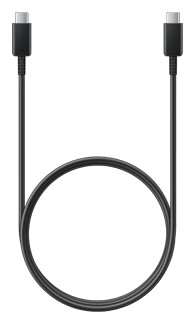



SMART MultiStylus with Tool Explorer (V2) Technology, Accessory Kit for iQ 4 Displays
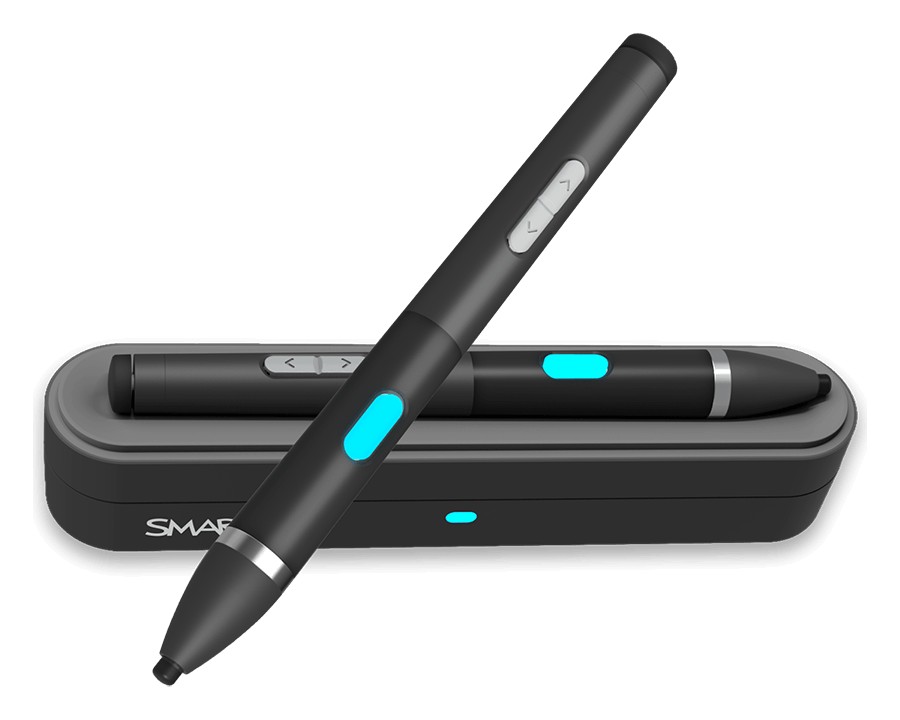
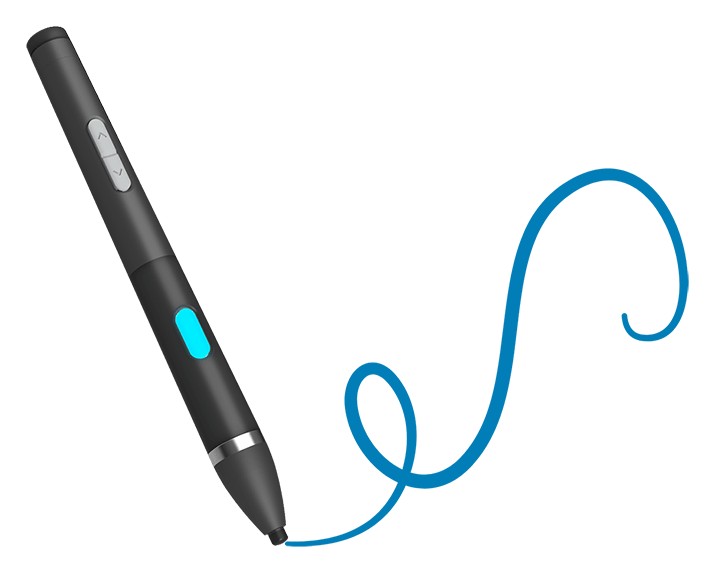
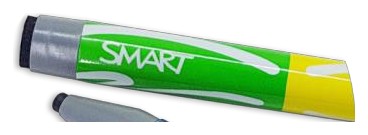
The SMART MultiStylus kit pairs a stylus with a docking station for SMART Board displays running iQ 4. At the board it writes with 4096 levels of pressure and erases with its pressure-activated eraser; away from the board it works as an air mouse, so a teacher can move the cursor, click, point a laser and capture the screen from across the room, more than 98 ft. (30 m) away in an open area. The buttons are programmable.
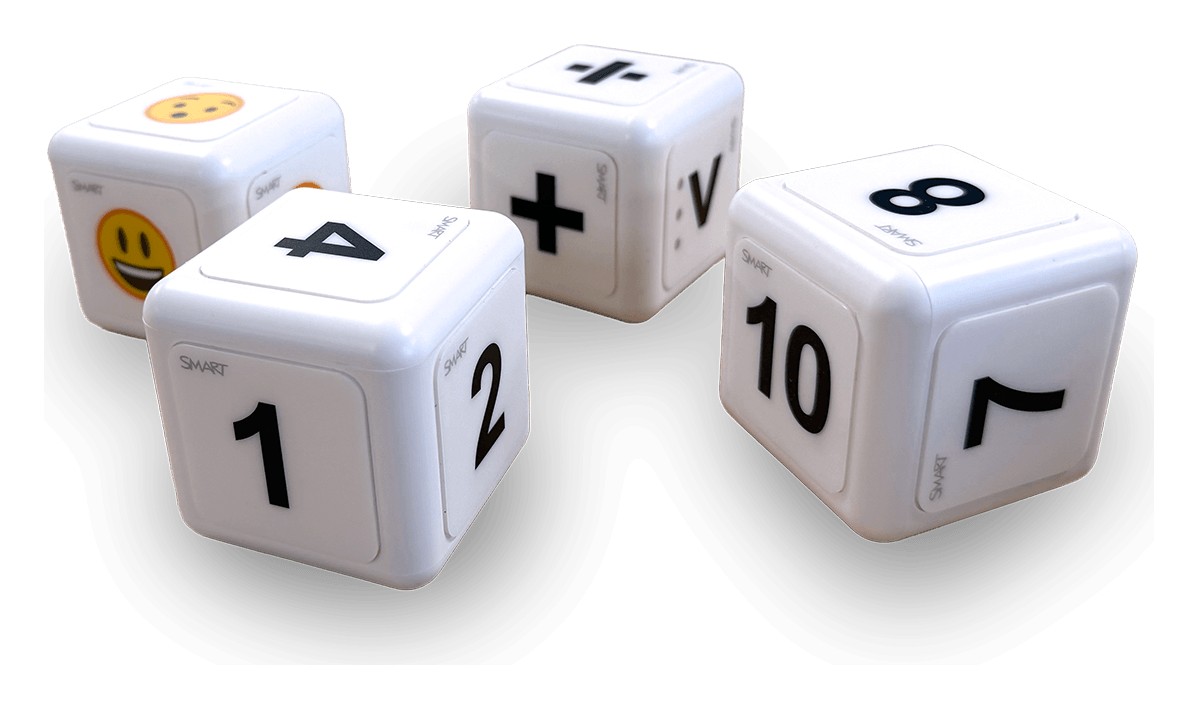
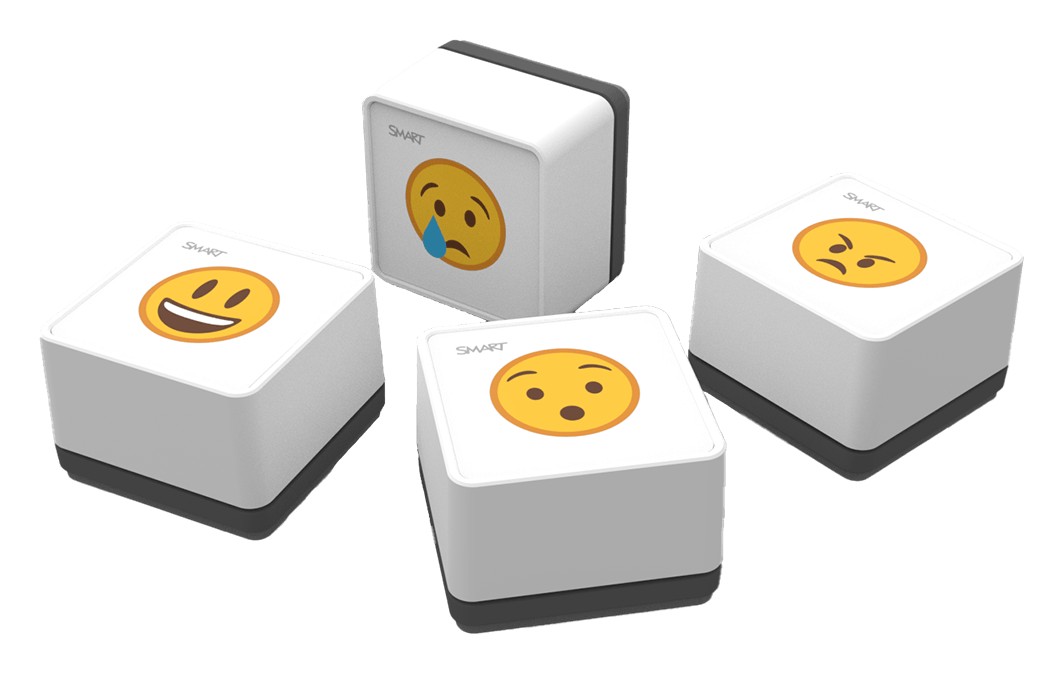
The dock mounts magnetically on the display frame, charges the stylus wirelessly and connects to the display over USB-C. A one minute charge gives up to an hour of use, a full charge takes six minutes, and a charge lasts up to 10 hours depending on mode. The dock also adds Tool Explorer (V2) support, so the optional cubes and stamps work on the display. SMART marks this spec sheet as preliminary.
- Dock ConnectionUSB 2.0 Type-C input, 5V DC, under 4.5 W
- Wireless RangeOver 98 ft. in an open area
- PowerUltra-capacitor; motion-activated auto-on
- WeightStylus 1.1 oz.; dock 6.2 oz.
- Compatible DisplaysSMART Board MX (V5), MX (V5) Plus, QX (V2) Pro, RX
| Compatible Displays | SMART Board MX (V5), MX (V5) Plus, QX (V2) Pro, RX |
|---|---|
| Software | iQ 4.7.2 or later; SMART Notebook 25 or later; SMART Product Drivers and Ink |
| Modes | Pen mode and air mouse mode |
| Stylus Tip | 4096 levels of pressure; pressure-activated eraser |
| Buttons | Programmable LED, programmable top and bottom arrows, eraser |
| Power | Ultra-capacitor; motion-activated auto-on |
| Charging | Wireless in the dock; 1 minute gives up to 60 minutes, full charge 6 minutes |
| Usage Time | 10 hours (mode dependent); 168 hours standby |
| Wireless Range | Over 98 ft. (30 m) in an open area |
| Dock Connection | USB 2.0 Type-C input, 5V DC, under 4.5 W |
| Mounting | Dock magnetic on the display frame; stylus magnetic on the dock |
| Weight | Stylus 1.1 oz. (31 g); dock 6.2 oz. (175 g) |
- SMART MultiStylus
- SMART Docking Station with Tool Explorer (V2) technology
- USB 2.0 Type-C to Type-A cable, 3 m
- Hardware set (1 screwdriver, 2 screws)
- Illustrated installation instructions