



INOGENI INO-BUTTON KIT BYOM Mode Button
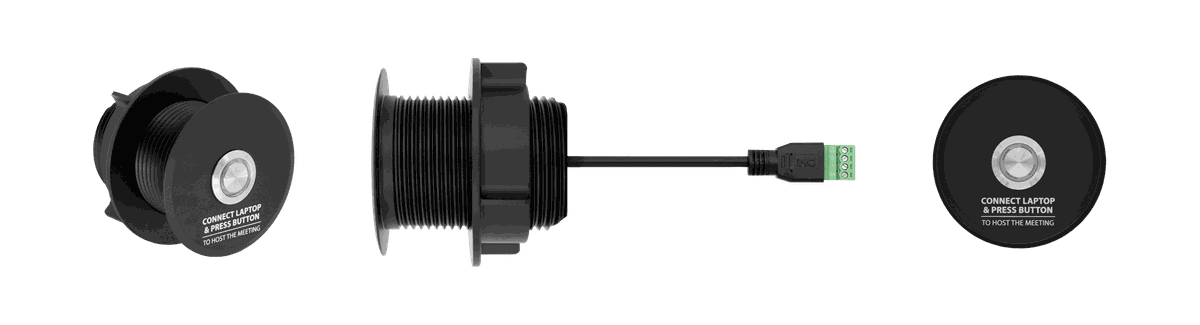

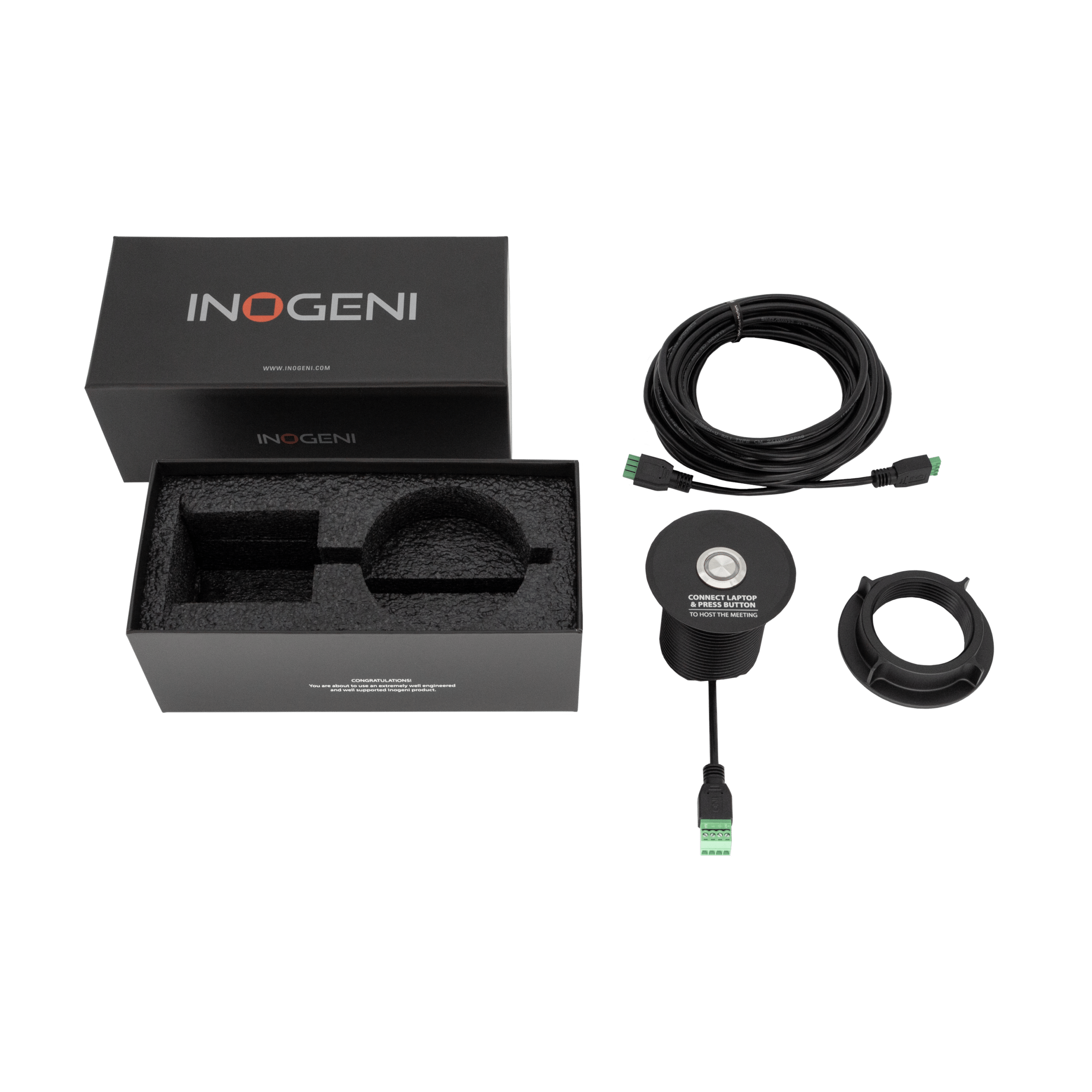
The INO-BUTTON KIT is a simple, physical answer to a common BYOD/BYOM question: whose laptop is hosting the meeting right now? It is an anodized metal button with an LED ring that mounts wherever is convenient in a room, and connects back to a TOGGLE ROOMS or TOGGLE ROOMS XT over a terminal-block cable at 4 or 8 meters, so it can sit at the laptop table even when the switcher itself is racked elsewhere.
Pressing the button switches the room into BYOM mode, routing cameras, audio, and the videobar to the laptop connected over USB-C or USB-B plus HDMI, and the ring illuminates to confirm the switch. Pressing it again hands the room back to the Room PC. The button controls the switcher over its GPI interface and installs as a simple plug-and-play connection, no configuration software required.
| Function | One-press BYOM mode activation for TOGGLE ROOMS / TOGGLE ROOMS XT |
|---|---|
| Build | Anodized metal button with LED ring |
| Connection | Terminal-block cable to the switcher's GPI interface |
| Cable Lengths | 4m (12 ft) or 8m (25 ft) |
| Indicator | LED ring illuminates when BYOM/laptop mode is active |
| Installation | Plug and play, no configuration software |
| Compatibility | INOGENI TOGGLE ROOMS and TOGGLE ROOMS XT |
Related
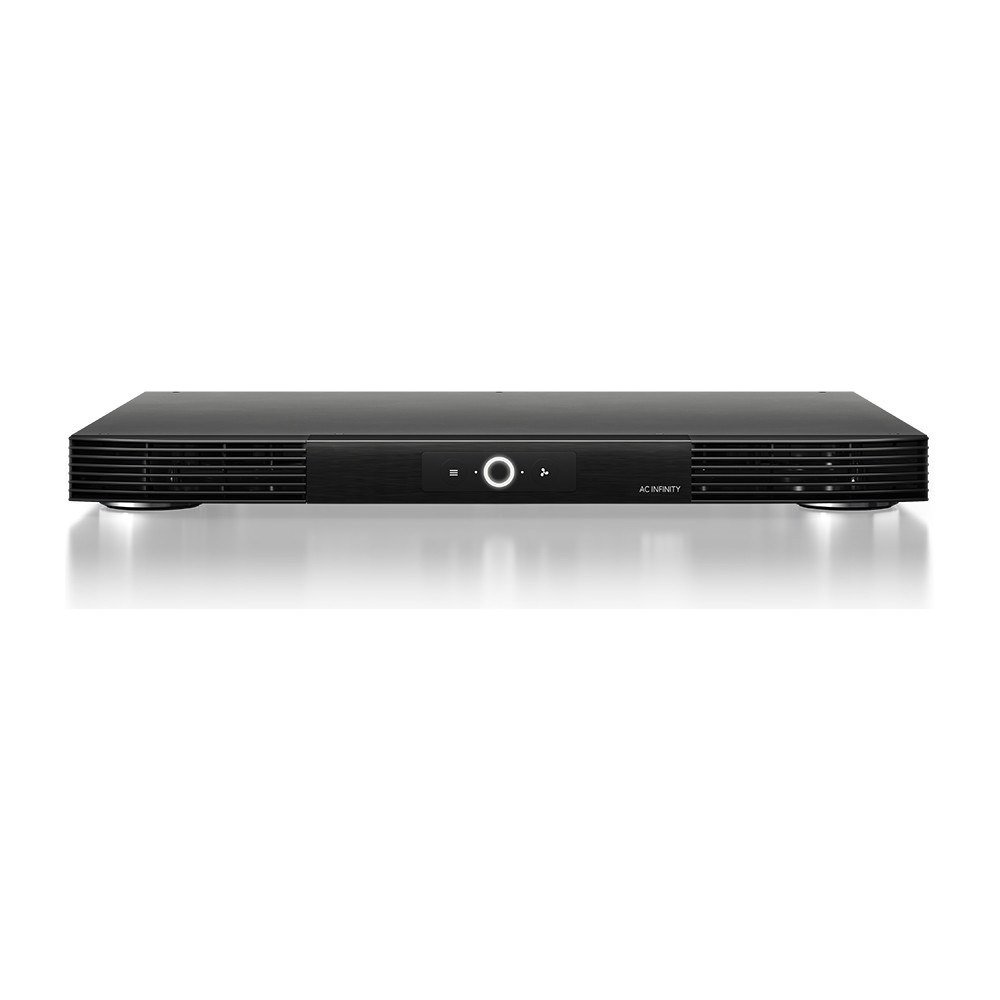 AC Infinity AIRCOM 17-Inch Front-Exhaust AV Receiver Fan
View product ›
AC Infinity AIRCOM 17-Inch Front-Exhaust AV Receiver Fan
View product ›
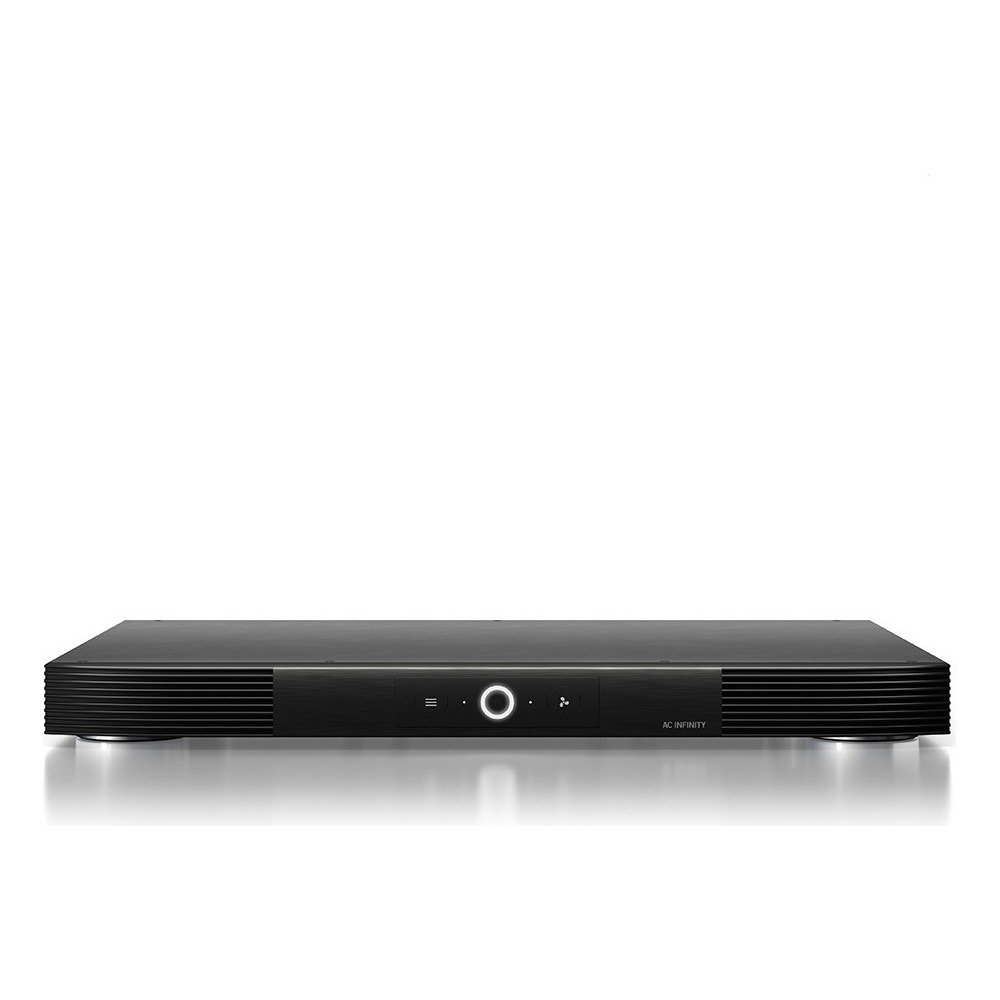 AC Infinity AIRCOM 17-Inch Rear-Exhaust AV Receiver Fan
View product ›
AC Infinity AIRCOM 17-Inch Rear-Exhaust AV Receiver Fan
View product ›
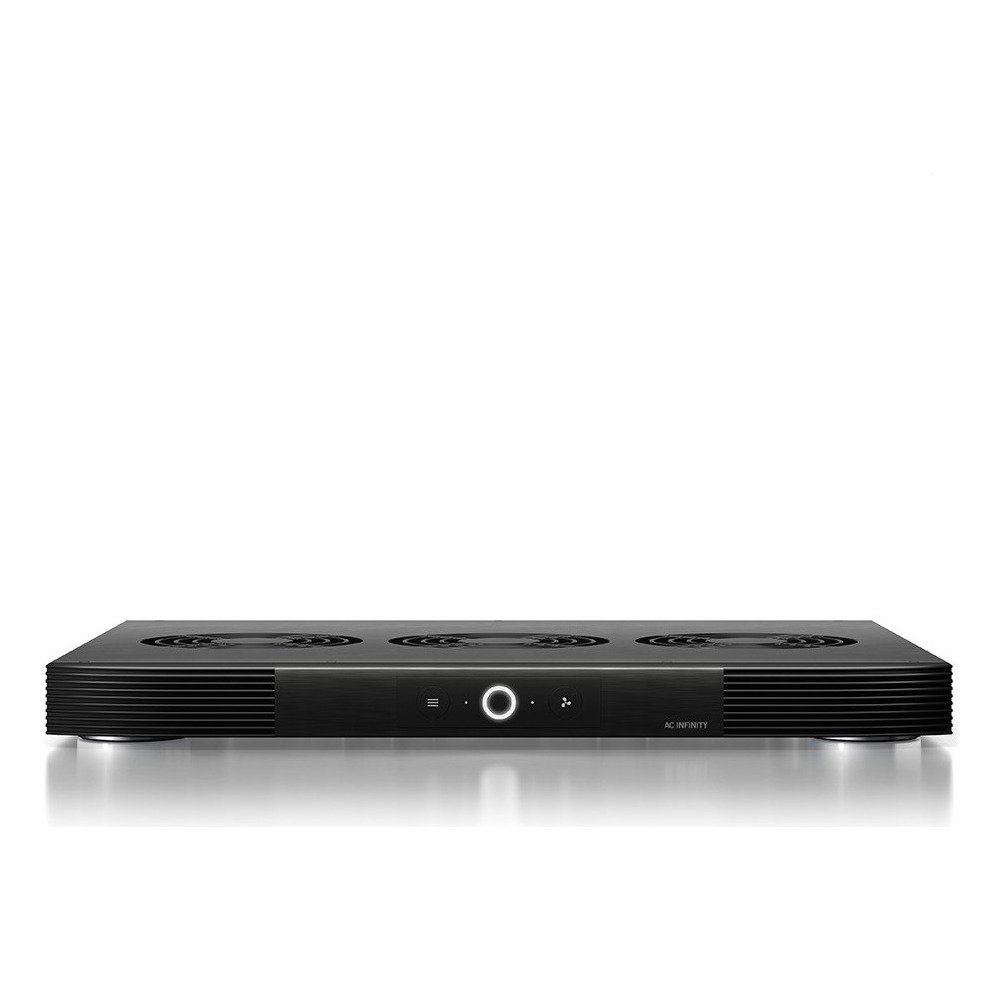 AC Infinity AIRCOM 17-Inch Top-Exhaust AV Receiver Fan
View product ›
AC Infinity AIRCOM 17-Inch Top-Exhaust AV Receiver Fan
View product ›
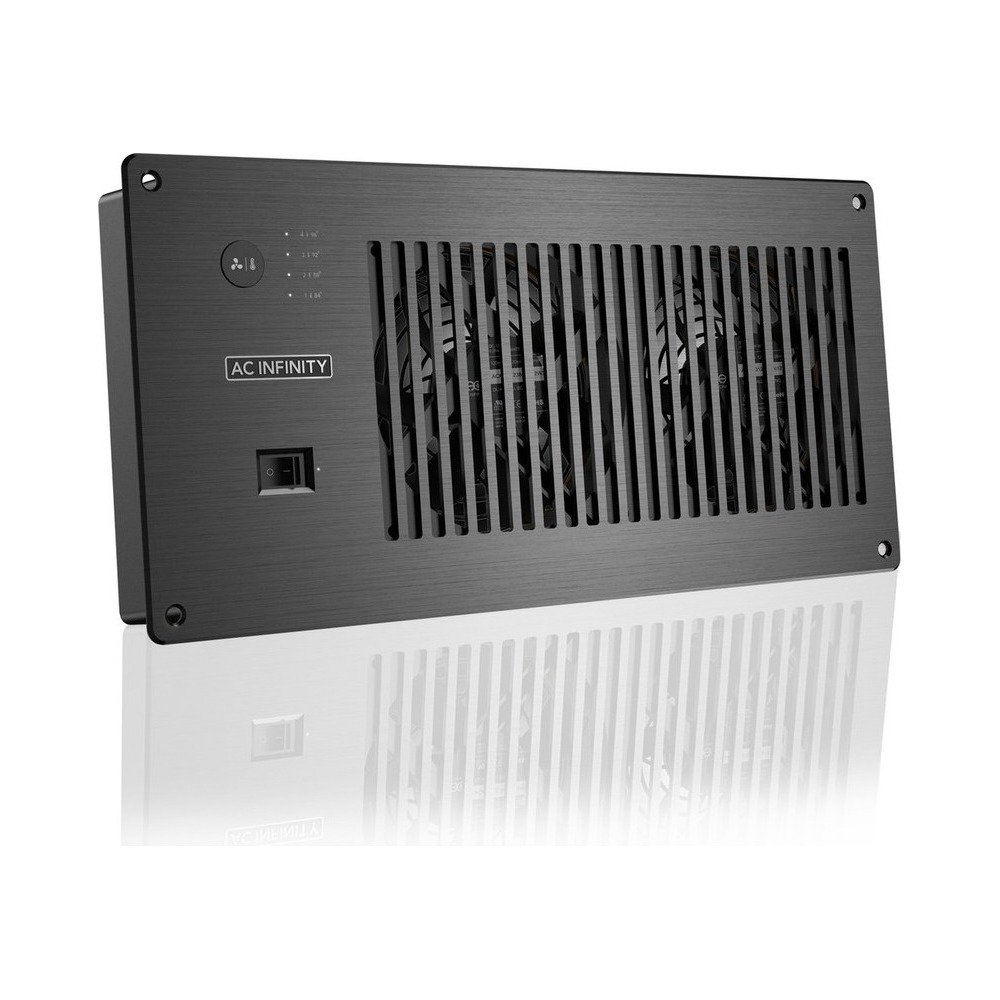 AC Infinity AIRPLATE P7 Cabinet Cooling Fan with Power Outlets
View product ›
AC Infinity AIRPLATE P7 Cabinet Cooling Fan with Power Outlets
View product ›
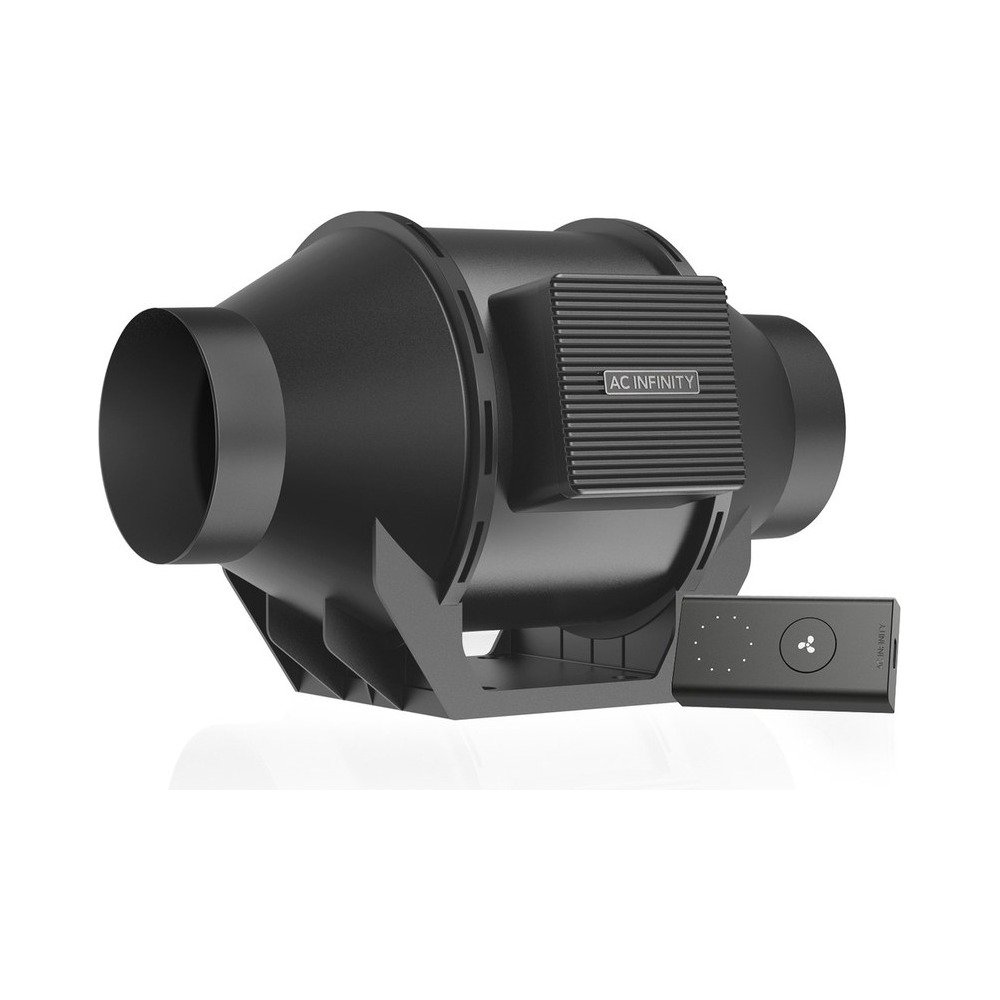 AC Infinity CLOUDLINE A4 4-Inch Inline Duct Fan
View product ›
AC Infinity CLOUDLINE A4 4-Inch Inline Duct Fan
View product ›
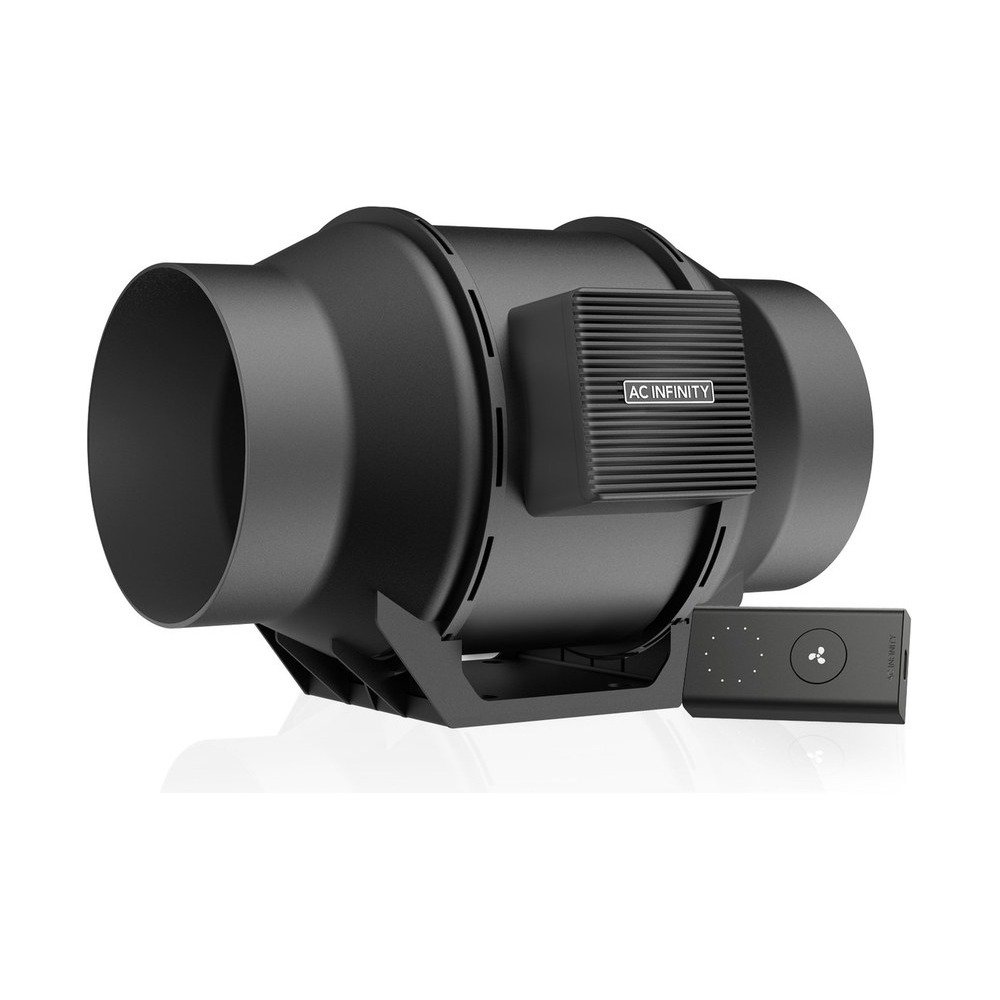 AC Infinity CLOUDLINE A6 6-Inch Inline Duct Fan
View product ›
AC Infinity CLOUDLINE A6 6-Inch Inline Duct Fan
View product ›
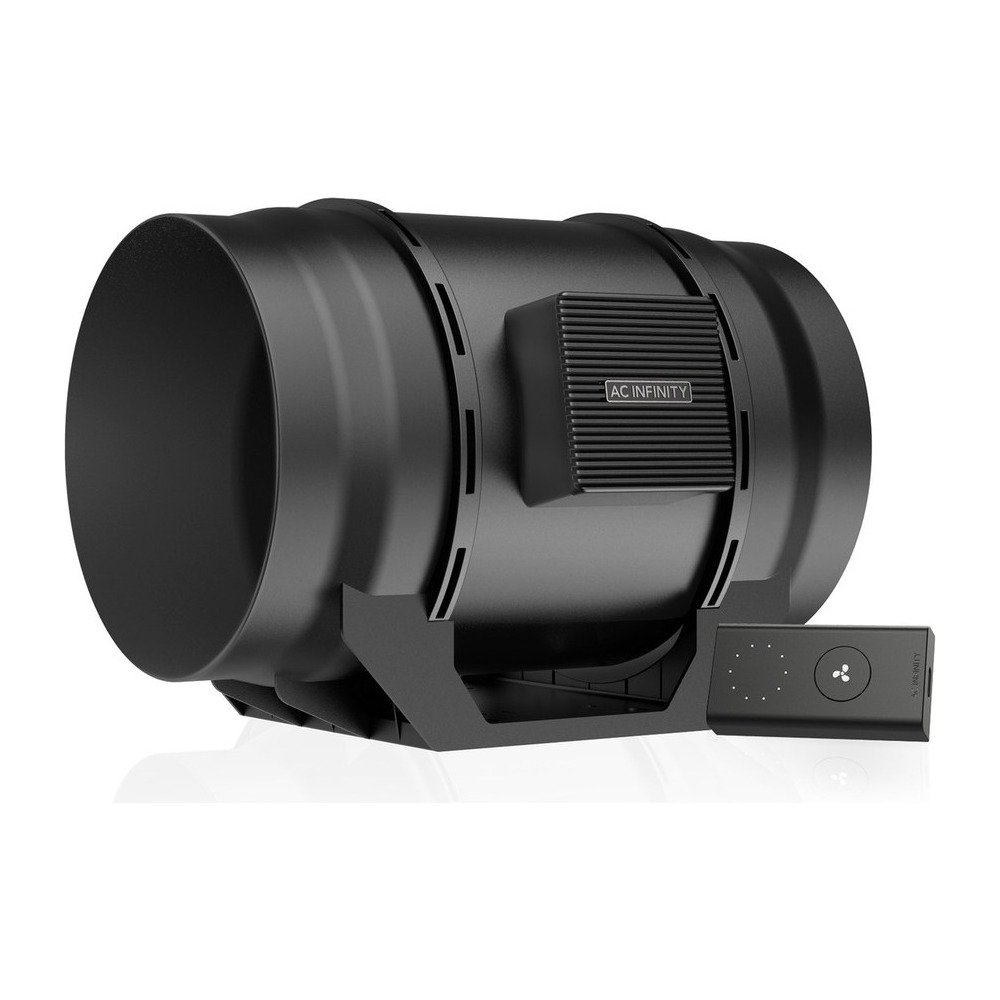 AC Infinity CLOUDLINE A8 8-Inch Inline Duct Fan
View product ›
AC Infinity CLOUDLINE A8 8-Inch Inline Duct Fan
View product ›
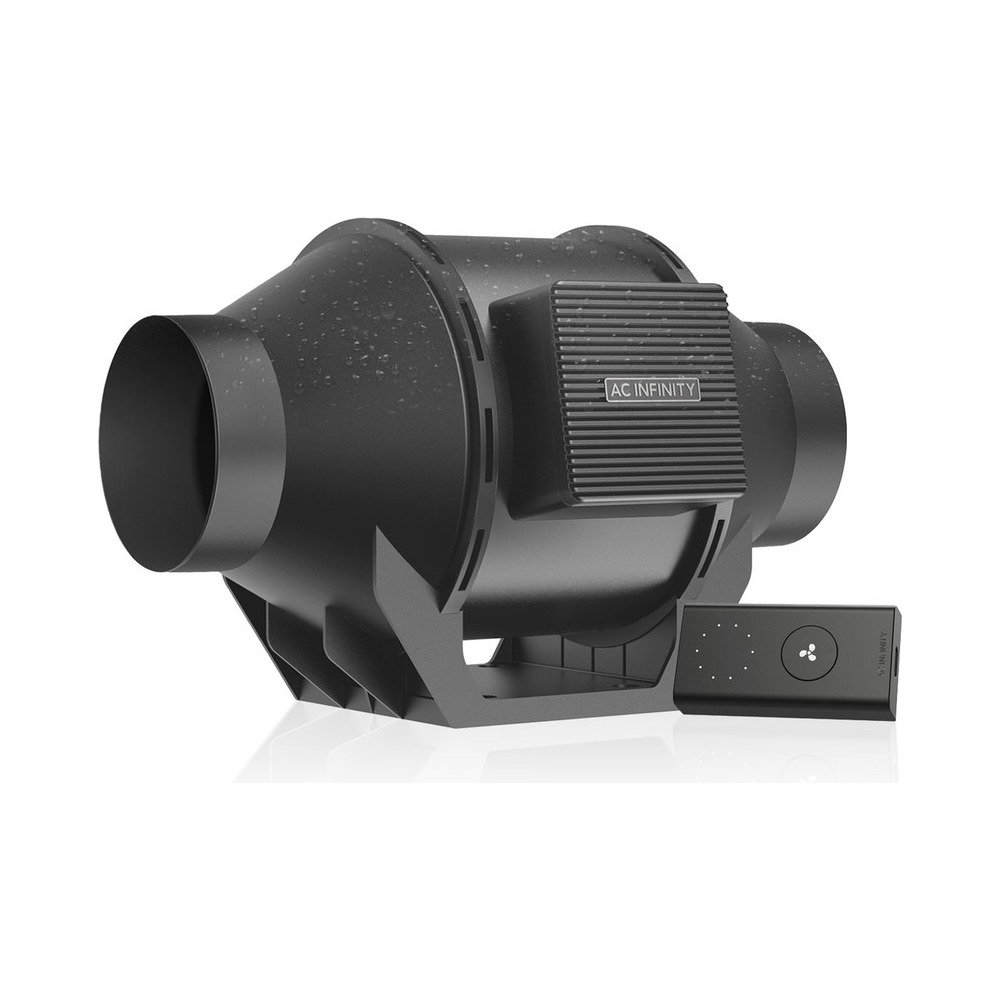 AC Infinity CLOUDLINE H4 Humidity-Proof Inline Duct Fan
View product ›
AC Infinity CLOUDLINE H4 Humidity-Proof Inline Duct Fan
View product ›