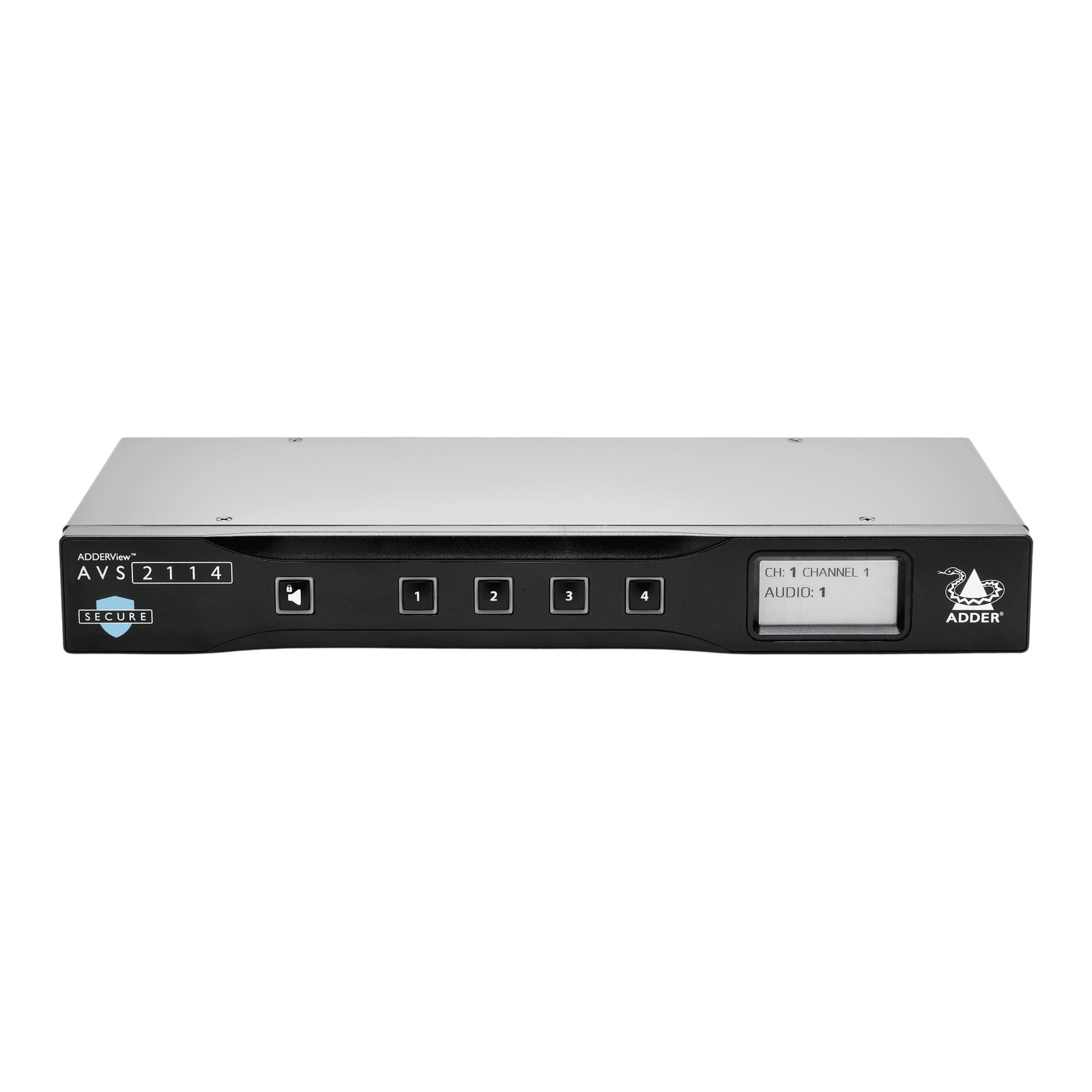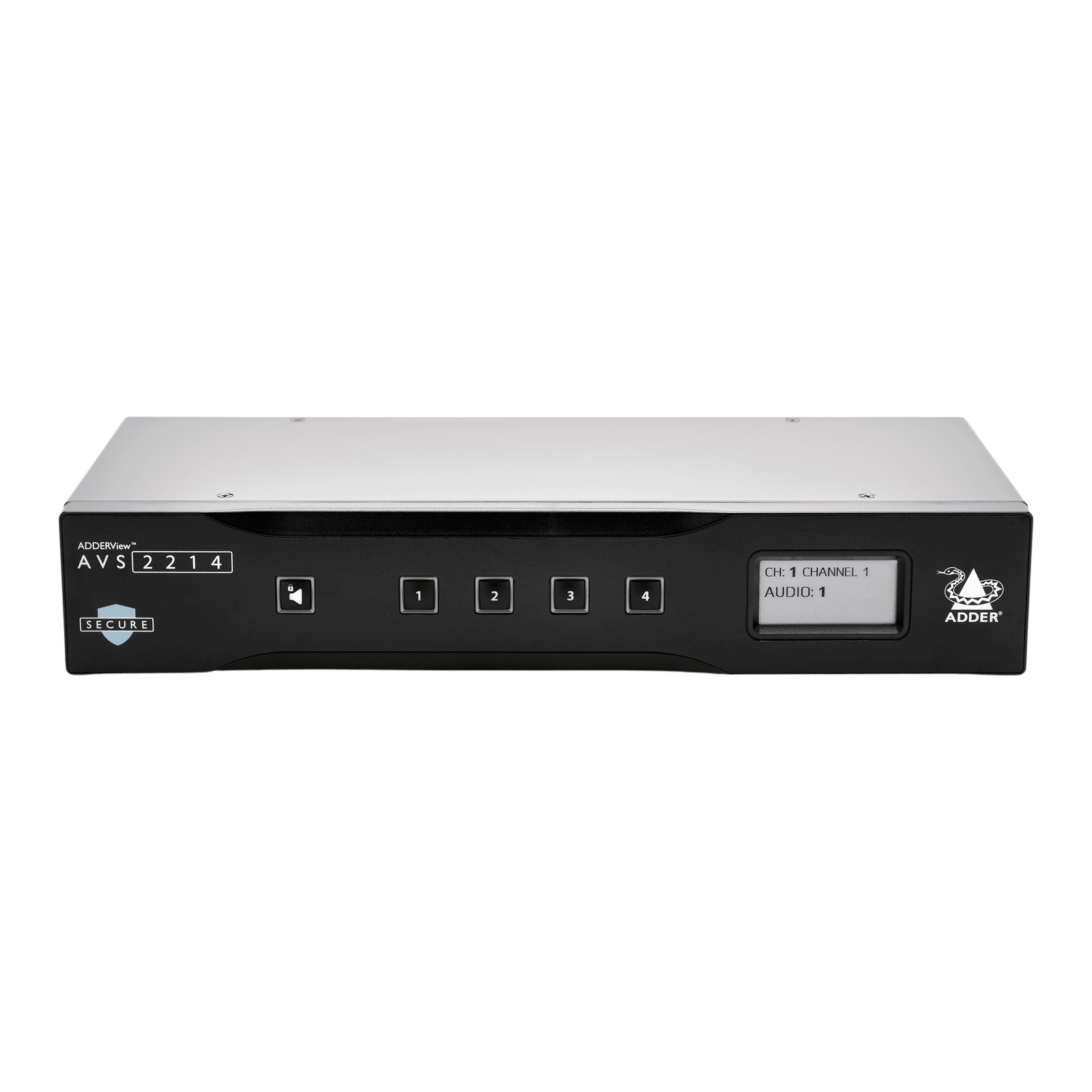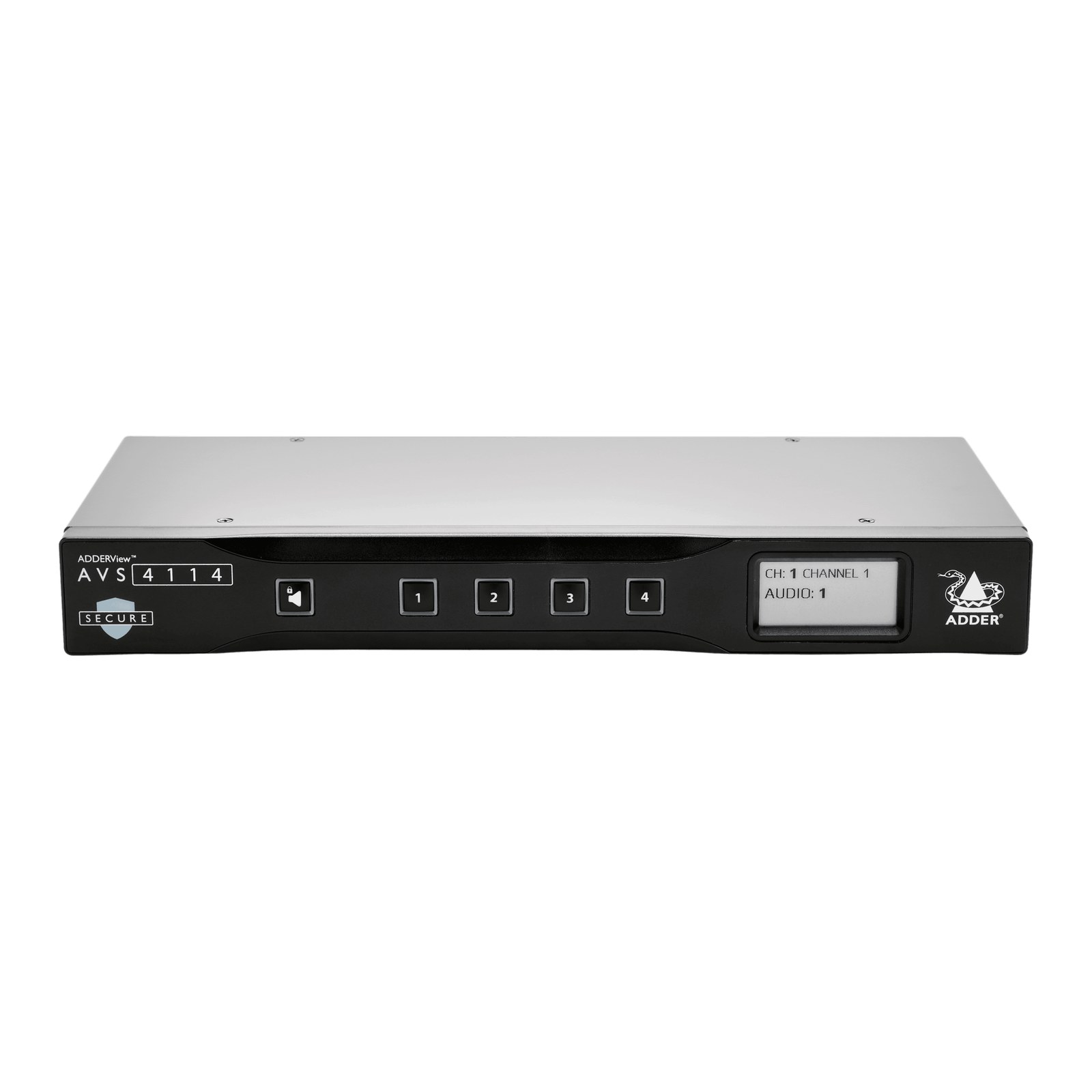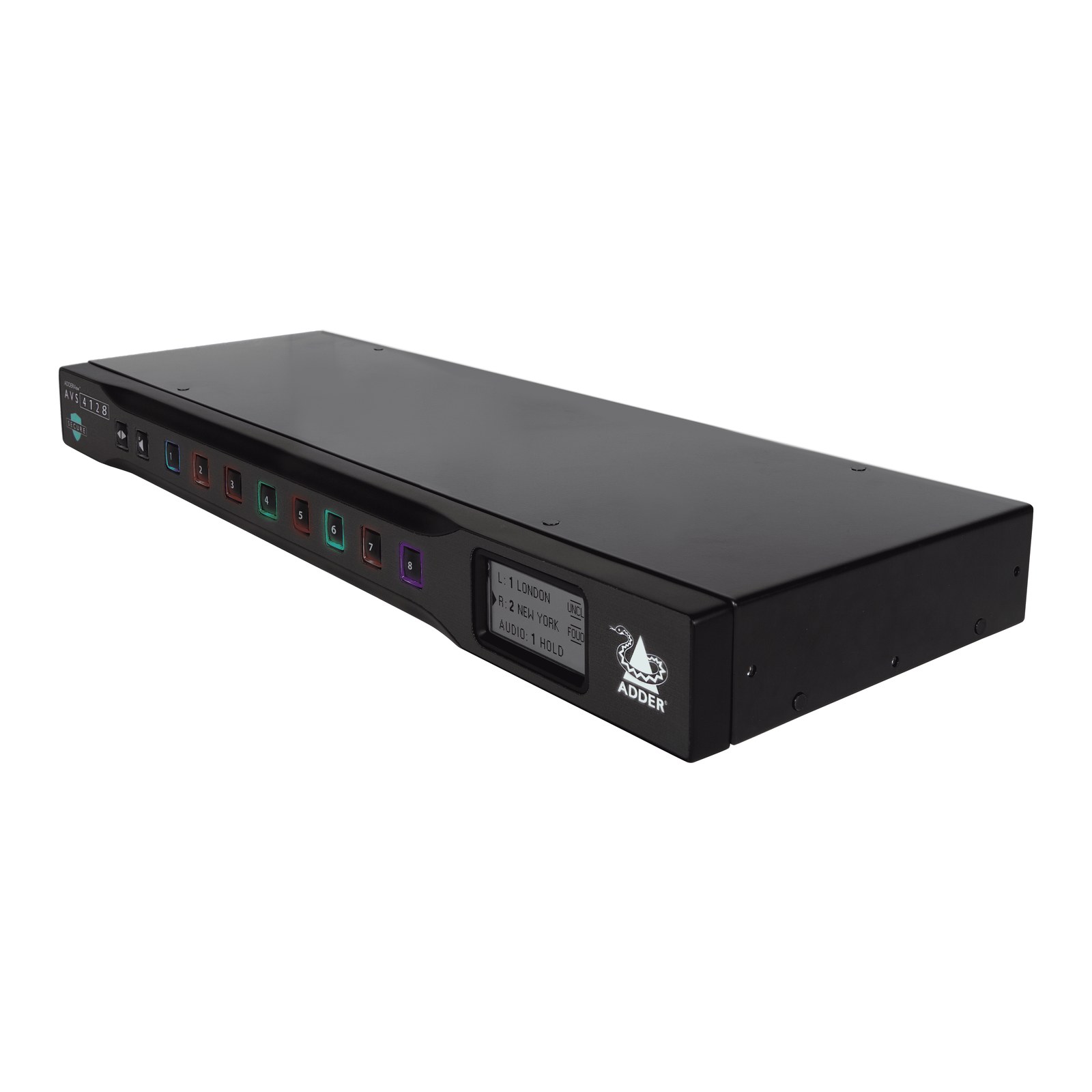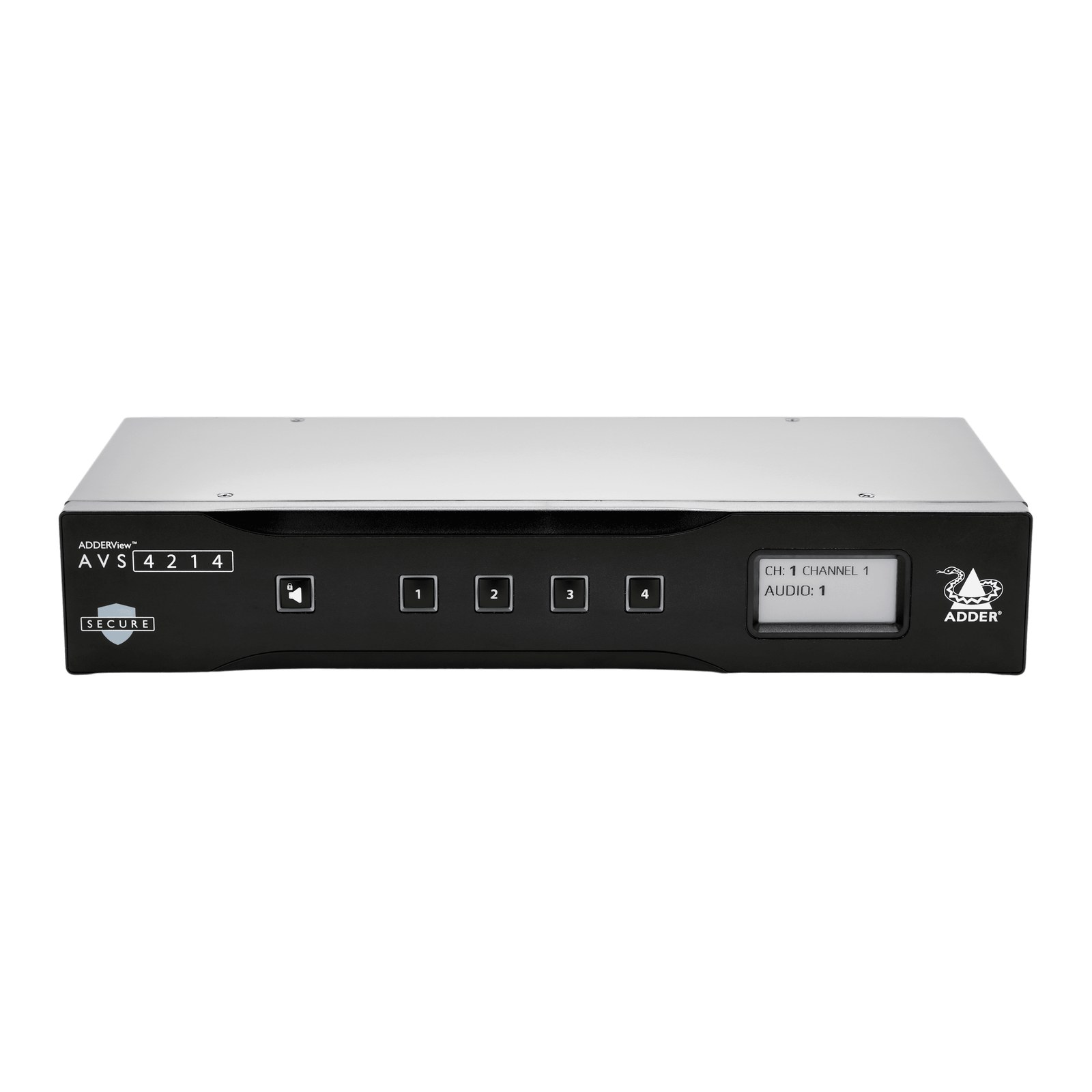


ADDERView Secure AVS-1124 4-Port DVI to HDMI Multi-Viewer KVM Switch

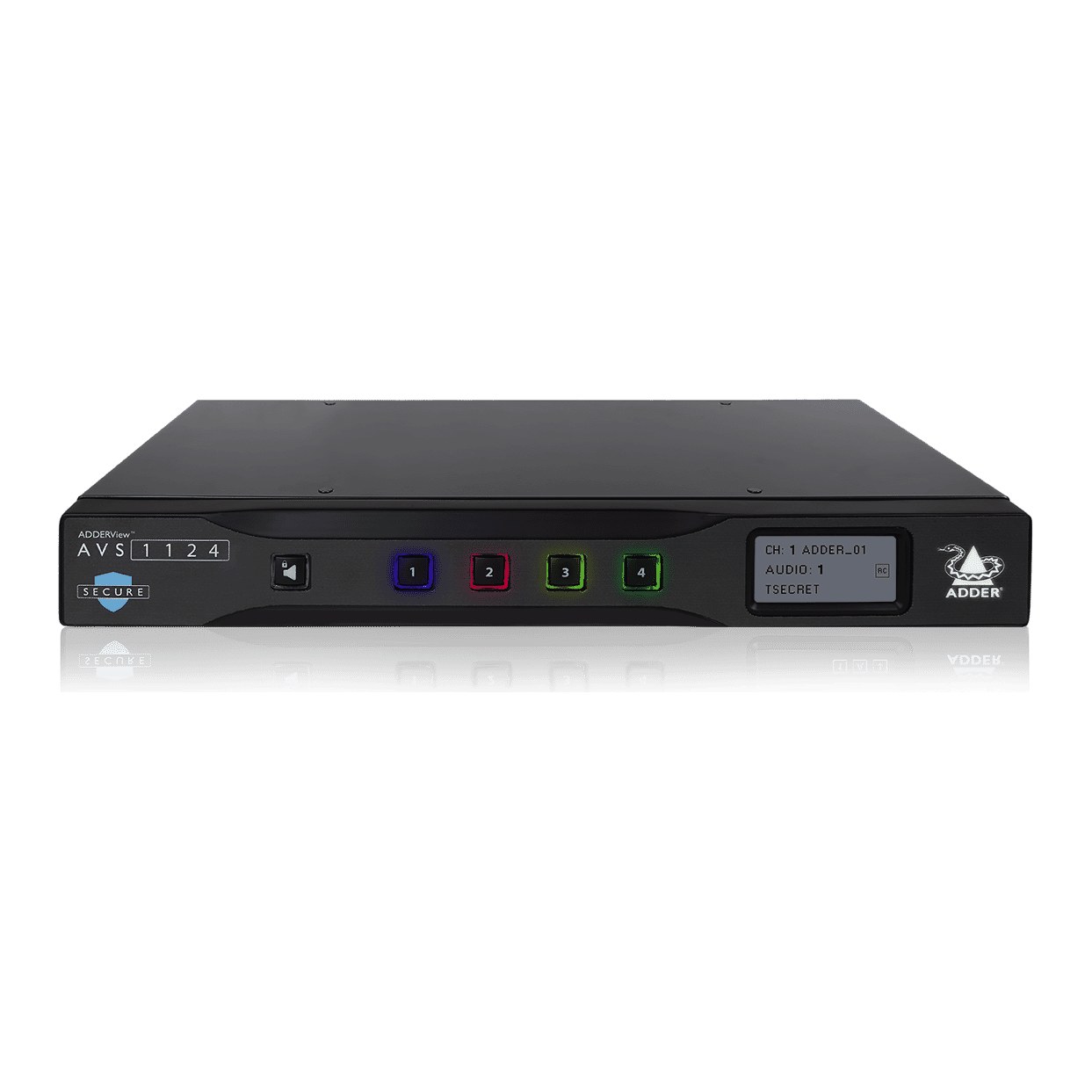

The ADDERView Secure AVS 1124 gives one KVM workstation real-time views of up to four computers at different security classification levels. It accepts DVI inputs up to 1920 x 1200 and generates HDMI output up to 3840 x 2160 at 30 Hz, in preset or custom window layouts; the two outputs run in extended or duplicated mode. Holding Ctrl while moving the mouse across a window border takes control of that computer, and the E-paper display names each channel and its classification.
Keyboard, mouse, USB and audio paths are uni-directional through optical diodes, each computer gets its own read-only EDID emulation, and firmware sits in non-reprogrammable ROM. USB ports accept only HID devices, the keyboard and mouse processor resets at each switchover, and holographic labels show if the enclosure has been opened. It is NIAP PP 4.0 certified and TAA compliant.
- Size (W x H x D)344 x 44 x 171 mm / 13.5 x 1.7 x 6.7 in
- Input resolutionUp to 1920 x 1200
- Output resolutionUHD 4K (3840 x 2160) at 4:4:4, 30 Hz, 1 or 2 screens
- Power12V 3-pin, external 2.5A PSU, 100-240V AC; 30 W max
- Weight1.6 kg / 3.5 lb
| Part number | AVS-1124 |
|---|---|
| Ordering code | AVS-1124 |
| Computer connections | 4x DVI-D, 4x USB B (2.0, HID emulation) |
| Input resolution | Up to 1920 x 1200 |
| Console connections | 2x , 2x USB A (2.0, HID emulation) |
| Output resolution | UHD 4K (3840 x 2160) at 4:4:4, 30 Hz, 1 or 2 screens |
| Audio | Analog 2-channel, 1x 3.5 mm out, output only |
| Serial | 1x RS232, RJ12 (6p6c), for remote control |
| Front panel | 4x multi color status LEDs, E-paper display |
| Power | 12V 3-pin, external 2.5A PSU, 100-240V AC; 30 W max |
| MTBF | 91,000 h |
| Size (W x H x D) | 344 x 44 x 171 mm / 13.5 x 1.7 x 6.7 in |
| Weight | 1.6 kg / 3.5 lb |
| Operating temperature | 0 to 40 °C / 32 to 104 °F |
| Approvals | CE, cTUVus, FCC, ICES, RCM, UKCA; NIAP PP 4.0 |
- 1x 4-port multi-viewer switch
- 1x Power supply unit with universal mains cable
- 1x Quick start guide